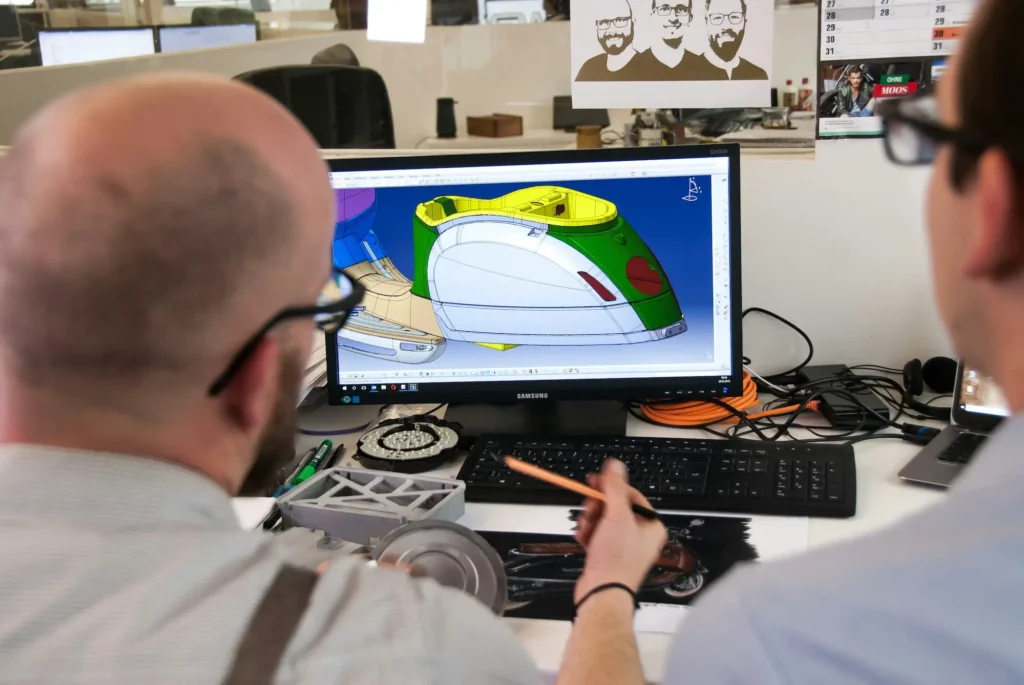
Computer-aided design, or CAD, is a big part of the product design world. It helps engineers, designers, and product teams bring ideas to life.
But working with CAD tools isn’t always smooth. If you’ve worked in the industry, you’ve likely faced a few headaches, from performance issues to feedback gaps.
In this article, we’ll discuss six of the most common issues people face when using different CAD programs and share some solutions you can try out to address them.
TL;DR
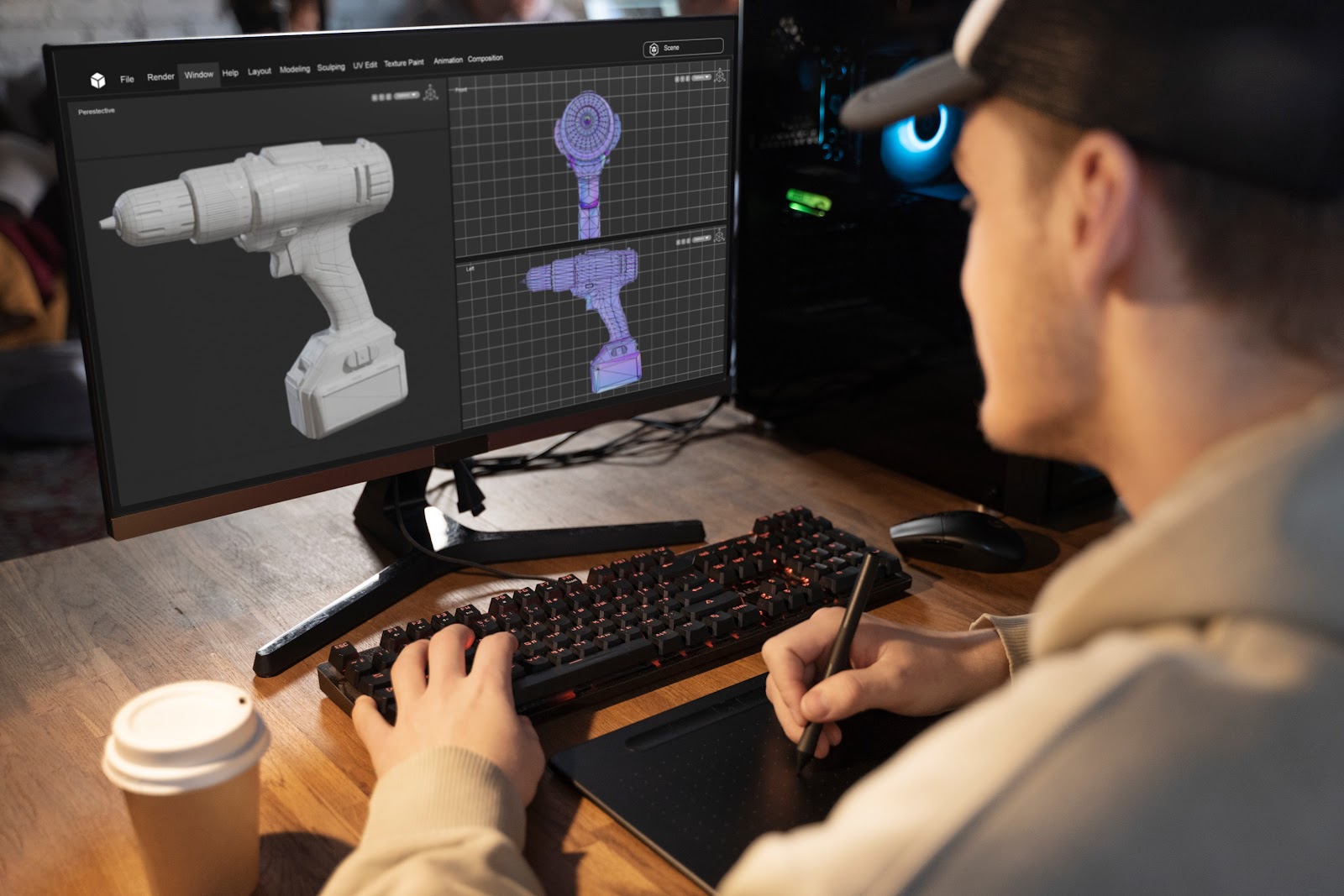
These are the usual CAD problems teams run into and the simple ways to solve them:
- Files from different tools or versions do not open cleanly. Use shared formats like STEP or IGES.
- Messy folders and weak version control cause wrong edits and lost design intent. Keep CAD files in one shared space with simple, clear names.
- Too many CAD tools raise costs and confuse teams. Drop unused tools and focus on a small, well-known stack.
- Broken links in assemblies show up as missing parts. Keep related files together and use “Pack and Go” when you share work.
- Slow, scattered feedback leads to rework and missed deadlines. CADchat pulls files, comments, and reviews into one place so all this stays clear and easy to follow.
6 Common CAD Problems and How to Fix Them
Let’s look at some common problems that show up when working with CAD projects. We’ll also talk about what causes them and suggest simple ways to fix or improve the situation.
1. Drawing File Incompatibility Between CAD Software
CAD tools often save files in their own format. For example, AutoCAD uses DWG, while SolidWorks might use STEP or SLDPRT.
That becomes a problem when teams need to share drafts or test ideas together but can’t open each other’s files. It slows down progress, breaks workflows, and can even lead to lost data.
There are different types of incompatibility. First is between brands of CAD tools, and the other is between each CAD software version of the same tool. A file saved in a newer CAD software version may not open correctly in an older version.
To avoid this, teams can use neutral file formats like STEP or IGES, which most systems support. Some cloud platforms also offer easy file viewing without needing the full program.
2. Higher Costs From Multiple CAD Platforms
Running several CAD systems may get costly. You pay for more software licenses, more training, and more support.
Your IT team also spends extra time fixing bugs, updating programs, and setting up hardware, usually on Windows machines. These costs add up fast and can slow down the ability to invest in other tools or testing.
To save money, companies can cut back to fewer systems that handle many tasks like drafting, modeling, and simulation.
Cloud-based CAD tools often offer simpler pricing, automatic updates, and built-in support. This helps reduce long-term costs and gives your team more time to focus on real work.
3. Messy File and Data Management
Managing CAD files across different tools is hard. Files get lost in inboxes or buried in folders. You end up with five versions of the same thing, and no one knows which is the right one.
Engineers waste whole blocks of time just hunting for the right file instead of working on the design. As more files scatter across email threads and personal folders, mistakes slip in more often, and project delays start to stack up. All of this drags down team efficiency and makes even simple checks feel slow.
To fix this, store all your CAD files in one shared location, such as a cloud folder, project space, or data management system.
Use simple naming rules so it’s easy to find the latest version. Giving everyone access helps avoid confusion and keeps all the important stuff in one place.
You also maintain a clear audit trail of how work moves from rough idea to approved file, which helps new team members settle in faster and saves time when they switch between projects.
4. Too Many Design Changes
Designs change often, especially during early testing or when ideas are still forming. But if everyone edits files freely without a clear system, things break.
When there is no rule for how changes move from idea to approval, the project fills with half-finished edits and side branches. Design engineers then find it hard to create designs that match the real goal because the target keeps moving.
People might also work on an old version or make changes that remove key features. You lose control over the final result, and important elements might disappear.
One way to fix this is by using a version control system or naming files by version. Even a simple change log in a shared doc can help.
Assign someone to approve changes before they go live. That way, every edit gets reviewed, and the team avoids confusion. It also gives you the ability to easily go back if something doesn’t work.
5. Broken Assemblies and Missing References
Ever open a CAD assembly and see parts missing? That usually means files were moved or renamed. CAD software relies on links between files.
If those links break, it can’t load the pieces, so it just stops or shows errors. This gets in the way of testing, measuring, and presenting your design.
To fix this, keep all related files in one folder and avoid renaming them after linking. Many CAD tools offer a “Pack and Go” feature that gathers everything into one folder for easy sharing.
Using this helps protect your work and keeps your design complete, no matter where you open it.
6. Broken Communication During Collaboration
When teams work in different CAD systems, feedback becomes slow and scattered. One team might make a change that others don’t notice.
Feedback comes in late or doesn’t match the current design. The lack of proper CAD collaboration can lead to confusion, mistakes, and wasted effort.
The best way to fix this is to use tools that allow live feedback right inside the CAD file. Some design review platforms offer comment features or markup tools that help teams talk clearly while they draft and present ideas.
If that’s not available, setting clear rules for sharing changes and suggestions can help teams stay on the same page.
How CADchat Improves Collaboration Within Your Team
CADchat uses simple technology to bring your team closer together during the design process. Whether you’re an engineer, product designer, or part of a cross-functional team, CADchat helps everyone work together better, faster, and with fewer mistakes. Here’s how:
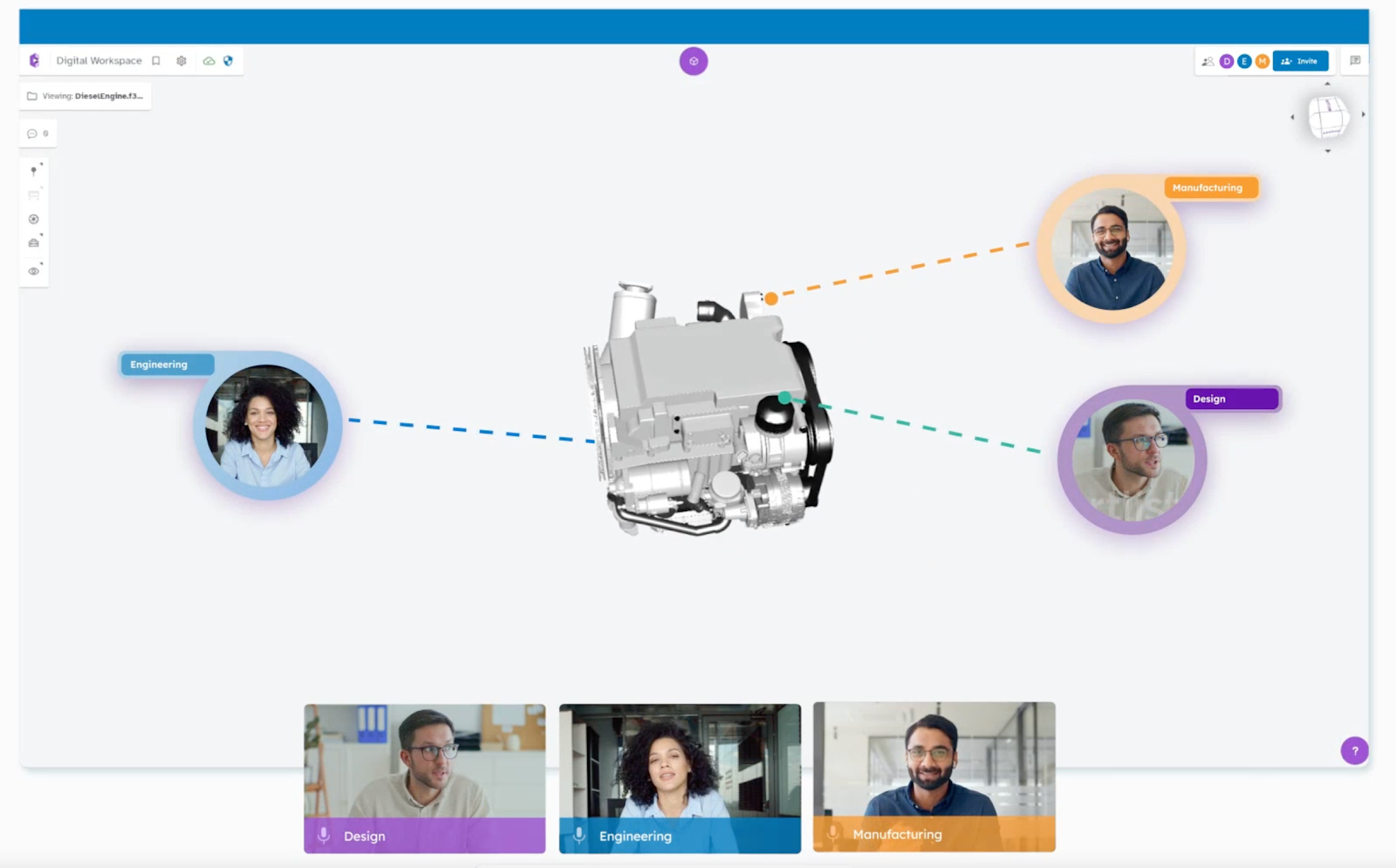
Meet Inside the CAD File
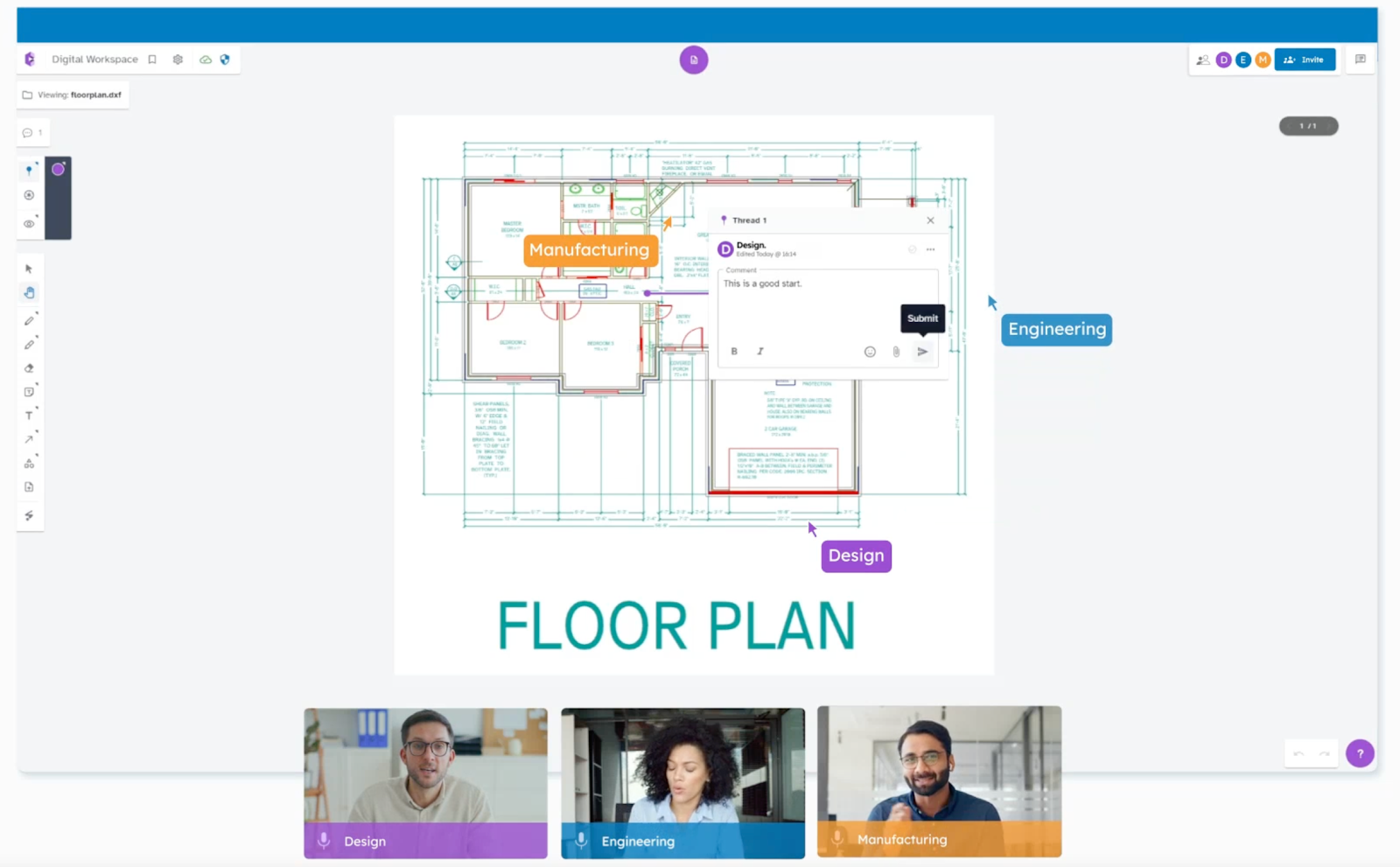
Instead of sending emails or sharing screens, your team can talk directly inside the 3D model. CADchat lets you meet live in the actual file.
This makes it easy to identify problems, talk through changes, and make quick decisions without delay. Everyone sees the same thing and stays on the same page.

Add Comments Right Where They Matter
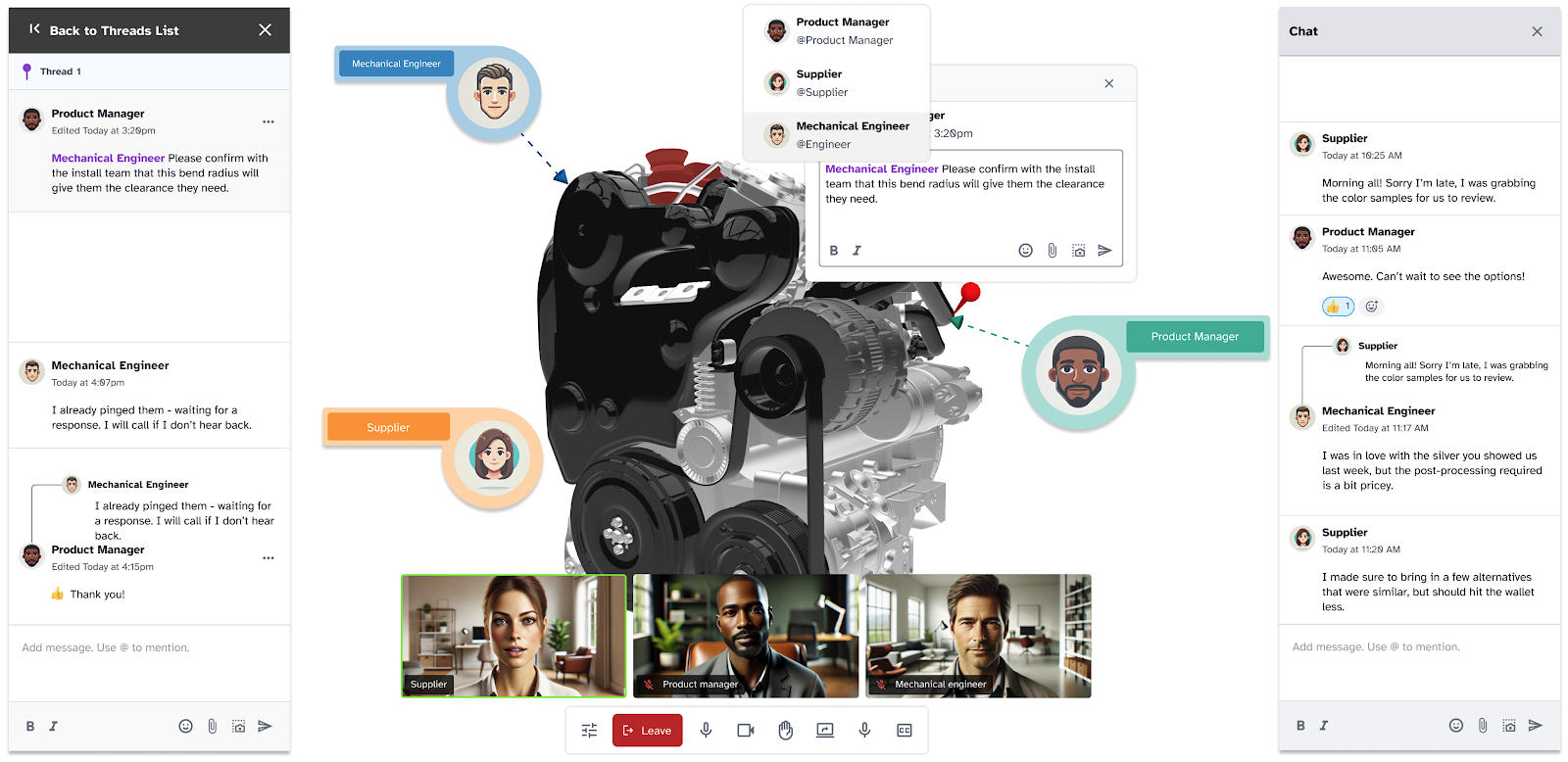
You can leave notes on any part of the design. Just click the area, type your thoughts, and move on. This keeps all feedback in context.
You don’t need to chase emails or try to remember past messages. It’s simple to track what was said, who said it, and what changed after.
Use the Whiteboard to Share Ideas
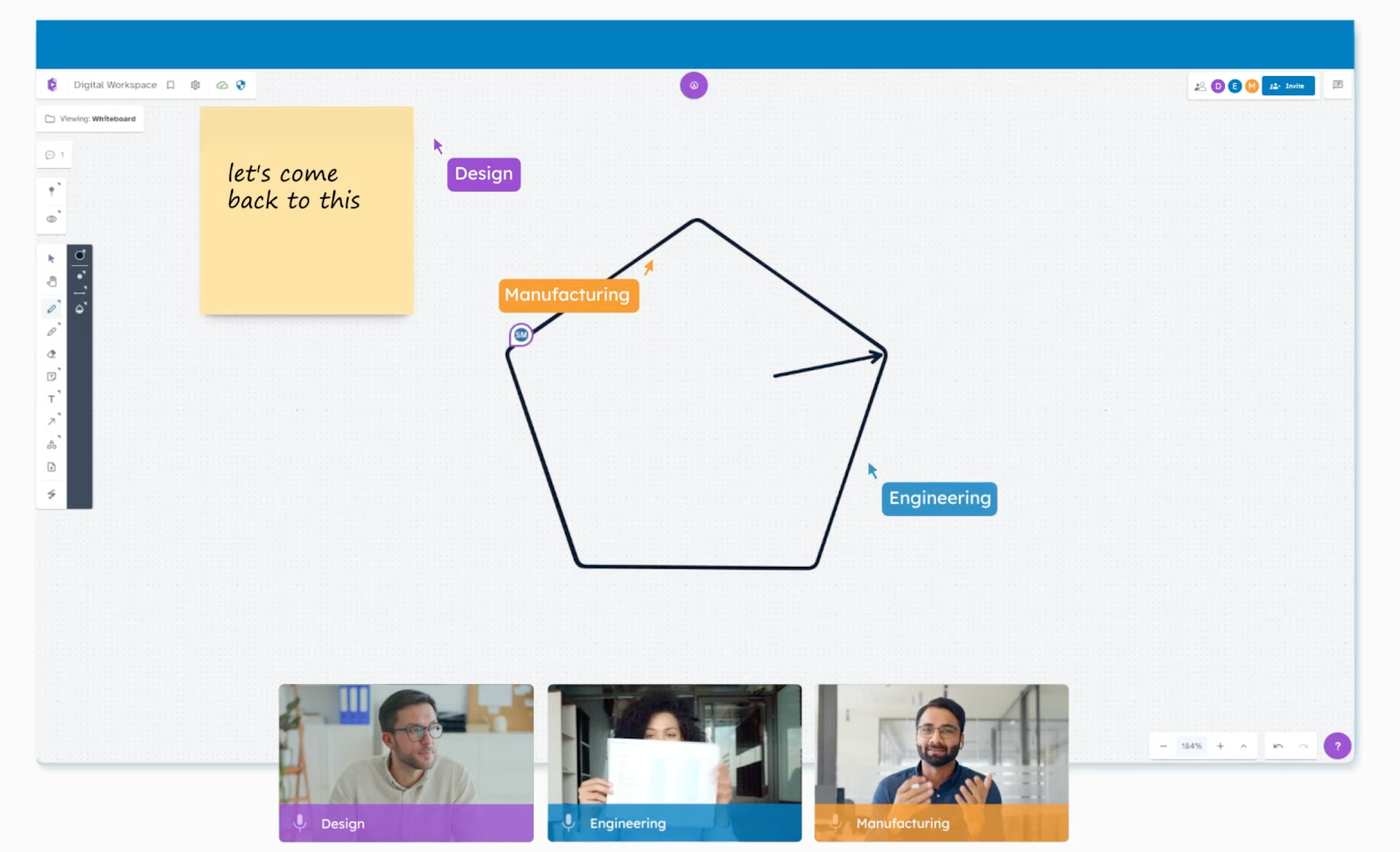
Sometimes you need to sketch out a thought or explain a quick fix. CADchat’s whiteboard helps with that.
You can draw, write, and share rough ideas with your team while everyone looks at the model. This helps people understand each other faster and makes it easier to evaluate design options.
Bring In Non-Technical People
CADchat makes it easy for people outside the design team to join in. Executives, marketers, and even supply chain teams can view the model and give input.
They don’t need to install any software or know how to use CAD. This builds a stronger team and helps everyone feel like part of the community.
Keep Everything in One Place
All comments, models, and meetings stay in the same workspace. You don’t have to dig through old emails or worry about using the wrong file. CADchat keeps your work organized and up to date, so your team always knows what to expect.
Track Every Change
Every edit, comment, or decision is saved. If something goes wrong or needs to be reviewed, you can always go back and see what happened. This helps you determine the reason for changes and avoid repeating mistakes from the past.
Work Together, Even If You’re Not Online at the Same Time
Teams in different time zones can still work well together. Anyone can leave feedback or mark up a file when it suits them.
The next person can jump in later and pick up right where things left off. This keeps the project moving without slowing anyone down.
Use CADchat to leave comments, track changes, and make decisions without delays. Try it out today!
Fix CAD Collaboration Breakdowns Fast With CADchat
Tired of long email threads, mixed-up files, and feedback that never gets to the point? CADchat is a CAD collaboration software that helps your team talk clearly and make faster decisions.
You can meet live or leave notes anytime. Everyone sees the same CAD model. No screen shares. No back-and-forth file uploads.
Designers, engineers, manufacturers, and even non-technical team members can all work together in one space.
It’s easy to check changes, leave feedback, and keep track of every version. No one gets left out. No important change gets lost.
With CADchat, you don’t waste time chasing updates or fixing small mistakes from bad communication — you just get stuff done.
Try CADchat today and give your team the space to build better, together.
FAQs About CAD Problems
What are the five disadvantages of CAD?
Five disadvantages of CAD are a steep learning curve, high costs for software and training, heavy hardware needs, risk of file loss or corruption, and less flexibility when you must change designs fast for real-world limits in manufacturing or engineering.
Why does CAD keep crashing?
CAD keeps crashing when the computer runs out of memory or CPU power, the model gets too large or complex, the file has errors, drivers are old, or add-ons conflict with the main program.
What causes CAD files to break across systems?
CAD files break across systems because CAD software comes with different features, file extensions, and compatibility options, so one tool may not read another tool’s data the same way, especially when teams use different versions.
What are the most common CAD problems teams face?
CAD files break across systems because CAD software comes with different features, file extensions, and compatibility options, so one tool may not read another tool’s data the same way, especially when teams use different versions.