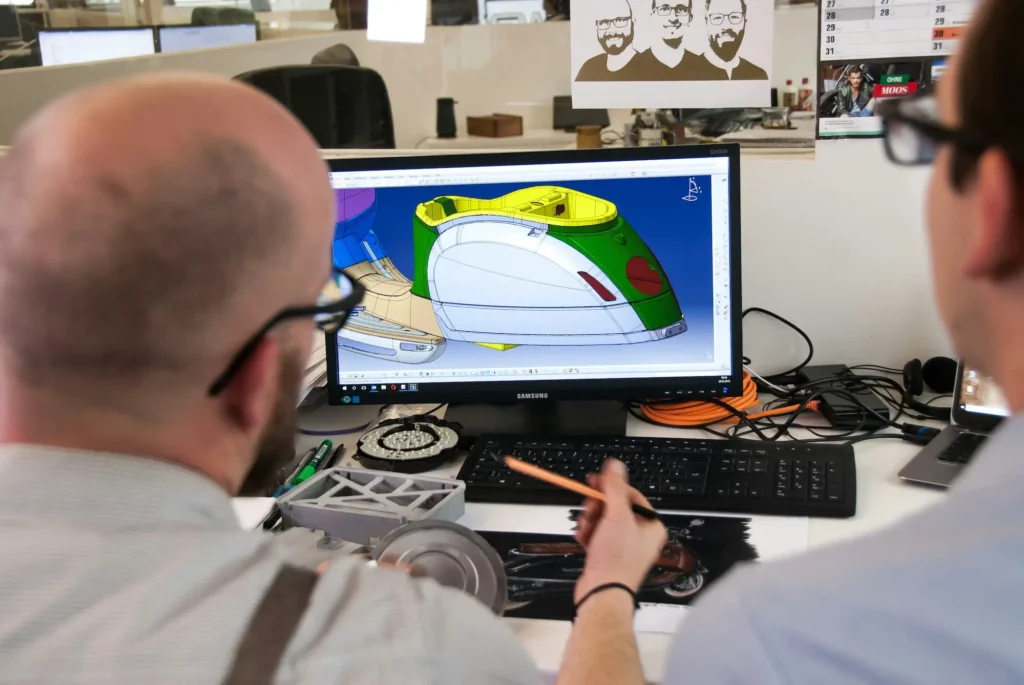
Engineering is rarely a solo task. From design to testing, most projects involve many moving parts and people. That’s why team collaboration plays a big role in how well things go.
But if communication breaks down, even the best ideas can fall apart.
Effective collaboration tools help engineers and product teams stay on the same page. They make it easy to share updates, track progress, and fix issues before they grow.
In this post, we’ll look at five simple tools that help engineering and product teams work better together.
How Important Is Collaboration for Engineering Teams?
Let’s look at why effective collaboration is so important for engineering teams.
Faster Progress
When people talk often and share clear project status, there’s less back-and-forth. Everyone knows what to do and when to do it. This kind of team efficiency helps you save time and build better products.
Better Remote Work
Remote collaboration is now common in engineering. Tools that allow real-time collaboration, file sharing, and easy access to previous versions make it easier to work like you’re all in the same room, especially when working with complex projects that need close collaboration.
Smarter Decisions
When team members bring different ideas to the table, it leads to better thinking. Through knowledge sharing and open talk, people offer valuable insights that may not come up otherwise. It helps the team avoid blind spots and find better solutions faster.
Ongoing Improvement
Open space for constructive feedback allows people to grow. Communication platforms support continuous improvement, so the team gets better with each project. Small lessons from one project can make a big difference in the next one.
Stronger Alignment
Engineers often work closely with product teams, marketing, or sales. Strong collaboration helps keep other teams and other stakeholders informed. This way, design changes or timelines don’t catch anyone off guard.
Faster to Market
When people review others’ comments and optimize designs early, it shortens delays later. That means your team can deliver faster and get to market faster with fewer surprises. Quick feedback loops also help you catch issues before they turn into problems.
Bridge communication gaps between teams with built-in collaboration tools. Try CADchat.
3 Best Collaboration Tools for Sharing & Reviewing CAD Designs
Working with CAD files often means lots of back-and-forth. Whether you’re an engineer, designer, or part of the product team, it helps to have the right design collaboration tools to share files, add comments, and get feedback quickly.
Let’s look at three simple collaboration tools that make the engineering design review process easier for your team.
1. CADchat

CADchat is a cloud-based meeting platform made for teams working with CAD files. It’s built to support real-time communication between engineers, designers, suppliers, manufacturers, and even people who don’t use CAD every day.
It helps teams stay in sync, avoid confusion, and speed up the design process. Whether your team works live or on different schedules, CADchat makes it easy to review and discuss designs in one place.
Key Features
- Work on CAD models live – Teams can open and edit 3D files together, no screen sharing or file conversions needed
- Give feedback anytime – Anyone can leave comments right on the model, even if they’re in a different time zone
- Keep everything in one place – All your files, notes, and decisions stay together, so there’s no version mix-ups
- Make it easy for everyone to join – Even people who don’t use CAD tools can view models and share their thoughts
- Built-in video conferencing – Join live design reviews with voice and video directly in CADchat, so teams can talk through changes without switching tools
- Virtual whiteboard – Teams can outline ideas, mark regions of interest, or plan next steps using simple visual tools during design discussions
- Easy issue tracking – Comments stay attached to the model, making follow-up simple and clear
Collaborate better on every design, in real time or on your own time. Start with CADchat now!
2. FiveFlute

Source: fiveflute.com
FiveFlute is a browser-based platform for reviewing 2D and 3D designs, made for engineering teams building electromechanical products. It helps teams give feedback, compare versions, and manage design reviews without switching between tools.
Key Features
- 2D drawing review – Helps teams review mechanical drawings and spot design issues before parts are released
- 3D design collaboration – Allows users to leave feedback and mark up 3D models in a shared space
- Drawing comparison tools – Highlights changes between drawing versions to catch small and hard-to-spot mistakes
- Asynchronous feedback sharing – Lets team members review designs and give input on their own time
- CAD system flexibility – Works with files from most major CAD tools and connects with existing design systems
3. eDrawings

Source: edrawingsviewer.com
eDrawings is a software tool for viewing, sharing, and discussing 2D and 3D design files. It supports a wide range of users, including engineers, manufacturers, suppliers, and students.
Teams can use eDrawings to explore models, review changes, and communicate across different CAD systems.
Key Features
- 3D design viewing and sharing – Lets users open and interact with high-quality 3D models without needing full CAD software
- Augmented and virtual reality support – Allows teams to view and assess designs in a real-world context using AR/VR tools
- MultiCAD publishing support – Enables sharing of files across different CAD systems using eDrawings Publisher
- Lightweight file format – Makes it easy to send and open design files without large downloads or installs
- Markup and cloud feedback tools – Offers online options to view, mark up, and collect feedback from others without extra software
2 Project Management Tools for Enhancing Collaboration
Collaboration goes beyond sharing feedback via design review software. Good collaboration also includes proper task management across departments. To support this, product teams also need a project management tool that brings everything together in one place.
Below are two tools that help teams stay in sync, move faster, and work better together.
4. Asana
Source: asana.com
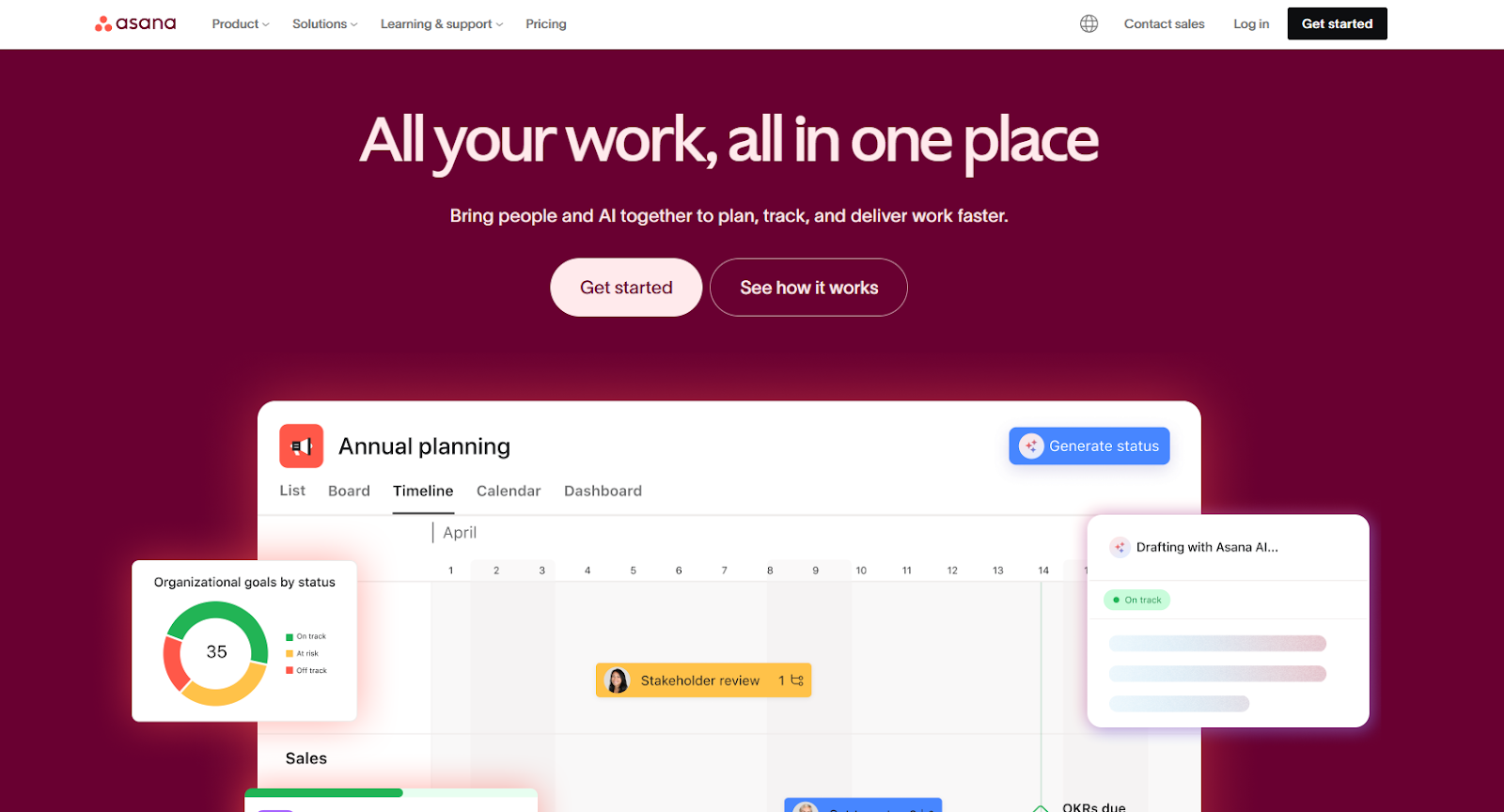
Asana is a work management platform that helps teams with task tracking, connect daily tasks to company goals, and work more efficiently with help from AI. It is built to improve team performance by making work more organized, visible, and connected.
Key Features
- Goal tracking and alignment – Links team tasks to larger company goals for better clarity and accountability
- AI-powered assistance – Uses business context to help teams prioritize, draft updates, and automate steps
- Project and task management – Organizes engineering projects with timelines, boards, and task lists in one shared space
- Enterprise integrations – Connects with tools like Slack, Jira, Salesforce, and Google Drive out of the box
- Templates and guided setup – Helps teams get started quickly with pre-built workflows and tutorials
5. Trello

Source: trello.com
Trello is project management software that helps individuals and teams organize their work using boards, lists, and cards. The platform offers customizable workflows and allows unlimited users, making it suitable for both solo work and team collaboration.
Key Features
- Inbox and task capture – Lets users collect tasks and ideas from anywhere and sort them quickly
- Boards and lists – Organizes tasks visually from start to finish using drag-and-drop cards
- Calendar and planner view – Helps users plan work by placing tasks directly into a calendar
- App integrations and email support – Connects with tools like Slack, email, and Microsoft Teams to turn messages into tasks
- Automation and card mirroring – Uses no-code tools to automate steps and sync tasks across multiple boards
Picking the Right Collaboration Tool for Your Team
One of the best practices of CAD is to have the right tool in place from the start. A good collaboration tool brings everything into one centralized place. Here are some features you should look for:
- Task management – Lets you assign tasks, set deadlines, and track project progress. This helps with project documentation and team management.
- File sharing and cloud storage – Allows your team to upload, store, and access files from any place with access control. Cloud storage keeps everything safe and easy to reach.
- Instant messaging and screen sharing – Quick chats and screen sharing help your team solve problems faster. This is useful for remote employees who need to work closely with others.
- Centralized platform – A centralized platform keeps tools, files, and messages in one place. It supports clear team management and helps streamline workflows.
- Design collaboration – Tools that support interactive prototypes, design data, and a component library make it easier for teams to review and give input.
- Project tracking – Offers features that help engineers and managers keep projects on track. It gives a clear view of progress across the team.
- Mobile apps – Let team members stay connected and manage projects while on the move. This makes it easier to follow up on updates and tasks at any time.
Make Your Next Design Review Smoother With CADchat

Want a better way to review CAD files with your team? CADchat is meeting software made for product teams. It gives designers, engineers, manufacturers, and even non-technical stakeholders a clear way to talk about CAD.
It keeps all live and async meetings inside one digital workspace, so teams stay on time, stay within their budget, and stay aligned.
Shared Model Space for Design Reviews
CADchat gives teams one shared model space where everyone looks at the same 3D CAD model together.
This helps engineers, designers, and non-technical teammates speak clearly and avoid confusion when talking through technical drawings.
With everyone seeing the same view, the team can make decisions much faster, often cutting early design approval time by 50%.
Comments That Stick to the CAD Model
Feedback stays tied to the exact point on the model where it matters.
Engineering teams, designers, and multiple stakeholders can reply in the same comment without searching through old document-sharing threads.
Nothing drifts, nothing gets buried across different communication tools, and every note stays linked to the part it relates to.
Supports Real-Time and On-Your-Own-Time Collaboration
Teams can meet live or leave comments for other members who can’t make it to the meeting.
This supports team cohesion because it gives distributed teams the space to respond when their schedules allow.
Work moves forward without waiting for everyone to be online at the same time, which keeps tasks clear and easy to follow.
Supports All CAD Formats
CADchat is file-agnostic, so teams can open many CAD formats without extra steps or conversions.
Engineers can load models right away, designers can share files with groups that use different software, and non-technical members can open everything in the browser.
This keeps the full team in one shared space and prevents project updates from spreading across multiple systems.
Simple Invites for Anyone on the Project
Teams can bring people into the design review meeting with one simple link. Engineers can add suppliers to check key parts, designers can pull in teammates for quick input, and non-technical members can join without setup or training.
No installs and no IT tickets needed. You and your team can start reviewing models in under five minutes.
Pricing That Fits Different Team Sizes
CADchat offers a free basic plan with unlimited team members, 40-minute meetings, and seven-day spaces, making it easy to test the collaborative tool without heavy technical requirements.
The pro plan is $17 per member each month when billed yearly or $19 billed monthly, adding unlimited meeting time, unlimited storage, and spaces that never expire for large projects.
The enterprise plan includes all pro features with custom pricing for bigger groups that need deeper support for visual communication and long-term work.
FAQs About Collaboration Tools for Engineers
How do engineers collaborate?
Engineers work together by sharing ideas early, talking through problems, and keeping all design updates in one place with tools that support version control.
They stay in sync through clear communication and quick feedback. They also break work into manageable tasks so each person knows what to handle without confusion.
What is the best tool for collaboration?
The best tool is one that keeps communication clear and makes it easy to work on designs as a group. Many product teams use CADchat since it lets people review CAD files in real time or at their own pace, which helps them stay aligned and avoid extra back and forth.
What are the five Ps of collaboration?
The five Ps are Purpose, People, Process, Place, and Plan. These give teams a simple guide to stay focused and move forward with fewer delays, and they help turn project goals into individual tasks that are easy to follow.
What are the four models of collaboration?
The four models are cooperation, coordination, communication, and co-creation. Each one builds on how closely people work together, starting with basic information sharing and moving toward creating solutions as a team.