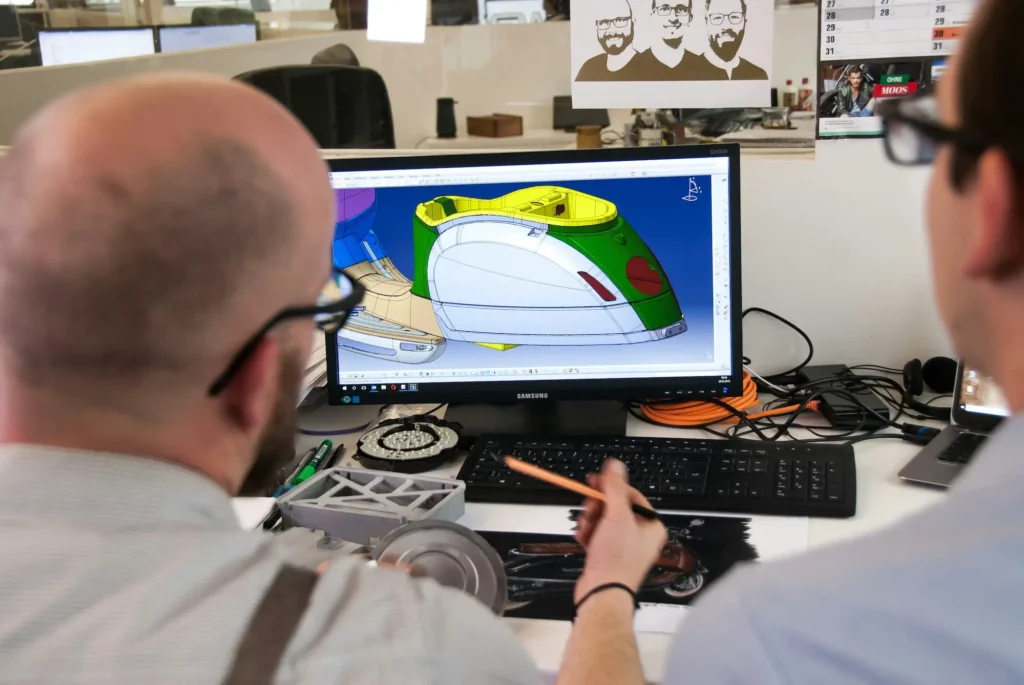
Working with a remote team can get tricky. Messages get missed, files get lost, and meetings can feel like a waste if the tools don’t work well.
Sometimes the video cuts out, someone can’t hear, or the whole thing turns into a long back-and-forth email later.
When teams don’t have the right software, it slows everything down and makes simple tasks harder than they need to be.
The good news is that the right meeting software can fix all that. With clear video, easy file sharing, and tools for real-time or asynchronous feedback, your team can stay in sync without the usual stress.
In this article, we’ll look at seven of the best meeting platforms for smooth team collaboration.
What Is Meeting Software?
Meeting software is a tool that helps people connect and talk online. It lets users hold meetings without being in the same place. Teams, clients, and partners can join from anywhere using their phone or computer.
Online meeting software is often used for team check-ins, client calls, or company updates. Many tools include features like screen sharing, chat, and file sharing. Some also offer recording and note-taking to keep track of what was said.
Video conferencing software focuses more on face-to-face calls. It helps people see and hear each other clearly, which is helpful for remote work or long-distance teamwork.
Web conferencing software is a broader term that includes both audio and video, along with features like polls, whiteboards, and presentations.
Some platforms also offer digital meeting rooms, which are shared spaces where users can talk, share files, and add notes.
They help keep everything in one place so the whole team stays connected before, during, and after each meeting.
Run focused, productive meetings with real-time model access. Try CADchat now.
Benefits of Meeting Software
Meeting software helps teams, clients, and partners stay connected from anywhere. Whether you’re working across offices or time zones, the right internal collaboration tools can make your meetings smooth and stress-free.
Here are some key benefits to know:
Easy to Schedule Virtual Meetings
Meeting software makes it simple to schedule meetings and manage calls. You can create a booking page or share scheduling links, allowing others to pick a time that works best for them. With just a few clicks, meetings appear on everyone’s calendar.
Most tools also send automatic reminders, so no one forgets. This saves time and helps teams stay on track with their daily plans.
Better Collaboration Tools
Built-in tools like screen sharing, chat, and file sharing make it easy for an organization to work together. You don’t have to switch between apps to show a file or explain an idea.
These features help teams maintain clear communication and build a stronger sense of community within your team. Everyone can give feedback right away, which keeps productivity high and moves projects forward faster.
Noise Cancellation Helps You Focus
Many meeting platforms now include noise cancellation. This removes background sounds like typing, traffic, or barking dogs. It makes voices clearer and helps everyone focus, even when working from home or in busy places.
Improved Video Quality
Good video quality helps meetings feel more natural. You can see faces clearly and notice small reactions, which is useful in team discussions or client calls. It also keeps people more engaged during longer sessions.
Works Across Time Zones
Meeting software is a convenient solution that helps global teams stay in sync. It gives you the ability to find meeting times that work for everyone, even if you’re in different parts of the world. Some tools show time zones automatically, so no one has to guess or count the time difference.
Stays Stable With Your Internet Connection
Many meeting tools are designed to work well even with a weak internet connection. When the signal gets low, they automatically lower the video resolution or adjust the audio so people can still hear and speak without problems.
These smart changes help prevent frozen screens, broken audio, or sudden disconnections. Everyone can stay in the meeting and keep the conversation going, even if the internet isn’t strong.
Review, discuss, and decide. All in one CADchat meeting. Contact us today to get started!
Top 3 Most Popular Meeting Software in 2025
Meeting software keeps teams connected and helps businesses grow. Here are the top three most popular meeting tools in 2025 that people trust for smooth and effective online meetings.
Google Meet

Source: workspace.google.com
Google Meet is a video calling tool that helps people talk and work together from anywhere. You can join from your phone, tablet, or computer using the app or a browser.
It works with other Google tools, so you can meet while working in Docs, Slides, or Sheets. Some features, like longer calls or meeting recordings, are available with a paid plan.
Key features:
- Join calls from anywhere – Use a phone, tablet, or computer with no setup needed
- Meet from other Google tools – Start a call while working in Docs, Sheets, or Slides
- Live translation and notes – Get captions in over 65 languages and automatic meeting notes with Gemini
- Interactive meeting tools – Watch videos, play games, and react with emojis during calls
- Extra options with premium – Record calls, hold longer meetings, and add more people when using a paid plan
Microsoft Teams
Source: microsoft.com
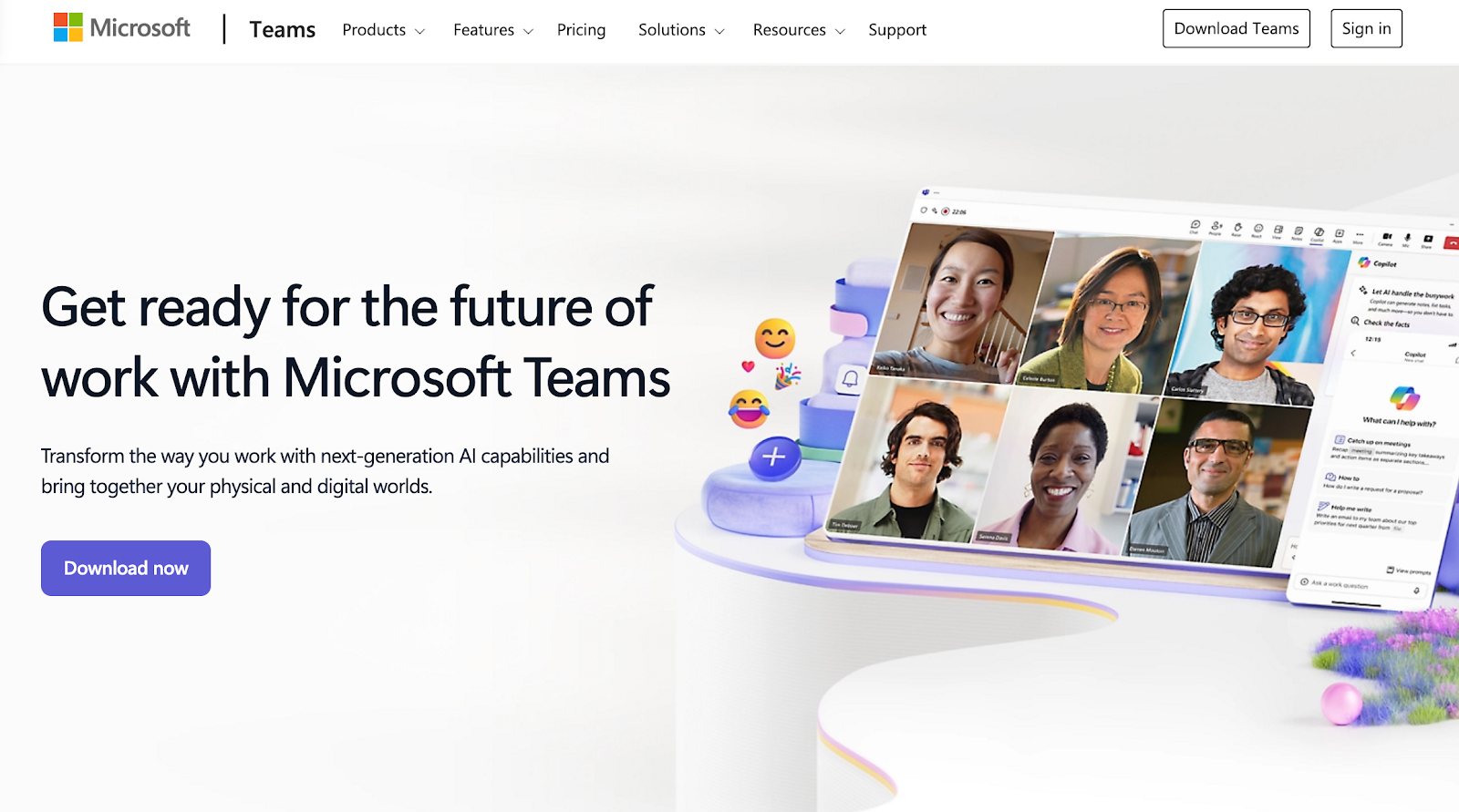
Microsoft Teams is a communication and collaboration platform that brings together chat, video calls, phone service, and app integrations in one place. It works for individuals, small businesses, schools, and large companies.
Teams connects people across locations and devices, and supports both real-time meetings and shared workspaces. Some advanced tools and features are only available through paid plans.
Key features:
- Meet and chat from anywhere – Talk by video, voice, or message using a phone, tablet, or computer
- Built-in phone service – Make and receive calls through the Teams app using cloud-based phone features
- AI-powered meeting tools – Use smart features like meeting notes, summaries, and Copilot prompts
- Work together in real time – Edit and share files during meetings using Word, PowerPoint, and Whiteboard
- Options for every need – Choose from personal, business, education, or enterprise plans with add-on features
Zoom Meetings

Source: zoom.com
Zoom Meetings is a video conferencing tool that supports online meetings, chat, and real-time collaboration. It works across devices and is designed to support both remote and hybrid teams.
With built-in AI tools, users can generate summaries, translate captions, and manage tasks more easily.
It also includes access to breakout rooms and waiting rooms, and works with many third-party apps for scheduling, sharing, and note-taking.
Key features:
- AI Companion tools – Get meeting summaries, action items, and suggested content without extra setup
- Built-in chat and scheduling – Send messages and plan meetings before, during, and after a Zoom meeting
- Breakout rooms – Split participants into smaller groups for focused discussions during a call
- Collaboration tools – Share screens, co-edit files, use whiteboards, and connect to third-party apps
- Join from anywhere – Access Zoom meeting links from desktop, phone, or car with one tap and switch devices easily
Best Video Conferencing Software for Engineering and Product Teams
If you work with CAD files or 3D model reviews, you know how tricky it can be to share changes, give feedback, or work with others in real time. Regular video call tools often fall short.
You need software made for design work. It should let you zoom in, mark up 3D models, and talk through details without delays.
The best meeting tool for CAD collaboration helps your team see every detail clearly, make quick edits, and stay in sync during the call.
CADchat
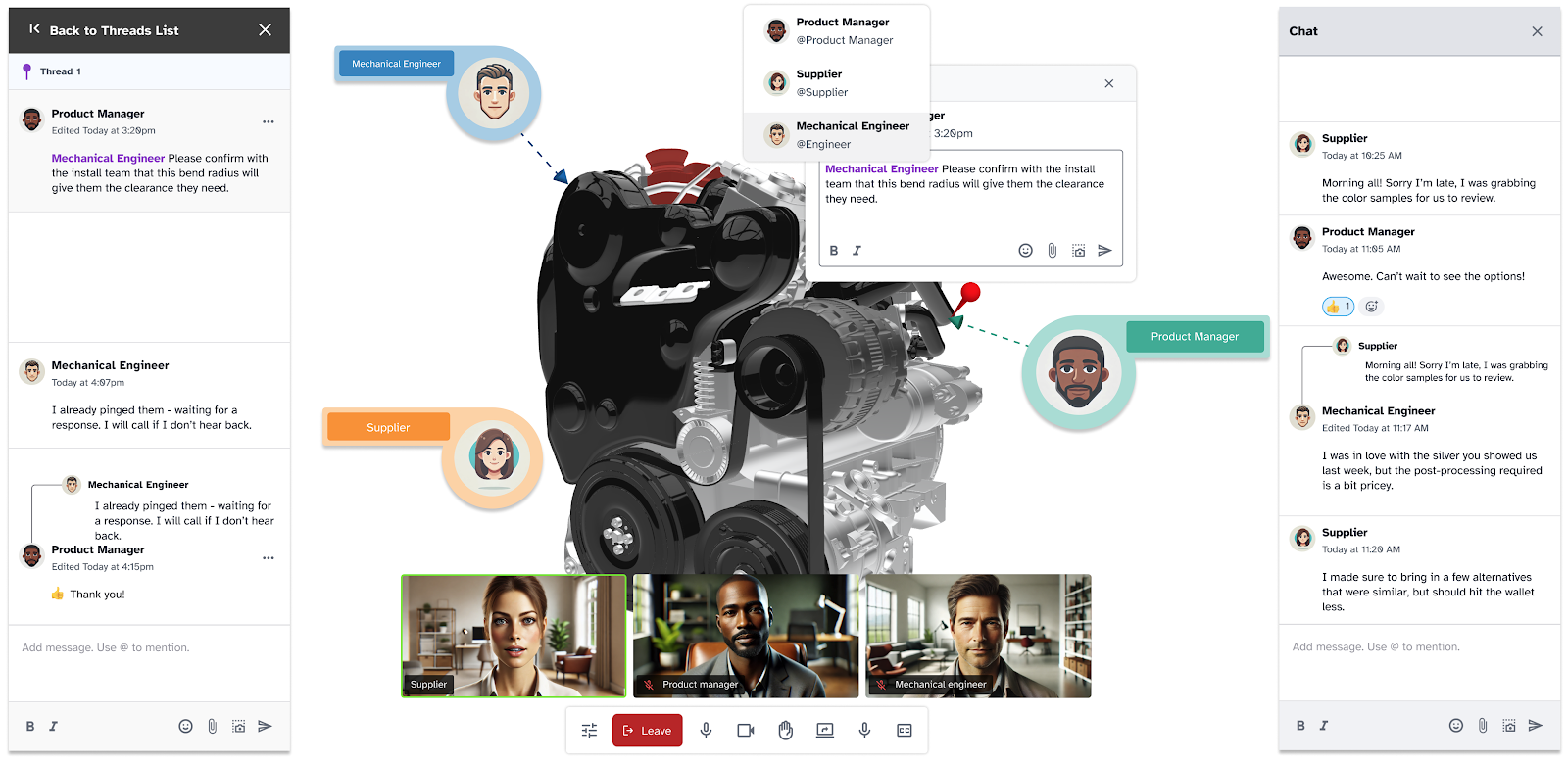
CADchat is an online meeting and collaboration tool built for teams that work with CAD files.
It helps designers, engineers, and non-technical teams work together clearly and quickly. You can hold real-time or asynchronous meetings inside shared digital workspaces.
With CADchat, teams can leave feedback right on 3D models, avoid version issues, and move projects forward without confusion.
Everyone stays on the same page, even if they’re in different time zones or don’t use CAD software.
Key features:
- Live CAD model reviews – Open and review 3D CAD files without screen sharing or file conversions
- Async model feedback – Leave comments on CAD models anytime, from anywhere
- Digital workspaces – Keep files, comments, and decisions in one shared space
- Non-technical access – Let anyone view models and give feedback, no CAD experience needed
- Manufacturability feedback – Spot and fix design issues fast with suppliers and machinists
- Cross-team alignment – Help engineers, manufacturers, and execs work better together
- Version control – Work with all major CAD file formats and always use the latest version
Make cross-platform CAD collaboration easy. Get started with CADchat today!
Top Meeting Software for Sales Teams
Running webinars is a great way for sales teams to reach more people and share what they offer. But without the right meeting software, it can be hard to keep things smooth and professional.
Choosing good meeting software helps teams give better webinars, connect with prospects, and close more deals.
Let’s look at your top choices:
Cisco Webex Meetings

Source: webex.com
Webex Meetings is a video conferencing platform that supports calls, chats, and collaboration across locations and devices. It also includes VoIP functions, allowing users to make voice calls over the internet without needing traditional phone lines.
It works for businesses of all sizes and includes tools for sharing content, managing meetings, and supporting hybrid teams.
Some features use AI to help with note-taking, translations, and other tasks. Users can join from a computer, phone, or even from a car.
Key features:
- Real-time translation and captions – Translate meetings into over 100 languages with built-in subtitles and voice recognition
- AI meeting assistant – Use voice commands to take notes, highlight key points, and get transcripts during or after calls
- Device flexibility – Join from desktop, mobile (Android or iOS), or move the meeting between devices with a QR code
- Interactive tools – Use polls, Q&A, reactions, and screen sharing to stay engaged
- Noise and voice control – Remove background noise and focus audio on the speaker for better sound quality
ClickMeeting
Source: clickmeeting.com
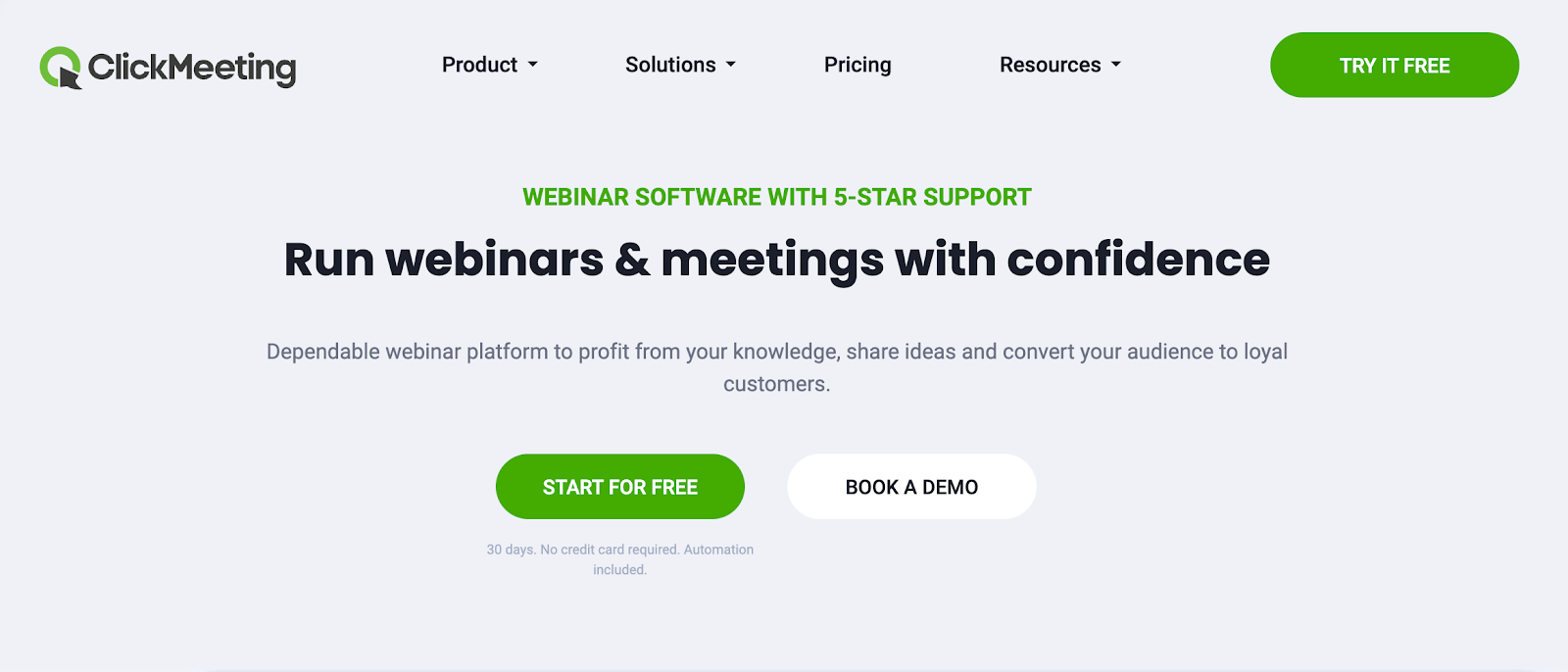
ClickMeeting is a browser-based webinar and video conferencing platform made for teaching, training, marketing, and large-scale online events.
It helps people run live or automated webinars, share content, and connect with audiences from anywhere.
The platform includes tools for interaction, collaboration, and paid access, with support for secure data handling and event scaling up to thousands of attendees.
Key features:
- Run live and automated webinars – Host real-time events or schedule automated sessions that play on demand
- Host large online events – Support up to 10,000 attendees with high-quality live streaming
- Create paid webinars – Sell access to webinars with secure payment integrations
- Built-in collaboration tools – Share presentations, run polls, and use chat to engage your audience
- No downloads needed – Join and host meetings directly from your browser without installing software
Zoho Meeting
Source: zoho.com
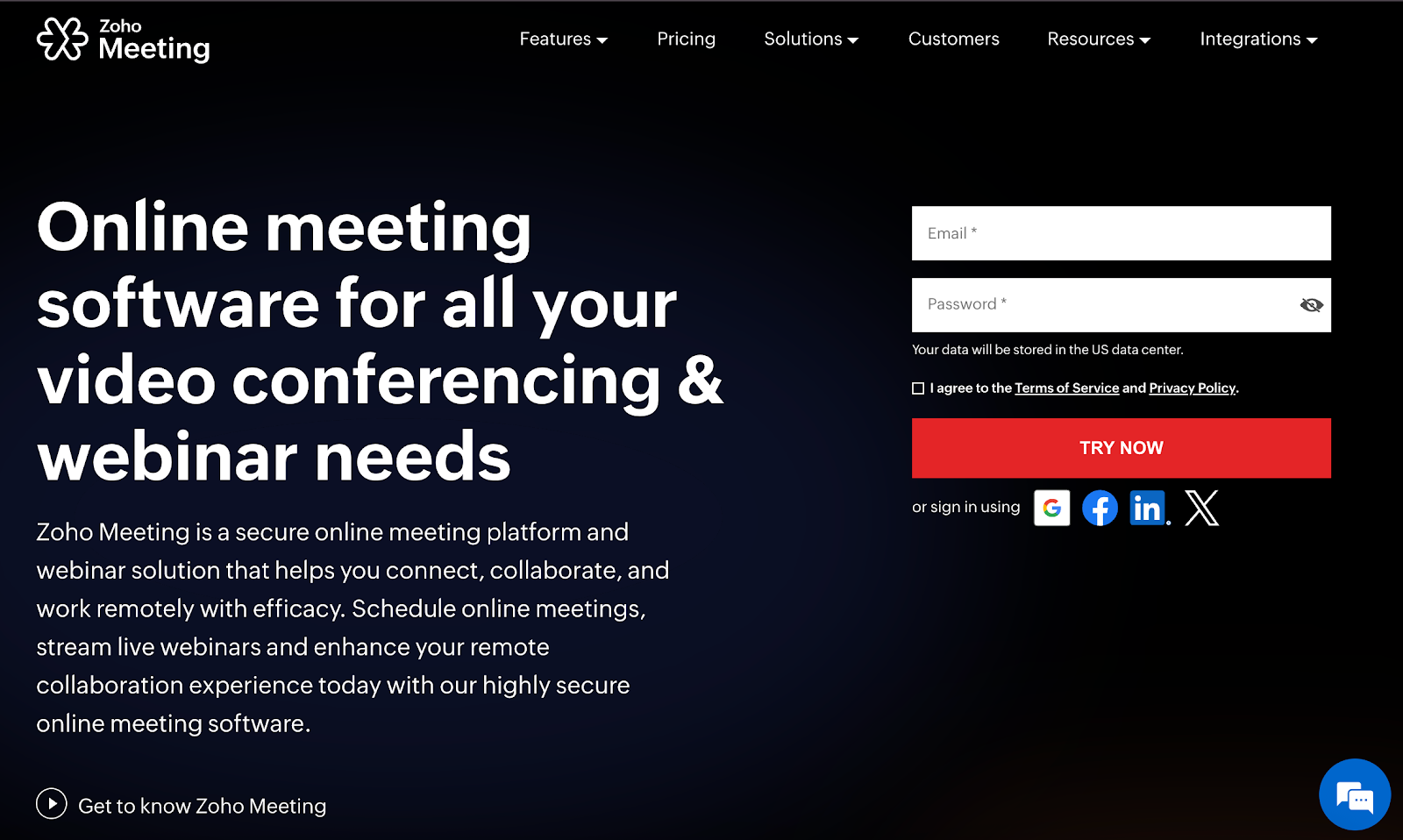
Zoho Meeting is an online meeting and webinar platform that helps teams, businesses, and educators connect from anywhere. It supports video conferencing, screen sharing, webinars, and team collaboration.
Users can host live sessions, record meetings, share files, and stream events through a browser without needing extra software. The platform includes built-in tools for scheduling, analytics, and secure communication.
Key features:
- Video meetings and webinars – Host secure video calls and live webinars with screen sharing and real-time interaction
- Recording and sharing tools – Record sessions and share with participants who missed the meeting or want to review
- AI-powered transcriptions – Get automatic notes and key points using built-in generative AI
- Browser-based access – Run and join meetings without downloads or installations
- Meeting room management – Link physical spaces to virtual meeting rooms and launch sessions directly from room controllers
Reduce meeting time by 50% and get clearer outcomes with CADchat.
What Features Should You Look for in Meeting Software?
Choosing the right meeting software depends on how you plan to use it, whether it’s for client onboarding or simple team standups. Some tools offer basic video calls, while others give you more control, better quality, and smarter features.
Below are important features to look for when picking a tool that fits your needs.
Mouse Sharing for Easy Walkthroughs
Mouse sharing lets another person move their mouse on your screen. It’s helpful when you’re guiding someone through a task or explaining a design. This makes collaboration feel smoother and more hands-on.
Meeting Lock as a Security Feature
A meeting lock is one of the key security features in meeting software. It stops new people from joining once the session starts, keeping the meeting private and free from interruptions.
This is especially helpful for calls with sensitive topics or small team discussions. Meeting locks also work well with other tools, such as authentication systems, file-sharing apps, and calendar integrations, giving teams an extra layer of protection without adding extra steps.
Sticky Notes to Capture Ideas
Sticky notes help teams write quick ideas or reminders during meetings. You can place them in shared spaces so everyone stays on the same page. They’re great for brainstorming and keeping track of action items.
Add-Ons for Extra Tools
Many platforms offer add-ons that bring in extra tools like whiteboards, task lists, or integrations with other apps. These add-ons can improve how you run meetings without needing to switch between programs.
Paid Plans With More Features
Free plans are good for quick calls, but paid plans often unlock more features. These can include longer meeting times, larger group sizes, storage, and admin controls.
If your team meets often, a paid plan may fit your budget and reduce the complexity of managing frequent meetings.
Closed Captioning for Better Access
Closed captioning shows text on the screen during a meeting, making the experience more user-friendly for everyone. It helps people who are hard of hearing and is also useful in noisy places.
Some tools also let you save the captions as a transcript after the call, which can be helpful for follow-ups or record-keeping.
Best Quality Audio and Video
Clear sound and sharp video help everyone stay focused. Look for software that offers the best quality, even if some users have slower internet. This keeps meetings smooth and avoids miscommunication.
Get the Best Meeting Software for Engineering and Product Teams

Whether you’re working with engineers, manufacturers, or non-technical teams, CADchat brings all your collaboration into one simple space. You can collaborate easily with anyone in your industry without dealing with long email threads or messy file sharing.
CADchat helps your team cut down on delays, fix design issues faster, and keep everyone in sync. Even if someone is unable to join live, they can review updates later from their account or inbox.
CADchat also offers a free version so you can test its functionality before making any commitments. It’s built to help teams stay productive and keep everything on the table, from feedback to final approvals, in one place.
Here’s how CADchat makes a real difference:
- Faster design approvals – Review and approve CAD models in real time or on your own schedule without delays.
- Fewer mistakes – Catch manufacturability issues early by working directly with suppliers inside the platform.
- Clear version control – Always work on the latest CAD file and track every change without confusion.
- Easy access for everyone – Let non-technical users view models and leave feedback without needing CAD software.
- Organized collaboration – Keep files, notes, and comments in one shared workspace so nothing gets lost.
Try CADchat today and see how much easier design meetings can be when everything just works.
FAQs About the Best Meeting Software
What is the best software for meetings?
For most teams, the best meeting software is one that’s easy to use, lets people join quickly, and works well across devices and browsers. If your team works with CAD files, CADchat is a strong option.
It’s a cloud-based meeting and collaboration platform built for product teams, helping designers, engineers, and stakeholders communicate clearly, stay aligned, and make faster decisions during both real-time and asynchronous meetings.
Is there a better alternative to Zoom?
Yes, there are several decent alternatives to Zoom that might fit you better depending on your setup. For example, Google Meet and GoTo Meeting are two platforms known for its simple interface and strong business features.
If your team works with CAD files, CADchat is a better fit since it’s built to integrate design discussions directly into your projects, making it easier to collaborate on detailed design work in real time.
Is Skype or Zoom better for meetings?
Skype has officially closed down, so users now rely on other meeting tools like Zoom or newer platforms.
Zoom offers advanced features such as breakout rooms, recordings, and large meeting support. For teams that work with CAD files, CADchat is another good option for product teams who want smooth collaboration.
Which platform is best for large meetings?
When hosting large meetings, choose a platform that can handle many participants without lag and offers strong admin controls. Services like Zoom or Microsoft Teams are common picks for this. CADchat is your pick if you work with CAD design and product development.
You can check each platform’s website to compare capacity limits, streaming options, and management tools before deciding which one suits your team best.