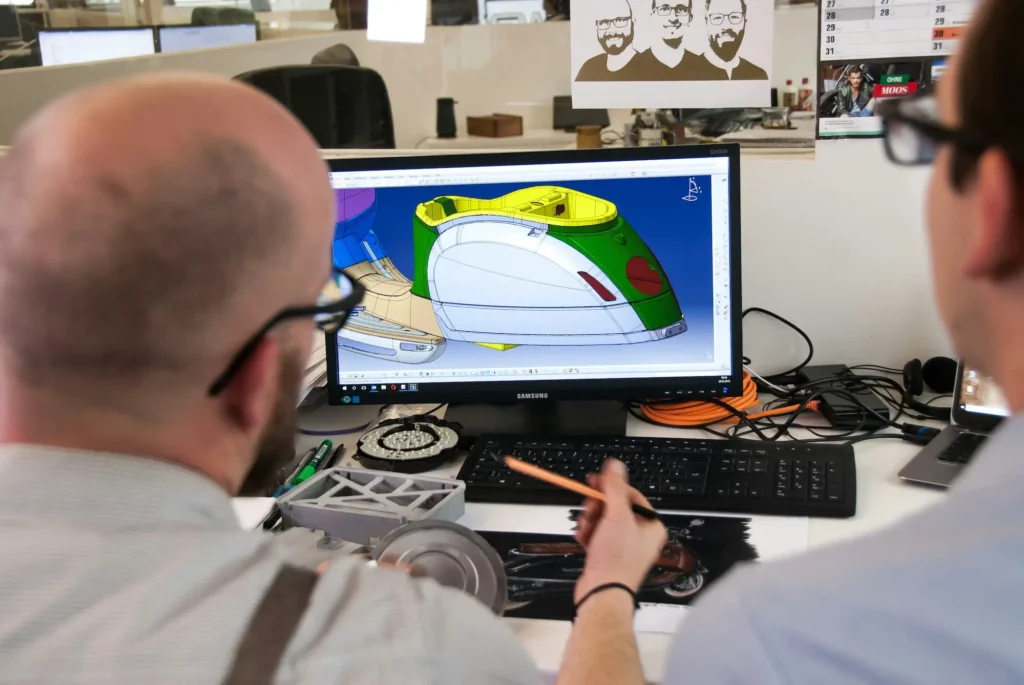
Working with CAD files often leads to slow feedback, messy version control, and long delays.
Teams lose time waiting for file uploads, tracking down the latest version, or trying to get input from others who don’t use CAD software. These issues slow down the entire product design process.
This article explores how cloud-based CAD collaboration tools solve these problems. You’ll see how they help product teams work faster, stay aligned, and bring everyone into the design process, no matter their role or location.

What is Cloud-Based CAD Collaboration?
Cloud-based CAD collaboration means using online tools to let design teams work together on CAD (computer-aided design) files. These tools are part of cloud-based CAD solutions that store files online instead of on one computer.
Unlike traditional CAD software that often depends on local storage and manual file sharing, these systems use cloud technology to make access easier and faster.
Everyone on the team can open the same file at the same time, make changes, and see updates right away.
It creates a collaborative environment where people can work from anywhere, using various devices such as a desktop, laptop, or smartphone.
These design tools help small businesses and large companies stay connected, no matter where their team members are. As technology continues to improve, this type of setup has become more common in the design process.
It also helps teams explore ways to work faster, smarter, and without waiting for email attachments or file transfers.
Let’s explore more benefits.
Helps Teams Work Together in Real Time
Cloud-based CAD tools make seamless collaboration possible. Design teams don’t have to wait for files to be sent back and forth.
This type of collaborative CAD setup supports projects across departments. Engineers and designers can handle 3D CAD modeling, while project managers and non-technical stakeholders get quick updates, track progress, and view clear visuals.
Everyone can work on the same model at the same time, make faster decisions, and cut down project delays. It also prevents confusion that often comes from version mismatches.
Makes CAD Files Easily Accessible
With cloud services, your work lives online. This means you can open your designs from home, from the office, or even while traveling.
As long as you have internet access and a decent internet speed, you’re good to go. You can even check or edit designs from a mobile device, which means design professionals can work on the go with seamless access to their projects.
Supports Small Businesses and Remote Work
These remote collaboration tools are seen as innovative solutions for small businesses that want to avoid buying expensive software for every computer.
Teams can work from different places and still stay connected in one shared workspace. This kind of team collaboration supports project management and helps small teams move fast and stay productive.
Brings Flexibility but Relies on Internet Connection
One thing to keep in mind is internet dependency. If your internet is slow or not working, it can slow down your design process.
Internet speed matters, especially when working with large 3D CAD files. Still, many teams find the benefits of cloud-based solutions worth it, especially with better internet options now widely available.
Main Features to Look for in a Cloud-Based CAD Collaboration Tool
When choosing a cloud-based CAD collaboration tool, you want something that makes teamwork easy and safe. Below are some key features to look for:
Simultaneous Editing and Enhanced Accessibility
A good design review tool should let multiple users work on the same design at once.
With real-time collaboration, teams can make changes together without waiting for someone else to finish. This keeps the design process moving and shortens project timelines.
Pair this with enhanced accessibility, and you get a setup where any user can open a file from anywhere, even on a mobile device.
These editing tools make it easier to collaborate seamlessly and improve collaboration across the entire team.
Strong Access Controls and Security Measures
Working with design files often means handling sensitive project data. That’s why access controls are important. You should be able to control who can view, edit, or share files.
Look for tools that include advanced security measures and perform regular security audits to catch problems early.
These features protect your work, maintain data integrity, and support successful product development.
Support for Multiple File Types and Versions
Design teams use different kinds of files. The best tools support a wide range of CAD file types, so you don’t need to convert files or switch between platforms.
Also, look for version control. You should be able to go back to a previous version of a file when needed. This is helpful if something goes wrong or if you want to check past edits.
Easy Access to the Latest Features
The best cloud-based solutions update often. This means you get access to the latest features without needing to buy new software licenses. These updates often include improvements in performance, reliability, and security.
High Reliability for Day-to-Day Use
You need a tool that works well every day. High reliability means your files load fast, updates save correctly, and your work is always there when you need it.
A stable tool makes it easier for design teams to trust the platform and focus on their work.
Give your remote team a better way to collaborate with CADchat. Try it today!
PDM and PLM in Cloud-Based CAD Collaboration
PDM (Product Data Management) and PLM (Product Lifecycle Management) play a big role in cloud-based CAD collaboration.
These two systems are essential tools for organizing and managing everything that goes into a product design, not just the 3D model itself.
While PDM software focuses on storing and translating CAD files, PLM connects the bigger picture, like product development, marketing, supply chain, and customer data.
How PLM and PDM Work Together
PLM is the full system that tracks a product from the first idea to final delivery. To work with detailed CAD files, the PLM system needs help.
That’s where PDM software comes in. It acts as a translator, turning complex CAD data into a format that PLM can use.
Compared to traditional methods of handling design files with manual storage or separate folders, PDM brings structure and consistency.
It also stores support documents such as spreadsheets and drawings that are part of the product design process.
Why These Tools Matter in CAD Collaboration
PDM and PLM are paramount concerns for design teams. CAD work does not happen in isolation. Designers need input from engineering, manufacturing, and other teams.
That input is often stored in other systems, and PLM and PDM help bring everything together. This setup helps teams share feedback, avoid confusion, and improve designs faster.
Cloud-based CAD tools make it easier to connect with PDM and PLM systems. Since updates happen online, your team always works with the most current version. No need to install anything manually. This makes it easier to keep everything in sync.
Just like other cloud-based solutions, cloud-based PDM and PLM reduce costs as you don’t need to pay for large software installs or updates.
The service provider takes care of upgrades, scaling, access, and security. This helps your team stay focused, avoid delays, and reduce waste.
How CADchat Supports Real-Time CAD Collaboration
CADchat is a meeting software that gives design teams a shared space to review, edit, and discuss CAD models. It connects engineers, manufacturers, and non-technical team members in one simple platform.
CADchat allows users to interact directly with design files, which helps enhance collaboration across the entire team.
Let’s look at how it helps with CAD collaboration:
Talk About Designs in Real Time
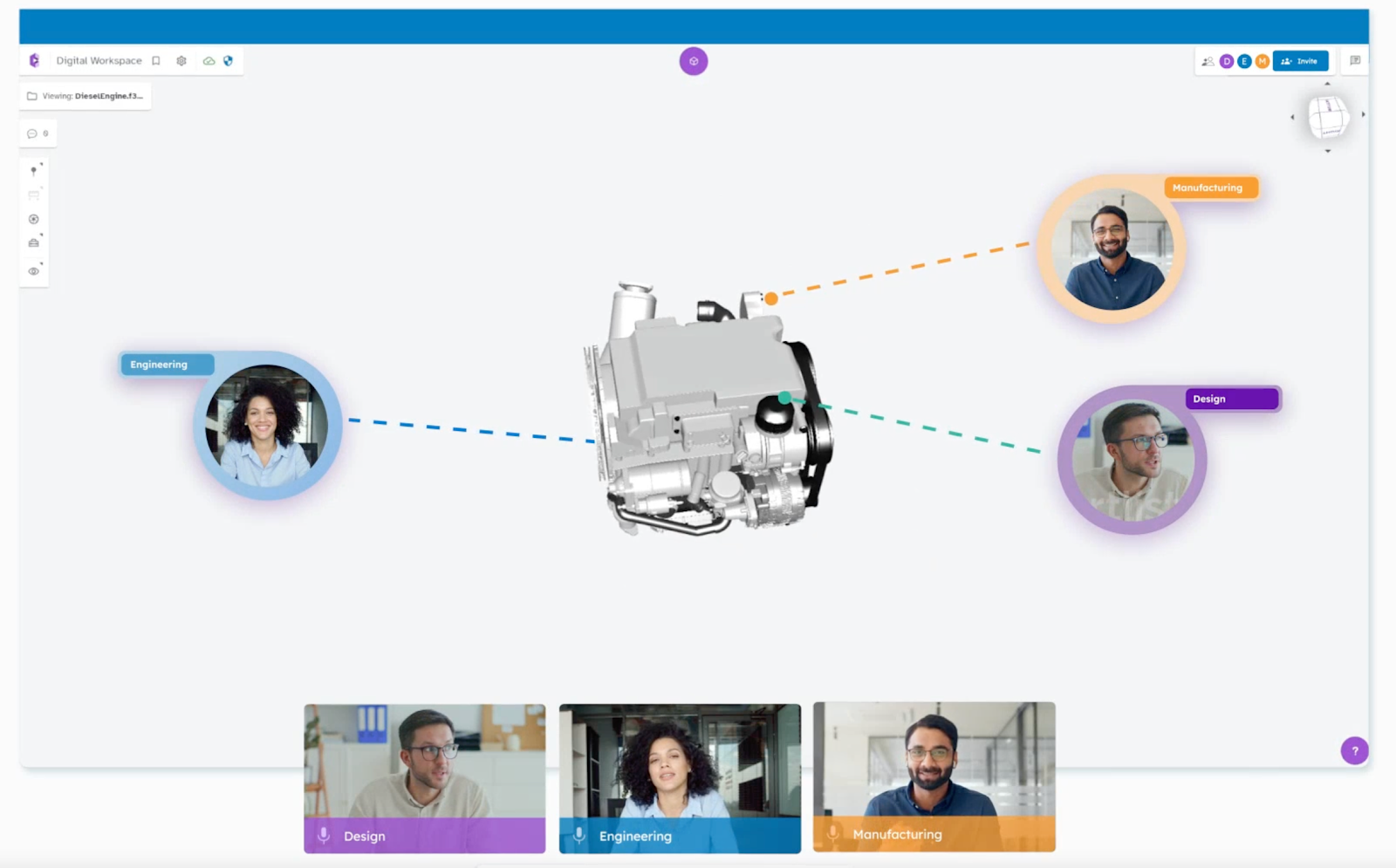
Instead of just looking at screenshots or waiting for updates, you’ll be able to open and use CAD files right during the meeting. This means you can rotate the 3D model, zoom in on small parts, and even add comments as you go.
No more need for screen sharing or emailing large files. With cloud storage built into the system, everyone can access the same version of the file without depending on high-end hardware. This setup makes seamless collaboration simple and quick.

Integrated Feedback Loops
You can capture and organize all feedback in one place, whether it’s spoken during the meeting or typed in the chat. All feedback stays inside the platform.
Everyone can go back and see what was said or suggested, which supports revision control by keeping a clear record of changes and discussions.
It also helps teams collaborate effectively, since there’s no need to chase people for updates or dig through old messages.
Supports Asynchronous Collaboration Across Time Zones
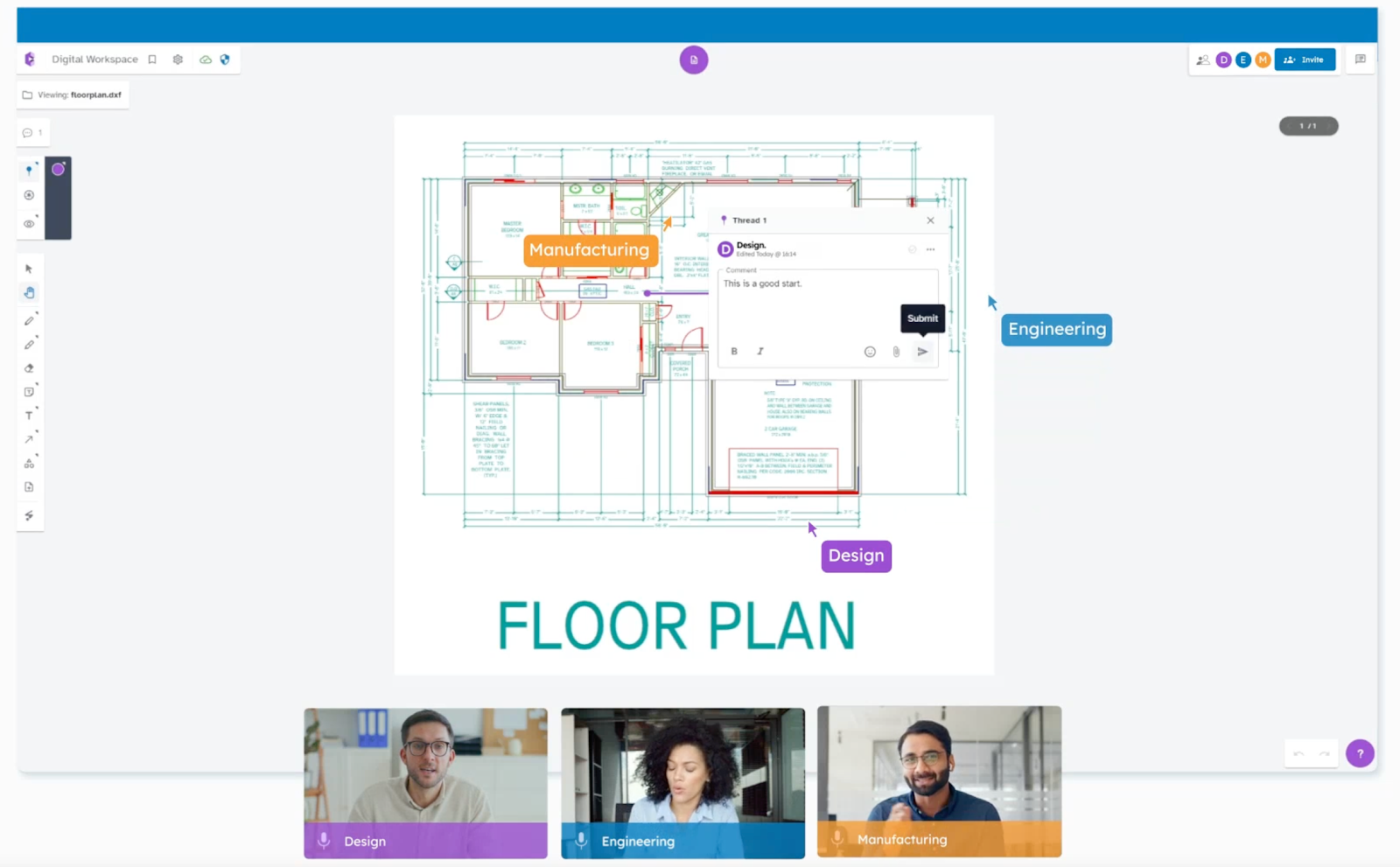
Not all team members are online at the same time. CADchat allows people to leave feedback on models whenever it works for them.
This is helpful for remote and global teams that need to keep projects moving without waiting for meetings.
Improves Non-Technical Stakeholder Engagement
CADchat is built for more than just CAD users. Non-technical stakeholders like executives and marketers can still view models and leave comments.
They do not need to install CAD software or learn how to use complex tools.
Keeps Files And Feedback In One Place
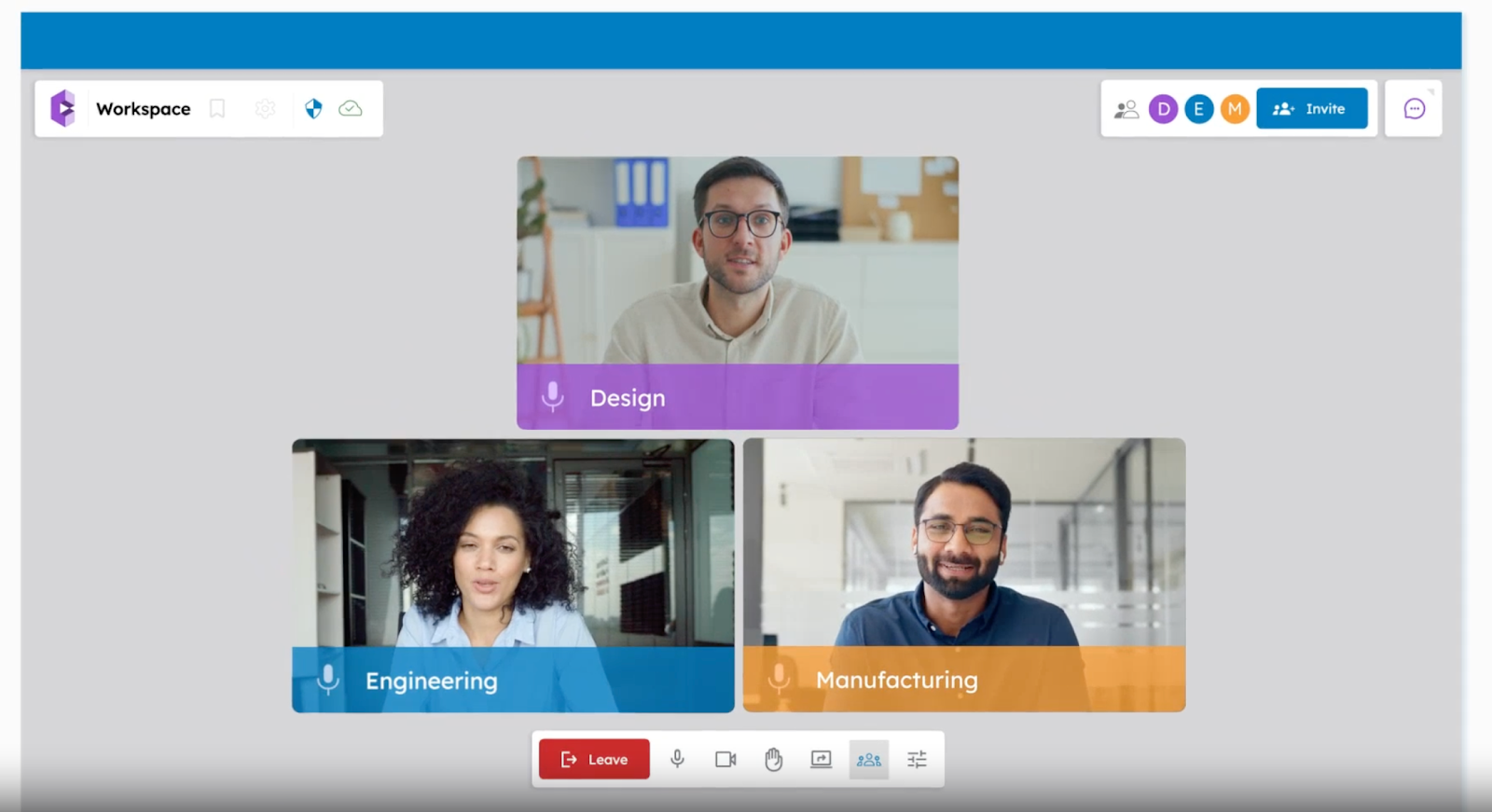
All design files, comments, and decisions are stored in one shared workspace. This helps teams avoid version control issues and makes it easy to track progress.
Everyone can see the full history of a project without switching tools or digging through emails.
Simplifies Meeting Planning And Scheduling
CADchat integrates with Google Calendar and Outlook. Teams can also use browser extensions for Chrome and Edge to schedule and manage meetings.
This makes it easy to plan reviews and keep collaboration running smoothly.
Try CADchat today and see how easy cloud-based collaboration can be!
FAQs About Cloud-Based CAD Collaboration
What are some examples of cloud-based collaboration tools?
Cloud-based collaboration tools include platforms like Google Workspace, Microsoft 365, and Slack, which let teams share files, edit documents in real time, and stay connected.
If you’re looking for a tool built for CAD collaboration, CADchat is a suitable option. It is designed specifically to help design teams communicate, review models, and share feedback in one place without needing endless file exchanges.
What is cloud-based CAD?
Cloud-based CAD is a design software that runs online instead of being installed on a single computer.
It allows multiple users to work on the same project from anywhere, often with features like augmented reality and analysis tools that make designs easier to test, share, and update in real time.
What are the three types of cloud platforms?
The three types of cloud platforms are Infrastructure as a Service, which provides basic computing resources, Platform as a Service, which offers tools for building applications, and Software as a Service, which gives access to ready-to-use apps over the internet.
How is cloud native CAD different from file-based CAD?
Cloud native CAD stores designs directly in the cloud, so changes update instantly for all users, while file-based CAD relies on saving and sharing files manually. This makes cloud native CAD faster for collaboration and less dependent on version control.