Every team knows the pain of “final” files not being final. Someone edits a model. Another person reviews an old version. Meetings drag on while no one feels sure about the next step.
Collaborative engineering stops that loop. It gives engineering teams one shared path for design, review, and change.
In this article, we’ll discuss how the collaborative engineering process works and how to apply it in your next build.
TL;DR
- Collaborative engineering brings engineers, manufacturers, and suppliers together to design, review, and manage projects in one shared workspace.
- Nine key strategies for effective collaborative engineering include: involving all stakeholders early, using shared CAD workspaces, making feedback visual, standardizing review workflows, blending real-time and async work, integrating manufacturing early, keeping searchable decisions, using CAD-supported tools, and documenting every change.
- CADchat is the solution that keeps the collaborative engineering process organized.
What Is Collaborative Engineering?
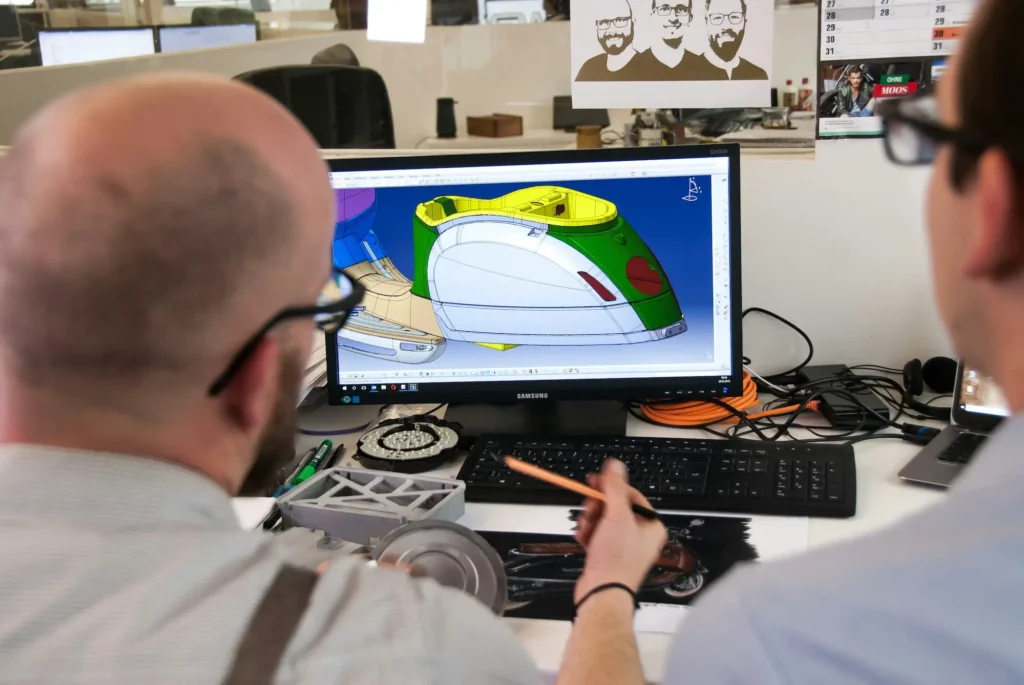
Collaborative engineering is the process of bringing different engineering teams together to work on the same project. It connects design, production, and management teams so everyone can see updates, leave feedback, and make changes.
A collaborative engineering process typically includes shared tools, open communication, and real-time access to data.
Most companies use cloud platforms or CAD software with built-in product data management features to support this process. These systems link every design change, comment, and approval in one workspace.
Effective collaborative engineering improves efficiency, quality, and time-to-market. It helps engineers, suppliers, and managers move in sync from concept to production, with fewer delays and better results.
9 Strategies for Collaborative Engineering
Let’s look at what you can do to strengthen and achieve true excellence in your engineering collaboration process.
1. Bring All Stakeholders Into the Process
Early stakeholder involvement is important in collaborative engineering.
Groups of people with an essential role joining in late often lead to mistakes appearing much later and costing more to fix. A project runs smoothly when every stakeholder takes part from the start.
Start by listing who needs to be involved. Go beyond engineers and include manufacturing, marketing, and supply chain partners.
Once all roles are defined, connect them through one shared platform. Everyone should see the same models, notes, and updates. This keeps the organization aligned and reduces confusion about versions or deadlines.
With this setup, production stays on time, and every department knows what comes next.
2. Use a Shared CAD Workspace to Reduce Rework
A shared CAD workspace keeps everyone working on the same design. When files are stored across multiple drives or sent through email, people often make changes to old versions. That confusion leads to rework and missed deadlines.
Traditional CAD software was used prominently across industries long before cloud platforms became common. Now, shared systems make it easy to track who made changes, view version history, and restore older designs if needed.
In a shared workspace, everyone can see updates in real time. Sometimes, it’s also a fantastic opportunity to showcase creativity and teamwork while keeping the workflow efficient.
Work on one model, one version, and one shared source of truth. Try CADchat for your next project.
3. Make Feedback Visual and Geometry-Specific
Written notes alone often lead to confusion. A quick comment like “Move the edge a little” leaves room for error.
Visual feedback fixes that problem by linking comments to exact areas of the design.
Providing innovative tools for geometry-based feedback keeps communication simple. Engineers can mark issues directly on the model using circles, arrows, or dimensions.
For example, a reviewer can tag a part and write, “Shift this bracket down 3mm to match the frame.” Everyone sees the same note, and no one guesses what it means.
Geometry-based feedback helps in the success of your projects. You spot issues earlier, production errors drop, and designs move smoothly from concept to final build.
4. Standardize Design Review Workflows
Standardizing design review workflows gives you a solid foundation to track progress and reach project objectives without confusion.
Every phase should have a purpose, such as checking alignment with design goals or verifying manufacturability. Write these steps down so everyone knows what to prepare and what to expect.
Then create simple checklists for each review. This keeps people from skipping steps or missing critical details.
Store these lists, notes, and approvals in one shared system if possible, so everyone can access the same information.
5. Blend Real-Time and Asynchronous Collaboration
Knowing when to meet and when to work independently keeps teams efficient and balanced.
Real-time sessions help when you need to solve urgent issues or make big design decisions.
Asynchronous work supports deeper tasks like document reviews or data analysis. Team members can leave detailed design feedback in their own time, no matter their time zone.
Using both styles together has some benefits, such as keeping everyone aligned and reducing waiting time between updates.
Blending these methods also improves work-life balance by enabling employees to collaborate smoothly without endless meetings.
Stay connected, no matter the schedule. Make collaboration simpler with CADchat.
6. Integrate Manufacturing and Suppliers Early
Bringing manufacturing teams and suppliers into the early stages of design prevents late surprises.
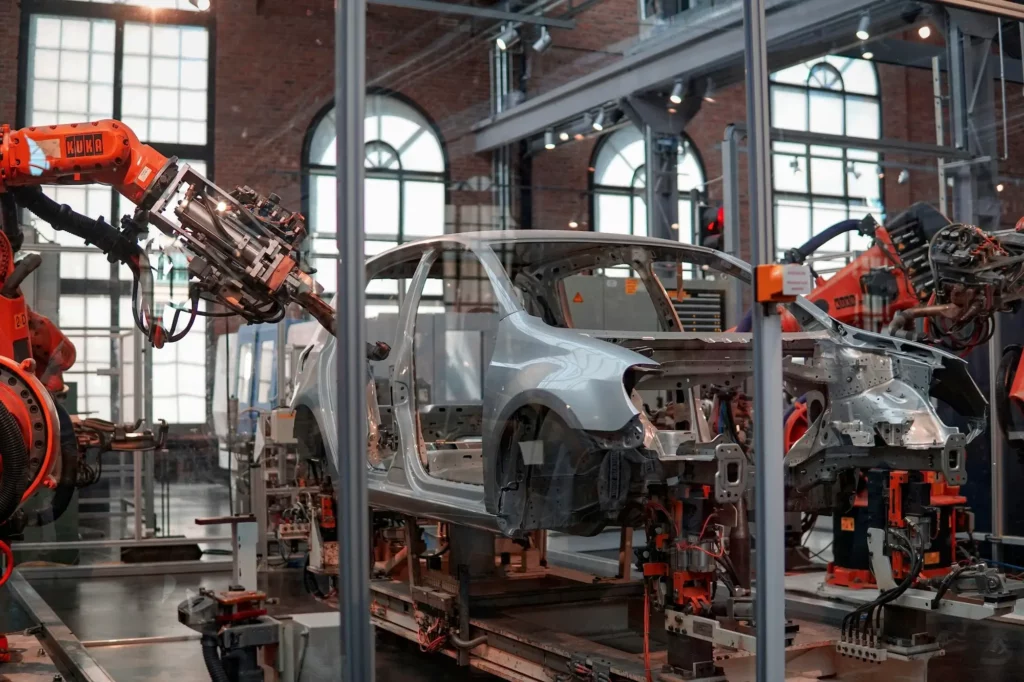
In many projects, design moves ahead without production input, and issues appear once parts reach the factory. Aligning early connects design and manufacturing process decisions from the start.
Manufacturing experts help you find better materials, faster assembly methods, and cost-saving options before production begins.
This early connection also drives innovation. You can develop and test ideas together during the concept phase, not after design locks.
7. Maintain Searchable Context for Decisions
Keeping a searchable record of every design decision saves time and prevents repeated mistakes.
When projects last for months or even years, it’s easy to forget why certain choices were made. A searchable log gives engineers and decision makers the background behind each change.
Let’s say someone searches “Aluminum frame,” they might find that it was chosen over steel to reduce weight and improve balance. This simple record increases understanding across the entire team.
8. Use Collaboration Tools That Support CAD Formats
Regular cloud storage can cause lost work or mismatched versions.
To avoid this, use collaboration tools that support CAD formats so you can work efficiently and keep the designs’ full structure.
Some CAD collaboration platforms include product data management systems. These manage version history, document links, and access controls for everyone involved. Combined with enterprise application features, they scale easily across departments.
As you pick the right collaboration technology, it can boost productivity and simplify implementation by connecting design, testing, and production. They also encourage knowledge sharing and help teams collaborate.
Protect your designs and keep every version connected. Start collaborating with CADchat today.
9. Log Every Change to Support Traceability
Every update in the design process should be recorded clearly. Documenting changes creates a traceable path that shows who made an edit, when it happened, and why. This streamlines reviews and helps teams fix issues faster.
A good documentation process captures critical actions, approvals, and notes in one shared system. If a designer changes a hole size in a bracket, they should add a short comment explaining the reason. Later, if a production issue occurs, anyone can trace it back instantly.
Digital systems make this easier by logging updates automatically. You only need to describe the reasons behind the changes.
Keep Collaborative Engineering Process Organized With CADchat

Keeping collaboration among engineering teams organized can be tough when files, feedback, and reviews happen in different places.
CADchat makes this easier by combining everything into one cloud workspace for product development.
Everyone can open the same model, explore it freely, and leave comments in real time. This setup replaces confusing screenshots and email threads with direct, visual discussions.
When someone misses a meeting, they can add feedback later. CADchat supports both live and asynchronous collaboration, keeping projects moving without waiting for everyone to be online.
CADchat gives engineering, design teams, supply chain partners, and manufacturers a place to collaborate efficiently and keep every project organized from start to finish.
FAQs About Collaborative Engineering
What is collaborative engineering?
Collaborative engineering is the process of bringing different teams together to design, test, and produce a product within one shared system.
In our connected world, a collaborative engineering approach is essential to engage the best resources, improve service, and remove supply chain disruptions. It helps companies form stronger workflows, focus on innovation, and maintain better coordination with construction teams.
What is a collaboration engineer?
A collaboration engineer manages the tools, systems, and communication that allow teams to work together effectively.
Which engineering disciplines are involved in collaborative engineering?
Collaborative engineering involves mechanical engineers, electrical engineers, software developers, and manufacturing specialists. Each discipline works together on shared models and data to create and refine the final product.
Is computer-aided engineering important in collaborative engineering?
Yes. Computer-aided engineering supports design validation, simulation, and optimization, which helps teams work together on accurate data before production begins.