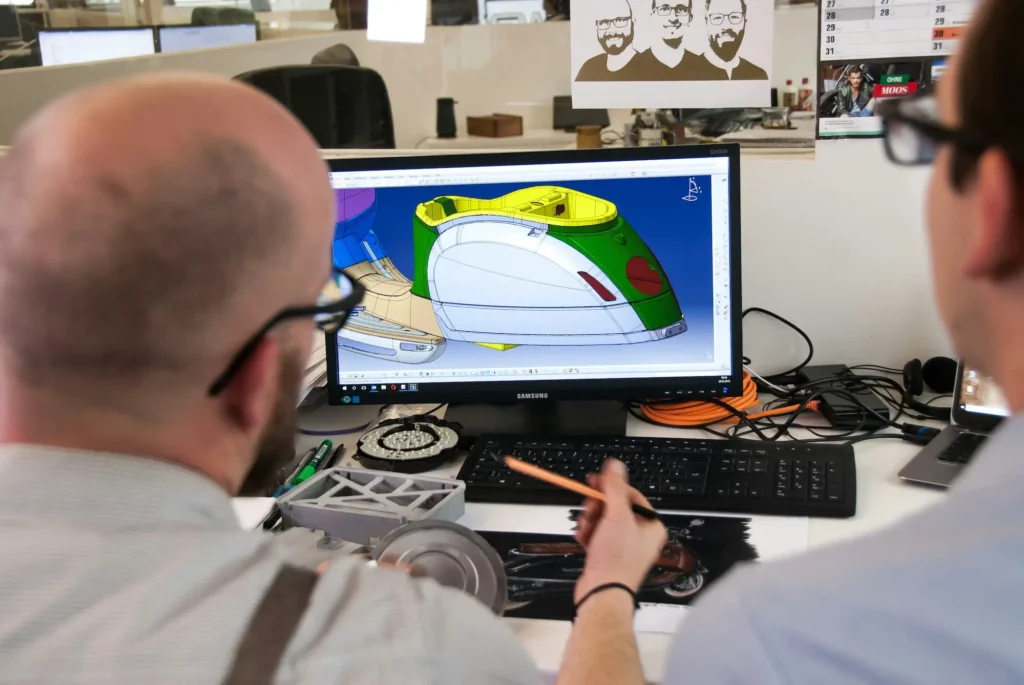
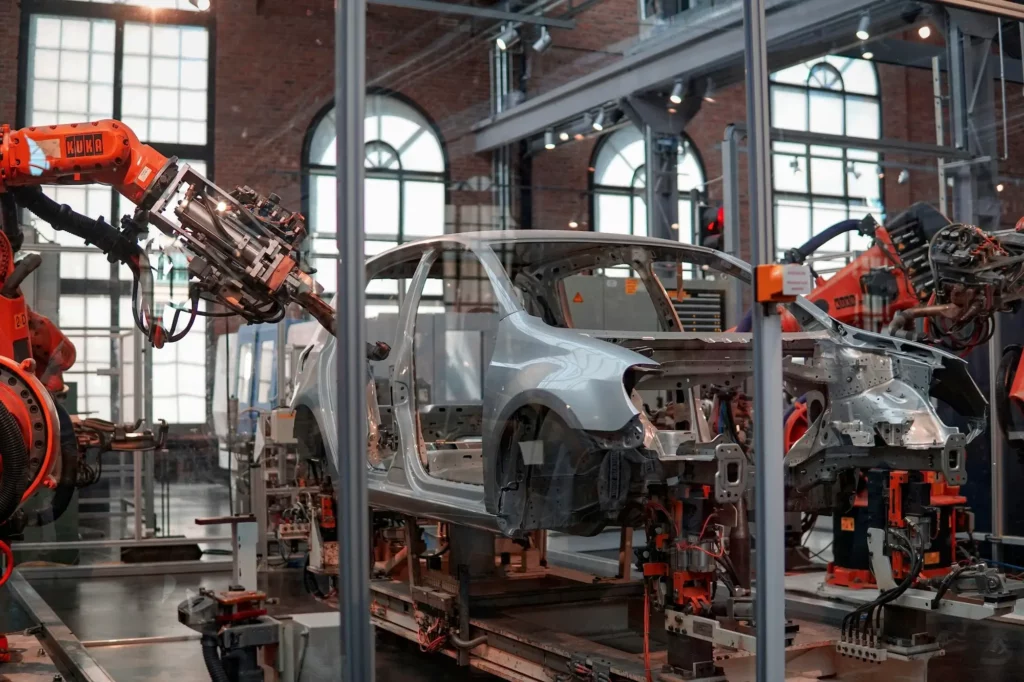
Designers, engineers, manufacturers, project managers, and even non-technical stakeholders all play an active role throughout the creative process of product design.
Collaborative design is an approach where everyone contributes to the design process, from the start of a project until the final product is ready.
When diverse perspectives come together, teams can spot challenges earlier and shape products that are practical, user-focused, and ready for production.
In this article, we’ll look at how collaborative design supports product teams and the real benefits it can bring to your projects.
What Is Collaborative Design?
In CAD projects, designs often go through several rounds of refinement. Collaborative design makes this process easier by keeping communication open and encouraging active idea generation at every stage.
It also cultivates a sense of shared ownership in the project. Everyone feels responsible for the outcome, not just their own tasks.
Because everyone stays involved, it is easier for product teams to actively brainstorm more innovative and effective solutions for their clients rather than working in isolated stages.
Collaborative design tools help support this approach. They let people work on the same model at the same time, give design feedback instantly, and update designs without confusion. Real-time feedback reduces misunderstandings and keeps the project moving forward.
How Collaboration Looks in Each Product Development Process
What does collaboration really look like when you move through each stage of product development?
It’s one thing to talk about teamwork in general, but it’s another to see how it plays out when you’re moving from early sketches to detailed engineering and then into production.
Let’s walk through how collaboration fits into every step of the product development process.
Conceptual Design
At the beginning of a collaborative design project, your team turns early design concepts into CAD sketches or rough models.
This is where collaborative teams bring different perspectives together to shape the product’s form, function, and feasibility.
With clear communication and enough gathering of feedback from different team members, you can create a stronger foundation for the entire project and reduce the risk of misalignment later.
Detailed Design and Engineering
During this stage, the product model is refined with precise dimensions, materials, and specifications.
Here, involving cross-functional teams matters most. Engineers, designers, and manufacturers can all weigh in, develop solutions, and make sure details work in practice, not just in theory.
At this stage, product teams use CAD software to review and render 3D CAD models together, even when working with varied design and file formats.
Simulation and Analysis
This is where teams use mechanical engineering software, such as computer-aided engineering (CAE) software, to test designs under stress, motion, or thermal conditions. In a collaborative process, team members don’t wait until the end to give input.
Instead, engineers, designers, and analysts create feedback loops that validate performance at each step.
With this, potential weaknesses are spotted early, and teams from different departments can work together to refine the product before costly changes are needed.
Design Review
At key points in the process, your team holds structured design reviews. Some teams prefer to do design reviews in person, while others choose digital design review meetings to connect remotely and share updates in real time.
- Preliminary design review: An early check of the concept, where goals, direction, and main ideas are reviewed together.
- Critical design review: A later-stage review focused on final details, confirming readiness for production and spotting last issues.
- Formal design review: A structured meeting covering cost, task management, and risk management, while also checking function, safety, and appearance.
Design collaboration tools make these reviews even more effective. They give your team a shared space to view models, exchange comments, and track changes in real time.
Prototyping
Prototyping brings the design into a physical or digital model. Different team members can review the prototype together to test usability, ergonomics, and manufacturability. Gathering feedback at this stage helps the team confirm what works and what doesn’t.
This is also the point where collaborating with suppliers becomes especially useful. Their input on materials, manufacturing methods, and costs can shape smarter design decisions early on.
With the help of supplier collaboration platforms, you can share CAD models directly, review suggestions in real time, and reduce the risk of delays or costly changes later.
When collaborative design efforts include both your team and suppliers, prototypes become more realistic, easier to produce, and better aligned with customer expectations as well as production capabilities.
Final Review with Clients and Non-Technical Stakeholders
Before moving to release, it’s important to include a final review with clients and non-technical stakeholders. This step gives people outside the core engineering and design teams a chance to evaluate the product’s direction.
Clients often focus on whether the product meets user needs, brand goals, and budget limits, while non-technical stakeholders look for alignment with broader business objectives.
During this review, having clear communication helps explain technical decisions in simple terms, so everyone stays on the same page.
This session also closes the loop on earlier feedback loops, giving confidence that the product is ready for release.
Benefits of Collaborative Design for Product Teams
Below are the main benefits your team can expect when adopting this approach.
Enhanced Creativity and Innovation
Diversity fosters creativity. People with different backgrounds and expertise contribute to the process, which sparks collective creativity.
You’ll often find that someone outside the core design team brings a fresh angle you hadn’t considered.
For example, a manufacturer might suggest a small adjustment that makes a design solution easier to produce without losing functionality.
By seeing different viewpoints, you push beyond conventional thinking and open space for more creative ideas that make your product stand out.
Improved Problem-Solving and Decision-Making
A strong design comes from well-rounded decisions. With collaborative design, your team can approach problems from multiple directions at once.
Engineers consider performance, designers focus on usability, and business teams check feasibility against project goals.
This wide input helps you identify risks early and move forward with decisions that balance technical needs and user value. Instead of bottlenecks, you get smart, shared solutions.
Get started now and see how CADchat reduces conflicts, improves clarity, and speeds up reviews.
Increased Efficiency and Faster Time-to-Market
Collaboration speeds up your project timelines because it cuts out wasted effort. With continuous feedback, you don’t wait until the end to find out that something doesn’t work. Issues get spotted and fixed as they come up, reducing the number of redesigns and handoffs.
For example, design and manufacturing teams working side by side can adjust CAD models in real time, so production-ready files are available sooner. This rhythm helps your team move faster without sacrificing quality.
Alignment with User Needs
One of the key principles of collaborative design is being user-centered. When you bring in stakeholders and gather user insights early, you uncover what people actually want.
This makes it easier to design features that lead to improved user satisfaction. For instance, feedback from customer-facing teams can highlight usability issues before they become costly fixes later in development.
Shared Ownership and Team Engagement
As mentioned earlier, collaborative design promotes a sense of shared ownership that keeps team members invested in the success of the product.
Designers, engineers, and even suppliers know their voices matter, which increases motivation and morale.
You may even notice higher engagement during meetings and stronger collaboration across roles because the project belongs to all of you, not just one department.
Risk Reduction and Cost Management
Projects become less risky when issues are spotted early. Iterative reviews and continuous feedback mean fewer surprises and less rework. By refining designs step by step, you avoid expensive changes late in the cycle.
Think about a CAD model that does not meet safety standards. If caught early, you adjust quickly.
If left unnoticed, it could lead to delays or wasted resources. CAD collaboration keeps resource use efficient while managing costs.
Improved Trust and Communication
Trust grows when teams work openly together. With communication and respect across roles, departments become more flexible and more willing to make tradeoffs for the good of the product.
An engineer might accept a design tweak if it means better usability, while a designer might adjust aesthetics to simplify production.
These compromises, built on trust, result in stronger products and a team that stays aligned through every stage.
Talk to our sales team now and learn how CADchat supports seamless progress across time zones.
How to Facilitate the Collaborative Environment
Creating a strong collaborative environment in product development does not happen on its own. You need clear practices and habits that keep everyone connected, focused, and motivated.
Here are some ways you can make collaboration work better for your team.
Start with a Shared Vision
Every successful project begins with clear direction. When your team shares the same understanding of the project goals, you avoid confusion later on.
A kickoff session is a good way to make sure everyone is aligned. In this session, you can focus on what the product should achieve and confirm priorities.
Involving multiple stakeholders early at this stage helps reduce misunderstandings and keeps the team united.
Use the Right Collaborative Design Software
The right tools make collaboration easier. Choose collaboration tools with a simple user interface to help your team contribute without struggling to figure out how things work.
These also support real-time editing, markup, file sharing, and version tracking. This means multiple team members can work on the same files without losing data.
For example, a team working on a CAD model can edit parts together while changes are tracked automatically. This kind of setup makes it easier to analyze insights from everyone in one place.
Promote Open Communication
Collaboration only works if people feel free to share their ideas. Open communication means creating space for updates, questions, and suggestions at every stage. Regular check-ins or brainstorming sessions encourage continuous feedback from the team.
For example, you might review CAD progress weekly and compare it with user feedback gathered during early testing. This helps the team spot issues quickly and move forward with better information.
Contact our team now and discover how CADchat turns design reviews into clear, actionable sessions.
Define Roles and Responsibilities Clearly
Clarity helps projects move faster. When each person knows their role, the team avoids overlap and delays.
Assigning responsibilities also makes it easier to run effective CAD meetings, because everyone comes prepared with updates on their part of the work.
One member may focus on engineering checks while another is responsible for documentation. With clear roles, you can connect tasks back to the project goals more easily.
Make Collaboration the Center of Your Design Process with CADchat

When you work on complex designs, keeping everyone aligned can feel like a challenge. Files go missing, feedback gets scattered, and the wrong version ends up in review.
CADchat is a CAD meeting platform built to help you take a more collaborative approach in product development. It brings your team into one space where your team can review, leave comments, and see progress on CAD designs in real time.
With CADchat, you get an easier, faster way to run your collaborative process and keep projects moving forward.
Real-Time CAD Reviews
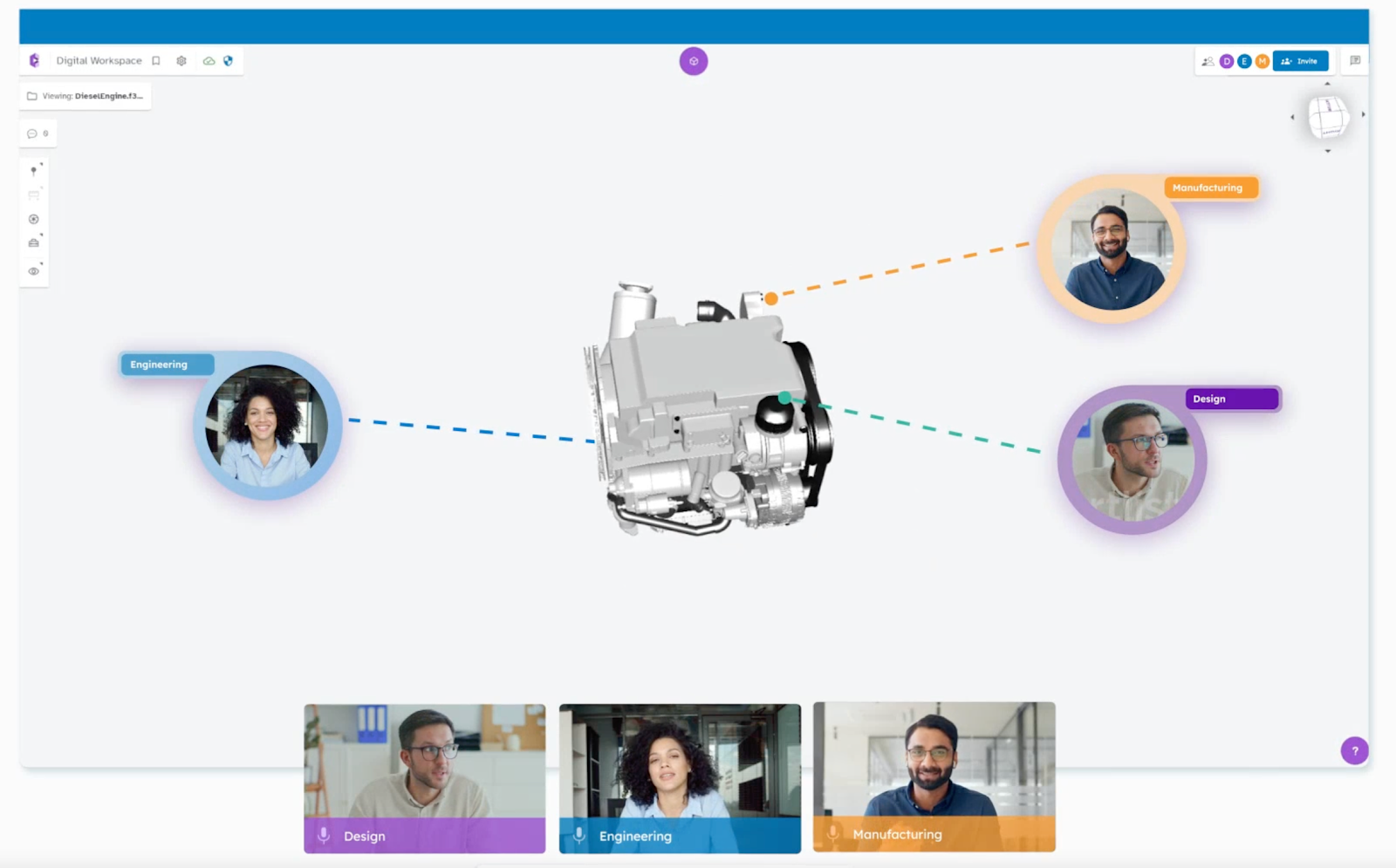
With CADchat, your model becomes the meeting. No more relying on static images or screen-sharing apps. You can explore design elements together, mark up the model, and watch changes unfold in real time.
Every comment, snapshot, and annotation stays attached to the design. This makes decision-making transparent and traceable.
You always know what was agreed on and why, helping your team move forward with confidence and accountability.
Support Cross-Functional Collaboration
Your projects often involve many roles, from engineers and designers to suppliers and managers.
CADchat makes cross-functional collaboration easy by giving everyone access to the same project without extra software or conversions.
You can invite non-technical users too, so they can share ideas without needing to learn CAD tools. This helps the whole team contribute, not just the experts.
Start Meetings in Minutes
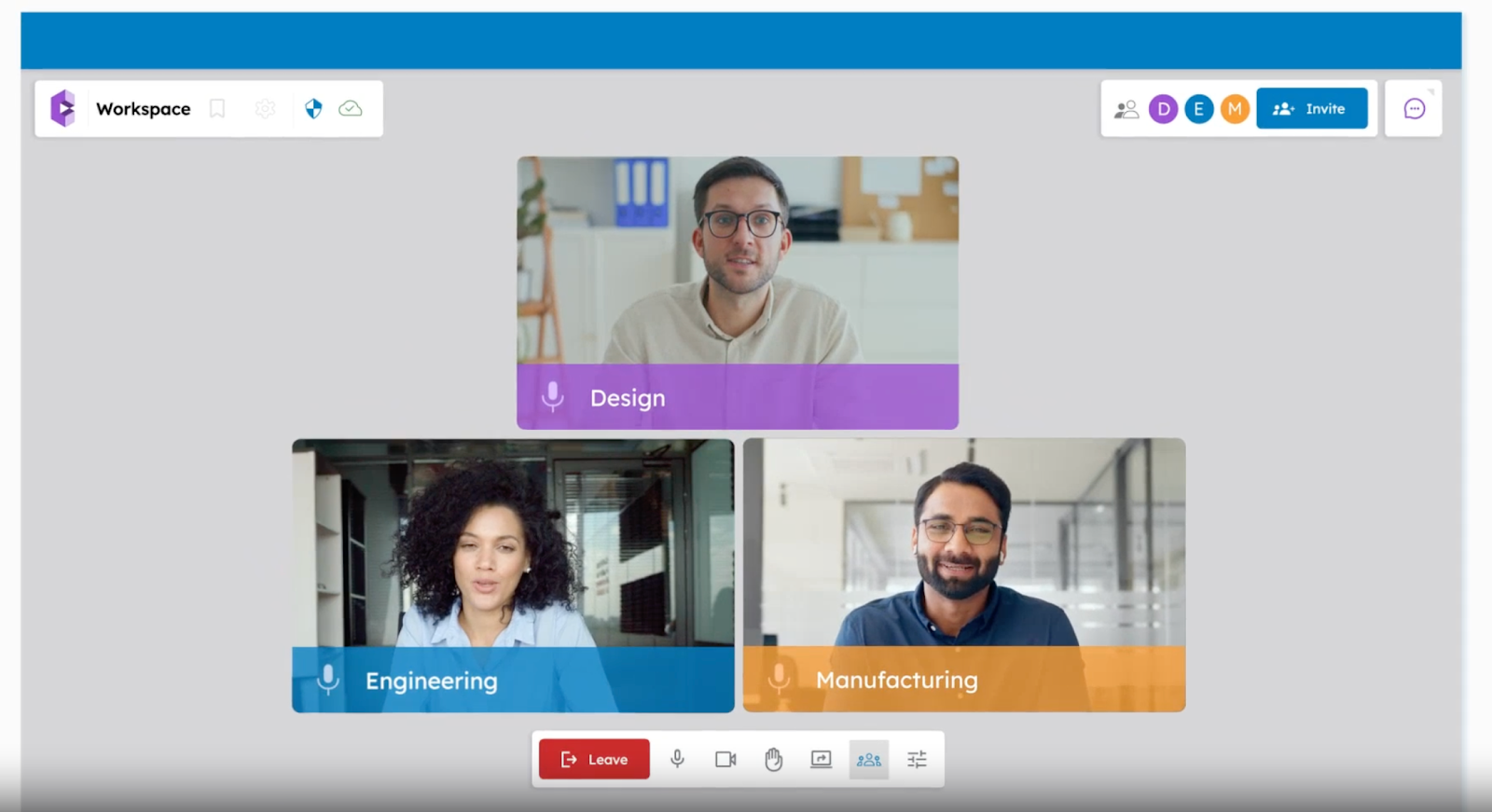
With CADchat, launching a session is quick and simple. You can start a meeting directly from your calendar and invite your team with just a link. There are no installs or complex setups, which means you spend less time on logistics and more time focusing on the work that matters.
This speed makes it easier to connect early in concept development, when ideas are still forming, and carry that momentum through the full product creation process.
By reducing friction, your team can dive straight into the model, review details together, and explore innovative solutions without delay.
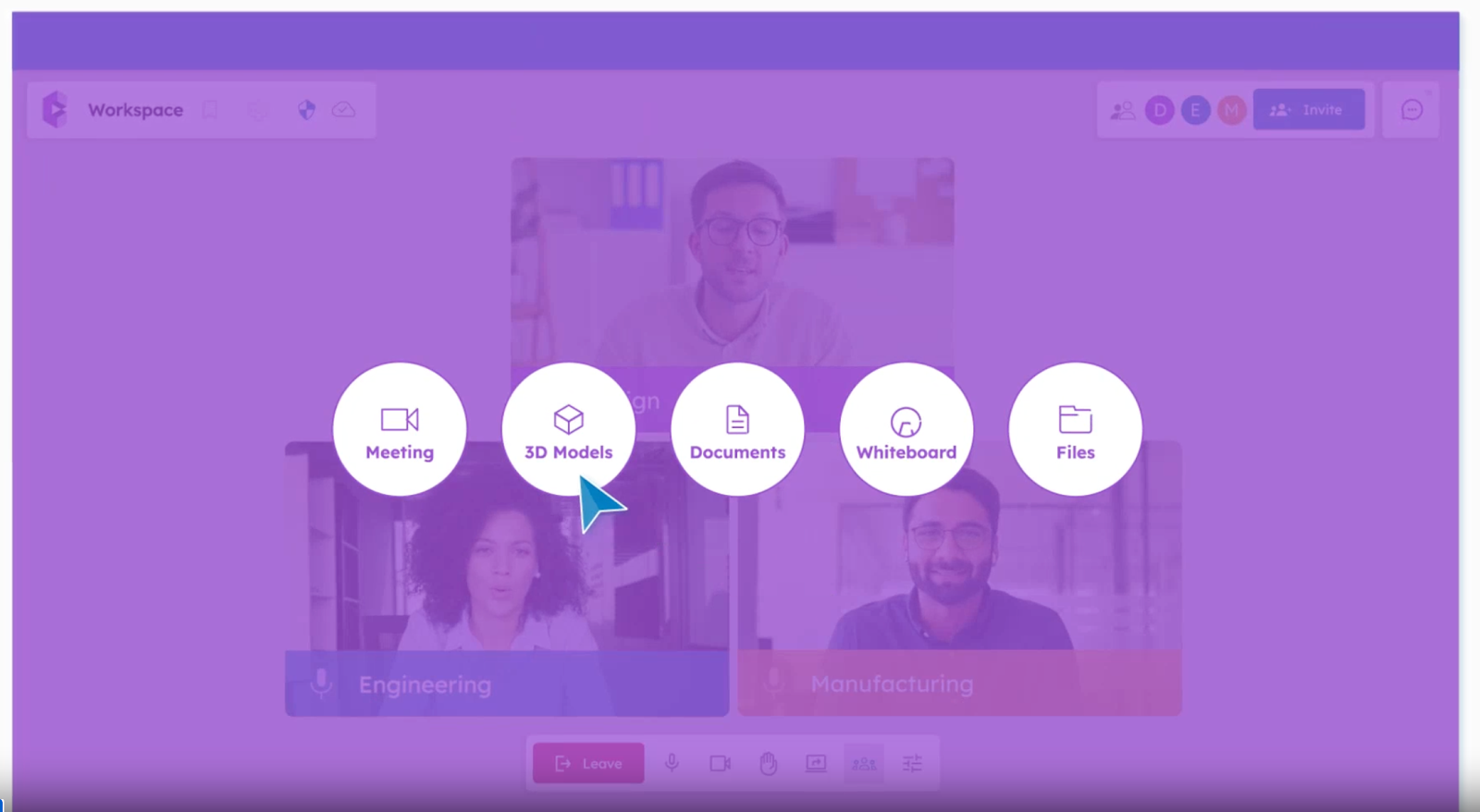
Turn reviews into results. Get started now and see 30% fewer meetings with CADchat!
FAQs About Collaborative Design Process
What is a collaborative design process?
A collaborative design process is when a team works together to create solutions by sharing ideas, feedback, and skills.
It helps 3D designers, developers, and stakeholders align on goals and make better choices for the final product. This approach makes the outcome more useful and easier to apply in software development.
What are the 5 steps of collaboration?
The five steps of collaboration usually include starting with a research phase, setting clear goals, brainstorming, building, and reviewing together. Each step involves communication and shared input so the team can move forward with a clear direction.
What are the 5 stages of the design process?
The five stages of the design process are research, defining the problem, creating ideas, building prototypes, and testing. These stages help teams analyze user data and adjust designs based on what works best for the people using the product.
What are the four types of collaboration styles?
The four types of collaboration styles are cooperative, consultative, consensus, and coordinated. Each one shows a different way people share ideas and make decisions, from giving advice to fully agreeing as a group.