Have you ever spent hours searching for the right design file or the latest version of a product drawing?
Many product teams deal with scattered data, confusing file names, and miscommunication between departments. These issues slow down projects, create costly mistakes, and make it harder for everyone to stay aligned.
Product data management (PDM) software can help you organize, control, and share all your product-related information in one place.
In this article, we’ll look at the seven best PDM software solutions for product teams in 2025. You’ll see how each one supports better collaboration, smoother workflows, and easier control over your product data.
What Is PDM Software?
Product data management software is a comprehensive solution that helps you organize and control all your product-related data in one secure environment.
It works as a central hub where you and your team can store and manage design files, manufacturing instructions, and other technical details.
With proper access permissions, everyone involved in the project can find what they need without worrying about version mix-ups or outdated documents.
This document management software supports your business processes by keeping your data consistent and easy to trace. It helps you maintain data integrity through built-in audit trails that track every change and update.
Features like engineering change management make it easier to review and approve design revisions, reducing errors and saving time during production.
Whether you work in engineering, manufacturing, or quality control, it helps your entire organization stay aligned, make faster decisions, and keep projects moving smoothly.
Book a demo today and see how CADchat brings real-time collaboration to your CAD and PDM workflows.
What’s the Difference Between PDM and PLM?
Product data management and product lifecycle management (PLM) might seem similar, but they serve different roles in your product development process.
PDM helps your engineering teams manage design files, control revisions, and organize product information during the design stage. It supports engineering workflows and gives your team a single, reliable place to find accurate data.
PLM systems go further by covering the entire lifecycle of your product, from concept to manufacturing, service, and disposal.
Both systems connect data, people, and processes across your organization to improve collaboration and product quality.
Here’s a simple comparison table of the two:
| Feature | Product Data Management | Product Lifecycle Management |
| Scope | Focuses on managing and controlling design and engineering data such as CAD files, drawings, and specifications during the product design phase. | Covers the entire product lifecycle, from concept and design to manufacturing, distribution, maintenance, and end-of-life. |
| Function | Acts as a centralized repository for technical product data, maintaining version control, revisions, and collaboration within engineering teams. | Integrates data, processes, and collaboration across multiple departments, including engineering, manufacturing, supply chain, quality, and service. |
| Collaboration | Supports collaboration mainly within design and engineering teams. | Enables cross-functional collaboration across the entire organization. |
| Lifecycle coverage | Focuses on the product development stage, primarily on design and engineering data management. | Manages workflows and data across all lifecycle stages, including production, compliance, maintenance, and disposal. |
| Strategic impact | Improves data organization and design efficiency. | Provides a broader framework for digital transformation, innovation, and faster time-to-market. |
| Integration | Often integrates with CAD and enterprise resource planning (ERP) systems. | Connects with enterprise systems across departments for full lifecycle visibility. |
7 Best PDM Software Tools to Manage Product Lifecycle Data
PDM software can help you organize design data, track changes, and keep everyone aligned from concept to production.
Here are seven PDM software options that can help you simplify your workflows and keep your product data in order.
1. SOLIDWORKS PDM
Source: solidworks.com
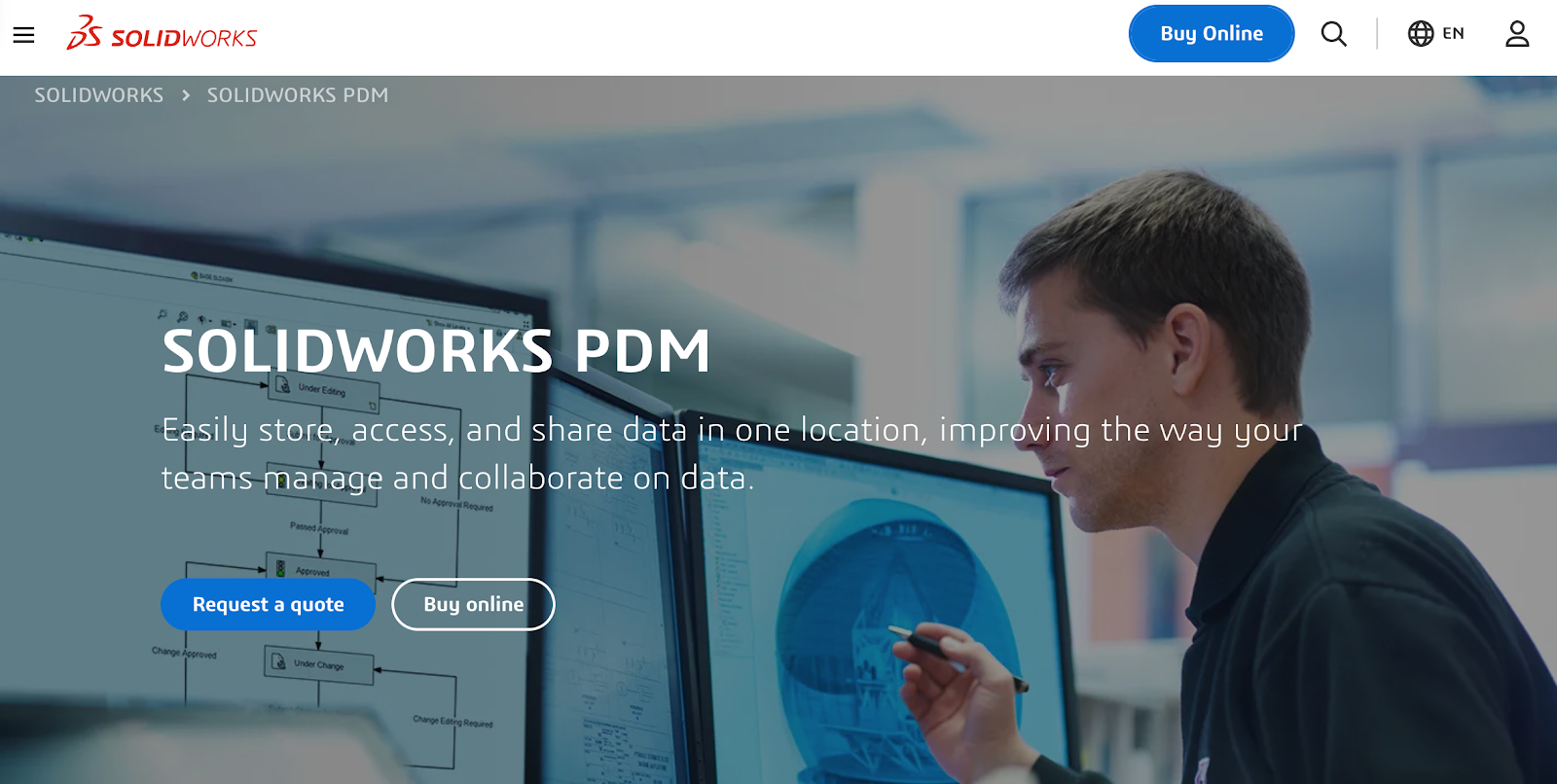
SOLIDWORKS PDM is a product data management system for teams that use SOLIDWORKS CAD and other CAD tools.
It stores models and documents in a central vault on your server. It helps teams manage files, track document versions, control access, and run workflows.
It works inside Windows Explorer, with optional web access in the Professional edition. SOLIDWORKS Manage adds project, process, and item records, plus dashboards and reports.
Key Features
- Centralized vault – Store CAD files and related documents in one repository with role-based access control
- Revision control – Check out, lock, and track changes with a full history of document versions
- Search and reuse – Find files by name, date, or metadata in Windows Explorer to reuse design data
- Workflow and notifications – Automate state changes and send alerts to keep the right people informed
- Multi-CAD and BOM support – Connect to various CAD tools and manage bills of materials for downstream use
2. Siemens Teamcenter
Source: plm.sw.siemens.com
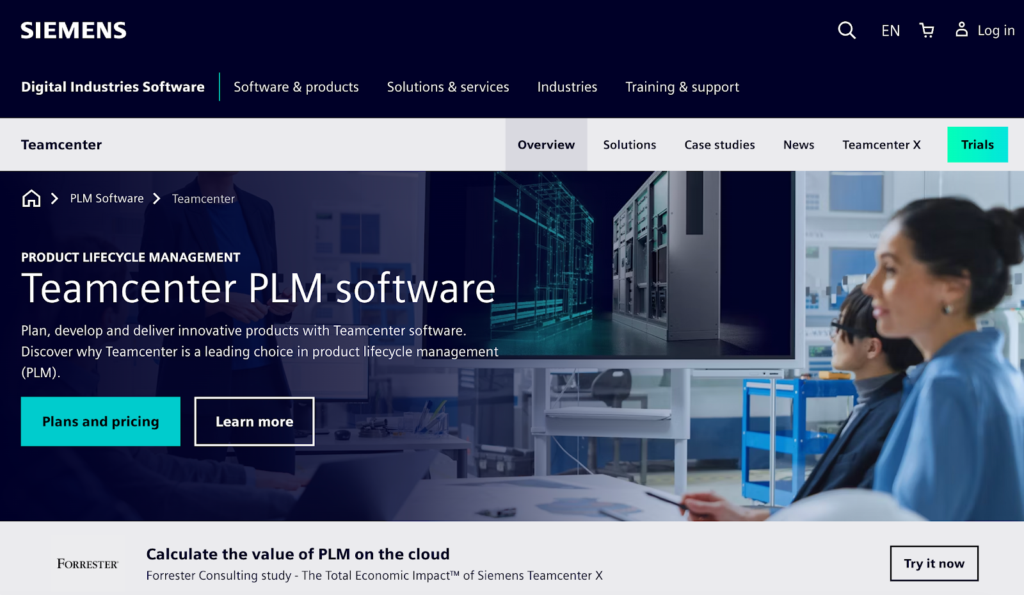
Teamcenter is PLM software from Siemens with comprehensive PDM capabilities, designed to help teams plan, develop, and deliver products efficiently.
It connects design, manufacturing, and service teams through a shared digital environment. By using digital twins, businesses can simulate, visualize, and optimize designs before production.
Available both on premises and in the cloud, Teamcenter provides flexibility for companies of any size to manage data, processes, and collaboration across the product lifecycle.
Key Features
- Digital twin integration – Connect design, systems, and simulation data to predict and resolve issues early
- Collaboration tools – Link teams across departments and automate workflows to support product development
- AI-powered PLM – Use Teamcenter AI and Copilot for faster insights and smarter decision-making
- Flexible deployment – Deploy on premises, on the cloud, or as a SaaS with Teamcenter X managed by Siemens
- Single source of product data – Centralize all product information for consistent access across teams
3. OpenBOM
Source: openbom.com
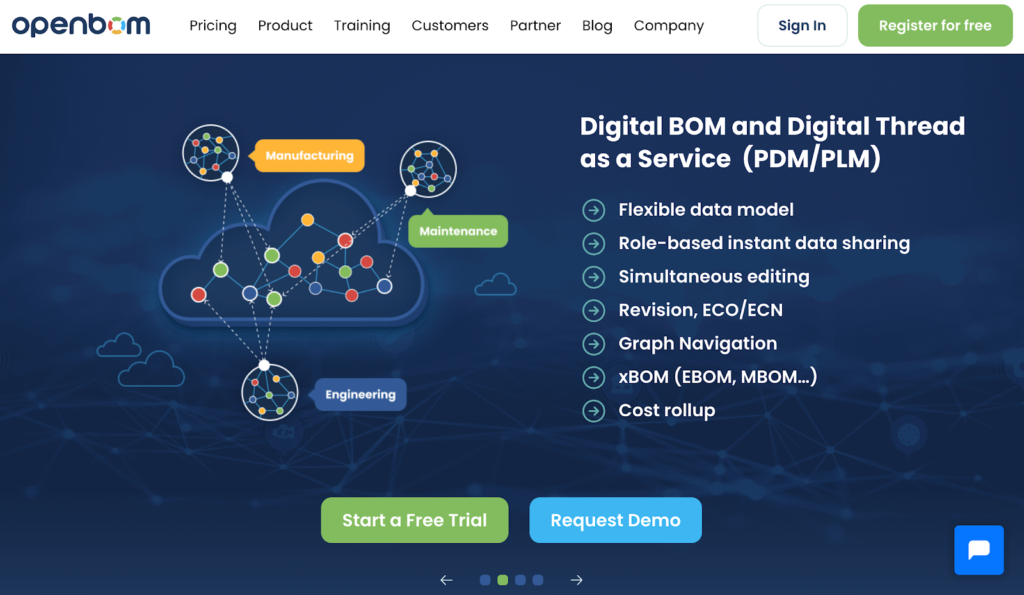
OpenBOM is a cloud-based platform that connects PDM, PLM, inventory, and procurement management into one collaborative workspace.
It provides engineering and manufacturing teams with real-time access to product data, bills of materials (BOMs), and orders. Built for modern manufacturing workflows, it supports CAD integrations, vendor management, and production planning.
The platform helps teams organize product data, manage revisions, and collaborate with suppliers without needing complex IT systems.
Key Features
- Collaborative workspace – Real-time, Google Sheets-like environment that supports simultaneous editing and data sharing
- BOM and change management – Simplifies complex multi-level BOM and engineering change order processes
- ERP data integration – Enables accurate transfer of product and inventory data to ERP systems
- CAD data management – Connects directly with major CAD tools to manage drawings, files, and revisions
- Procurement and inventory management – Supports requests for quotation (RFQs), purchase orders, and inventory tracking within a single platform
4. Bild
Source: getbild.com
Bild is a cloud-based PDM and PLM platform designed for hardware teams that need modern tools to manage design data, track product information, and handle engineering changes.
It provides a connected workspace where engineers, product managers, and suppliers can collaborate on CAD files, bills of materials, and lifecycle states.
The platform supports version control, change management, and secure file access for distributed teams working on complex hardware products.
Key Features
- Cloud PDM – Manage CAD files with check-in and check-out control, version tracking, and rollback options
- Cloud PLM – Track product information, manage BOMs, and run approval workflows for engineering changes
- Integrated BOM management – Automatically generate and update BOMs from the PDM vault and the PLM database
- Multi-CAD support – Handle data from multiple CAD systems and common office formats under one platform
- Security and compliance – SOC 2 Type 2 certified with AES 256 encryption, role-based access, and ITAR-compliant environments
5. Autodesk Vault
Source: autodesk.com
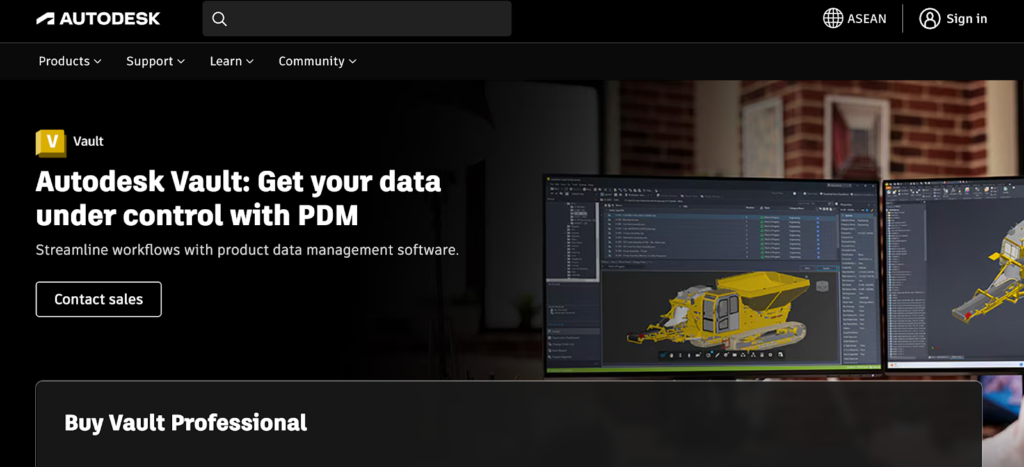
Autodesk Vault is PDM software that centralizes information in a shared environment, supports revision tracking, and automates engineering workflows.
By connecting engineers, manufacturers, and collaborators through a secure platform, Vault improves file control, version history, and workflow consistency.
The software also connects with Autodesk Fusion Manage for full product lifecycle management capabilities.
Key Features
- Centralized data management – Store and organize all design files in one secure, shared location
- Revision control – Track design history, manage document versions, and prevent overwriting of files
- Workflow automation – Automate engineering processes such as review, release, and change management
- Remote access options – Access data anywhere through desktop, web, or mobile tools
- PLM integration – Connect with Autodesk Fusion Manage for change control, BOM management, and supply chain collaboration
6. Solid Edge PDM
Source: solidedge.siemens.com
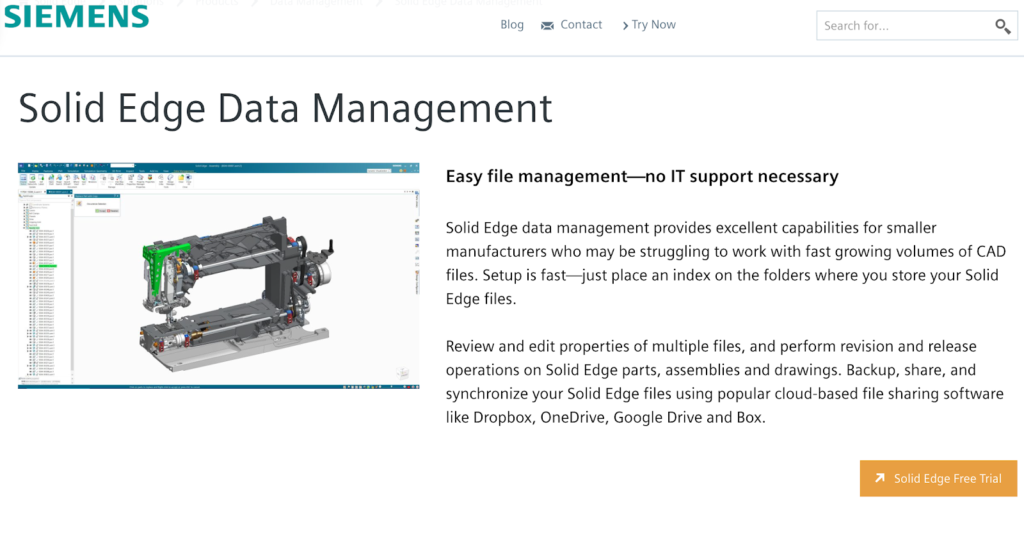
Solid Edge Data Management is a file management solution designed for small to mid-sized manufacturers that need an easy way to organize and control growing volumes of CAD files.
It allows teams to review, edit, and manage file properties, revisions, and releases without dedicated IT resources or database software.
The system works with common cloud storage platforms like Dropbox, OneDrive, Google Drive, and Box, making it simple to back up and share design data securely.
Key Features
- Fast setup – Configure file indexing quickly without installing or maintaining database software
- Integrated search and property tools – Instantly find files and manage multiple property edits from one interface
- Revision and release management – Perform version control and release tasks for parts, assemblies, and drawings
- Cloud file sharing – Sync and back up CAD data using Dropbox, OneDrive, Google Drive, or Box
- Clear data visibility – Access and track all Solid Edge files for better organization and team collaboration
7. Onshape
Source: onshape.com
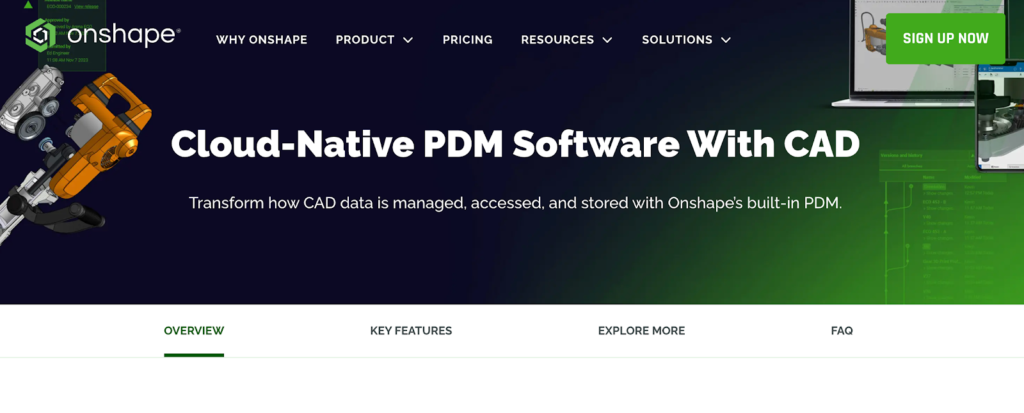
Onshape’s cloud-native PDM software is built directly into its CAD platform. It gives engineers an integrated way to manage, access, and store design data. All design information, such as assemblies, drawings, and documents, stays in one cloud workspace.
This setup helps teams collaborate in real time, track version history, and manage releases without file conflicts or complex setups.
Key Features
- Built-in version history – Track every edit and compare design versions within centralized Onshape Documents
- Branching and merging – Allow multiple engineers to work on designs at the same time without data conflicts
- Release management – Automate review and approval workflows to speed up release cycles
- Advanced search – Find parts, assemblies, and drawings quickly using property-based search or “Where Used”
- PLM integration – Connect with Arena PLM for real-time collaboration between engineering and operations teams
Benefits of PDM Software for Product Development
When your team manages complex designs, countless revisions, and multiple contributors, keeping data organized can be a challenge. A PDM system offers your team the following benefits:
Work Better Together
A PDM system makes collaboration smoother by storing all your product data, documents, and files in a shared space.
This means engineers, designers, and managers can work on the same project without sending files back and forth. Each update is tracked, and you can see who made what change and when.
For example, if one designer updates a 3D product render, everyone instantly gets access to the latest version. This prevents duplicate work and helps distributed teams stay aligned.
Build Better Products
Maintaining quality becomes easier when you have complete visibility over your data. A PDM system allows you to trace every design decision, compare versions, and identify where changes may affect other parts of the product.
This visibility helps detect design flaws before they reach production. Over time, this improves the reliability and consistency of your final products throughout the entire product lifecycle.
Save Time and Cut Costs
Workflow automation capabilities in a PDM system replace manual steps like document approval, data entry, and file sharing.
For example, when an engineer submits a design for an upcoming design review meeting, the system can automatically route it to the right approver instead of relying on email.
This speeds up approval times, reduces delays, and prevents rework caused by outdated information. Automating repetitive tasks also lowers labor costs and shortens development cycles.
Make Smarter Decisions
When your product data is integrated and accessible, decision-making becomes clearer. Managers can review performance metrics, project timelines, and change requests directly from one dashboard.
If a component revision impacts the project’s budget or timeline, the PDM system makes those effects visible right away. Having this information in real time helps you plan better and reduce risks.
Avoid Costly Mistakes
One of the biggest challenges in product development is version control. PDM system helps you ensure version control by keeping only one approved version of each file accessible to your team.
Outdated drawings or conflicting revisions no longer cause confusion. This control maintains data consistency and prevents costly production errors that often occur when multiple people work on separate file copies.
Keep Your Data Safe
Sensitive product data should never be at risk. PDM systems give you secure data access through controlled user permissions and encryption. You can set rules to decide who can view, edit, or download certain files.
This is especially important when sharing files with supply chain teams or contractors through multiple channels. With these controls, your product information stays protected from unauthorized use.
Stay Compliant With Ease
Regulatory compliance becomes simpler when all your documentation is centralized. You can store records like design certifications, testing reports, and material data in one organized system.
During an audit, you can retrieve these records in seconds. The ability to maintain complete audit trails also helps your business show compliance with industry standards without digging through scattered folders.
Scale Without the Chaos
As your company takes on more projects, the amount of data you manage grows rapidly. A PDM system scales with you by organizing large volumes of design files, change histories, and documentation.
It helps you maintain consistency as your teams expand, products diversify, and projects increase in complexity.
This flexibility gives your organization the agility it needs to respond to new opportunities and market changes quickly.
What Features Should You Look for in PDM Software?
The right PDM software helps you stay organized, keep your information accurate, and connect your design and manufacturing teams.
When you evaluate your options, focus on features that make your data easy to manage, share, and protect. Here are some key tips on what to look for.
Centralized Data Hub
A good PDM system should give you a single, secure place to store all your product information. This includes CAD files, drawings, BOMs, and other design data.
With a central data management hub, your team can access the same, accurate product data without confusion or duplicate versions.
For example, when an engineer updates a drawing, everyone instantly sees the latest version instead of relying on email attachments or shared folders.
Version Control and Revision Management
Version control keeps your designs organized by tracking every file change from start to finish. You can easily check who made each update and when.
Structured approval workflows also help prevent errors by keeping everyone aligned on which version is ready for use.
This makes collaboration between engineers and designers smoother while protecting your design data from accidental overwrites.
Access Control and Permissions
Role-based permissions protect sensitive data while allowing teamwork to flow. You can give editing rights to specific users and view-only access to others.
This helps you collaborate with both internal teams and outside partners without risking data leaks. It’s especially helpful when multiple departments or contractors need access to the same files.
Workflow and Change Management
A strong PDM solution should include tools to automate your workflows. You can define steps for submitting, reviewing, and approving engineering changes.
Automated notifications help move tasks along faster and prevent bottlenecks. For instance, when a design change is approved, related teams like manufacturing or quality automatically receive updates.
Integration Capabilities
PDM software should connect easily with your existing enterprise systems. This includes ERP, computer-aided manufacturing (CAM), and PLM platforms, as well as your CAD tools.
When you integrate product data across departments, you reduce manual data entry and make sure every team works from the same information.
This connection improves collaboration between design, production, and management teams.
Reporting and Audit Trails
Reporting tools and audit trails help you track every change made to your designs and documents.
You can create detailed reports for internal reviews, quality control, or regulatory compliance. Having this visibility helps you maintain accountability and transparency throughout product development.
Search and Navigation
An intuitive interface with powerful search functions is key when dealing with large volumes of files.
You should be able to find what you need using search criteria like file name, attributes, or part number. Quick and easy search saves time and prevents frustration during busy projects.
Pair Your PDM Software With CADchat for Better Collaboration
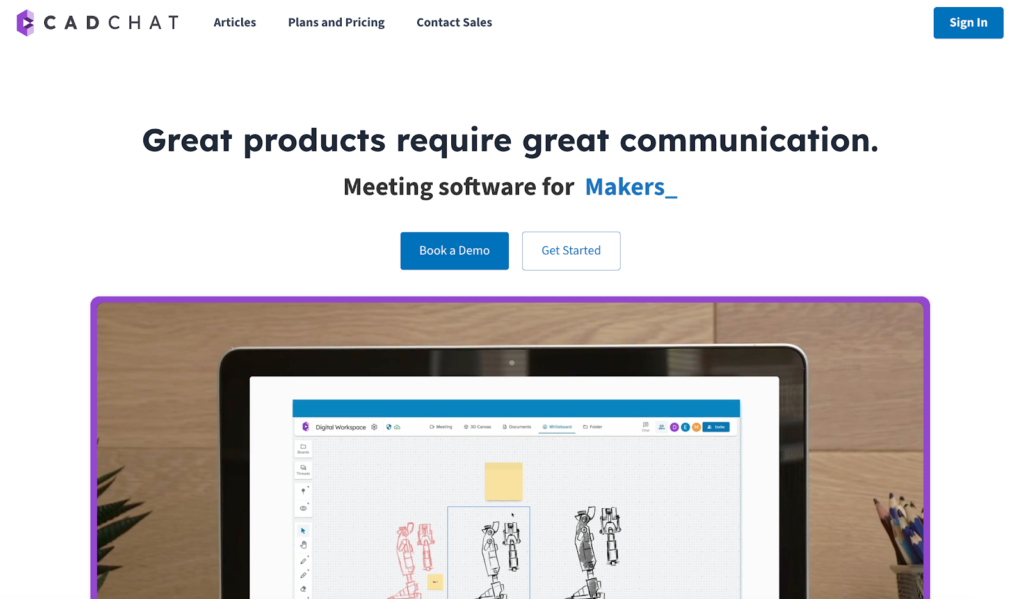
CADchat is a cloud-based solution that gives your team a simple way to collaborate during the entire product development process.
It gives you a shared workspace where designers, engineers, and procurement teams can meet directly inside CAD models.
You can review CAD designs, share ideas, and handle change requests through real-time collaboration that keeps everyone connected and focused.
This approach helps you improve productivity by cutting down on delays and reducing the need for endless back-and-forth communication.
When you combine CADchat with your PDM software, you create a strong foundation for teamwork. Your PDM system manages files and tracks revisions, while CADchat helps your teams discuss designs and make decisions together.
The two tools work side by side to improve collaboration across departments, keeping every detail up to date and accessible.
With flexible deployment options and built-in security, CADchat adapts to how your team works. Whether you are managing engineering changes or coordinating with suppliers, it helps you stay organized and efficient.
FAQs About the Best PDM Software
What is the best PDM software?
The best PDM software depends on your needs, but Autodesk Vault, SOLIDWORKS PDM, and Siemens Teamcenter are popular options. They help manage product data, track revisions, and keep design files organized for teams working on complex projects.
What is the alternative to SOLIDWORKS PDM?
If you’re looking for an alternative to SOLIDWORKS PDM, options like Autodesk Vault, Siemens Teamcenter, and PTC Windchill are good choices. These platforms also manage product data, control revisions, and support collaboration across design teams.
Is SOLIDWORKS a PDM?
SOLIDWORKS itself is not a PDM but a 3D CAD design software. However, SOLIDWORKS PDM is a separate tool made by the same company that manages design data, version control, and team collaboration for SOLIDWORKS projects.
Which software is best for data management?
For data management, tools like Microsoft SQL Server, Oracle Database, and IBM Db2 are among the best. They store, organize, and manage large volumes of data securely while supporting analytics and business operations across different industries.