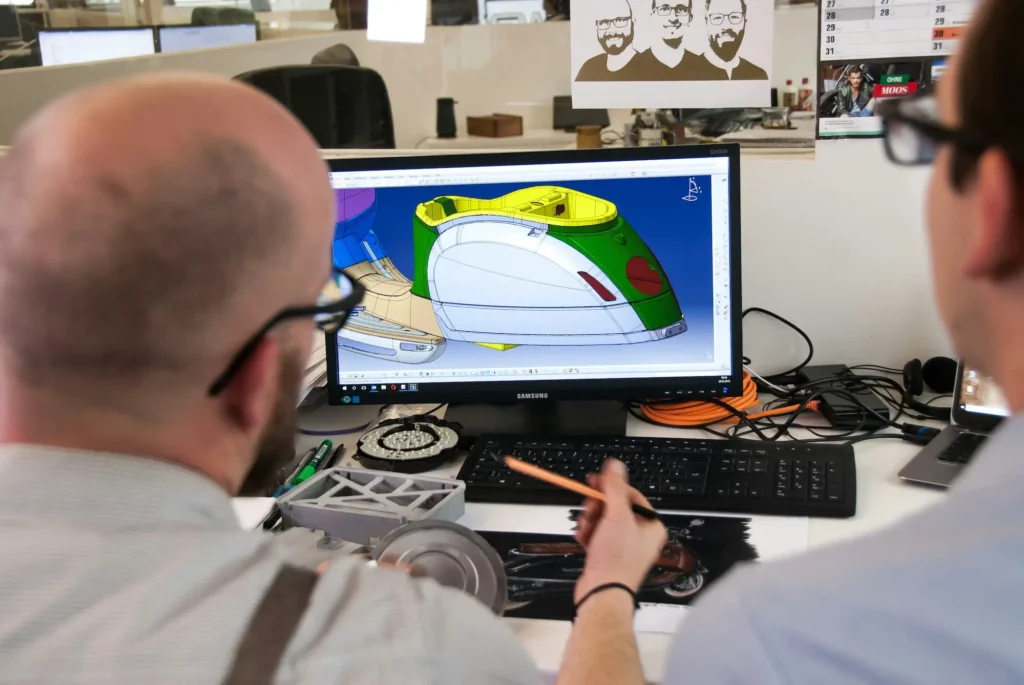
Some days it feels like you spend more time in meetings than actually building anything. Every quick sync turns into another meeting, and before you know it, half the day is gone, and your CAD work is still sitting untouched.
In this article, we’ll discuss the problem with excessive meetings. We’ll also talk about how you can spot ineffective meetings within your workflow and how you can avoid them.
The Problem With Excessive Meetings
Meetings are not inherently bad. Product teams need time to talk and plan, after all. The real trouble starts when there are too many meetings being held, with no clear purpose.
Many team members walk out feeling lost because the previous meeting did not help them move forward. According to Project.co, 61% of people feel they waste time in meetings, which shows how much time slips away in rooms that add no value.
As per Atlassian, 62% of employees attend meetings that don’t have any goal stated in the invite. They sit through endless meetings but leave without real direction.
Some sessions turn into status update meetings that could fit in a short message. The same survey by Atlassian found that 78% of people are asked to attend so many meetings that they struggle to finish their tasks. About 51% even work overtime because of this.
When this happens, company leaders will notice a lack of productivity across the team because people spend more time sitting in calls than doing the work that matters.
How to Spot Unnecessary Meetings
Effective meetings play a real part in product engineering and development. Engineers and designers present prototypes during one of these meetings. It’s also the time when product managers and non-technical stakeholders share useful feedback
However, product development can still fall into the trap of having unnecessary meetings. That’s why it’s important to learn how to spot meetings that do not move the work forward. Here are some red flags you can watch out for.
Lack of a Clear Purpose
Think about how many meetings your team joins where the goal is unclear. A meeting with no point only adds noise. If no one knows why they were invited, then the room fills with long conversations that lead nowhere.
When this happens, participants drift, the talk stretches past one hour, and no one leaves knowing the next steps. A session with a clear purpose should help the team decide something or move a project forward.
Too Many People in the Room
A session with too many voices makes it hard to focus. Sometimes, managers schedule meetings and invite the full group even though only a few people need to join.
When your meetings grow this way, people who have no part in the topic end up spending time on tasks that don’t matter.
A smaller group keeps the talk tight and makes the meeting more productive.
Late Arrivals and Missing People
When people show up late or skip the room, it often signals that the meeting has little value. These patterns appear in recurring meetings where delays stack up and eat into the first minutes.
According to Flowtrace, about 50% of all meetings start late, which means teams lose time before the talk even begins.
Over time, employees feel like their effort to be on time is being wasted. More people start to arrive late and waste even more time. The cycle keeps growing until the meeting feels slow at the start every single week.
Tense or Chaotic Atmosphere
Sometimes discussions turn sharp. Blame, frustration, and raised voices show that the room is not working well. When this tone becomes normal, having more meetings will not fix the issue.
It usually means the group lacks shared goals or a safe place to talk. A calm space helps people speak up without fear, which leads to better outcomes.
Tech Issues That Stop Progress
A session built around screens, slides, or tools can fall apart when your meeting platform fails. When the group waits for things to load or reconnect, the flow breaks.
After a few minutes, people stop paying attention. This leads to a longer meeting and fewer productive moments.
No Action Plan at the End
A meeting that ends with no plan is a meeting that did not create results. Without tasks or owners, the talk becomes a loop that repeats in recurring meetings. If you leave without knowing what to do next, the session gave you talk, but no progress.
Over time, this creates a pattern where meetings feel empty, and real work slows down. Clear tasks, owners, and timelines turn a talk into action and help everyone leave the room with purpose.
Want fewer design meetings? Contact sales today and see how CADchat keeps projects on track.
Tips on How to Avoid Meeting Overload in the Workplace
Fixing unnecessary meetings matters even more in product development. Engineers and designers need long stretches of quiet time to model parts, review assemblies, and work through complex details. Unproductive meetings break that flow and slow down progress.
Here are some ways you can reduce unnecessary meetings:
1. Make Space for Real Design Work
Protecting long, quiet blocks of work time is one of the strongest ways to support engineers and designers. CAD work needs deep focus.
Setting meeting-free blocks in the calendar gives the team room to solve problems without constant stops.
Start by picking two or three solid windows each week. These can be half-day periods or a few hours in the morning when people do their best thinking. Mark them clearly so everyone knows not to schedule meetings during that time.
Encourage people to keep their own time as protected as possible. They can mute notifications, close chat apps, and prepare all the CAD files they need before the block begins. This makes the session feel like a focused workshop rather than scattered work.
2. Keep Meetings Short and Clear
Short, focused design review meetings help product teams protect valuable design time. A session with a clear agenda makes it easier for everyone to prepare and stay on track.
Before the call, share the meeting agenda, the 3D CAD models you plan to review, and the desired outcome you want by the end. This gives people a chance to review the models, check constraints, and form their own opinions even before the meeting.
Set a simple time box and keep the talk tight. When the group knows the meeting will be short, they come in ready to discuss the real issue instead of drifting into side topics.
If the point is reached early, end the call right away. Finishing early gives the team more room for deep modeling or assembly updates.
See how CADchat helps remote teams collaborate without meeting fatigue. Book your demo today!
3. Clean Up Recurring Meetings
Recurring meetings are sessions that repeat on a set schedule. When they lose their purpose, they turn into calls that take time without helping the team.
As the schedule fills up, the number of meetings rises even though many no longer support real design work.
This is why it helps to review all repeating sessions at least once a month. Look at each meeting and ask a simple question: Does this still move the project forward?
If the meeting no longer adds value, remove it or change it. Some sessions start with a real purpose but drift into updates that could fit in a short message. Others involve too many people when only two need to talk.
When that happens, let the rest skip and only share quick notes afterward. This gives everyone more space for CAD modeling, 3D rendering, drawing checks, or assembly work.
A meeting management tool can help you keep every session clear and useful. It shows which meetings still matter, tracks tasks, and keeps the schedule clean. This stops the number of meetings from growing and helps the team focus on real work.
4. Use Async Updates When You Can
Move some of your meetings asynchronously. Not every update needs a live call, especially when the work involves simple updates on CAD models or simulation results.
When you shift small updates out of meetings, you give people space to review information at their own pace without breaking focus.
Start by sharing context in places the whole team can access. You can upload marked-up drawings, add comments to shared CAD review notes, or attach screen captures that explain a design choice.
Use a design feedback tool that keeps CAD files and feedback in one place. People can read everything they need before touching the model, which creates smoother progress.
Async updates also help when teams work across different time zones or when someone is deep into modeling a part.
Encourage teams to comment directly on the file or thread where the work lives. This keeps feedback clear, easy to follow, and tied to the actual design.
5. Keep the Room Small
A focused meeting works best when only the people who work on the part, assembly, or workflow are in the room. When fewer voices join, the group can move through details faster and keep the conversations centered on the real problem.
This makes it easier to review CAD models, walk through constraints, or confirm design choices without extra noise.
Start by checking who actually needs to give input. If someone is not touching the model or making decisions tied to that step, let them skip. They can read a short recap afterward and stay aligned without sitting through the full call.
A small room also makes it easier to share screens, compare revisions, or pull up the right files without slowing down.
People can ask direct questions, resolve blockers, and confirm next actions in minutes. This keeps the session productive and helps the team return to hands-on work quickly.
Cut the Noise and Focus on Real Design Work With CADchat
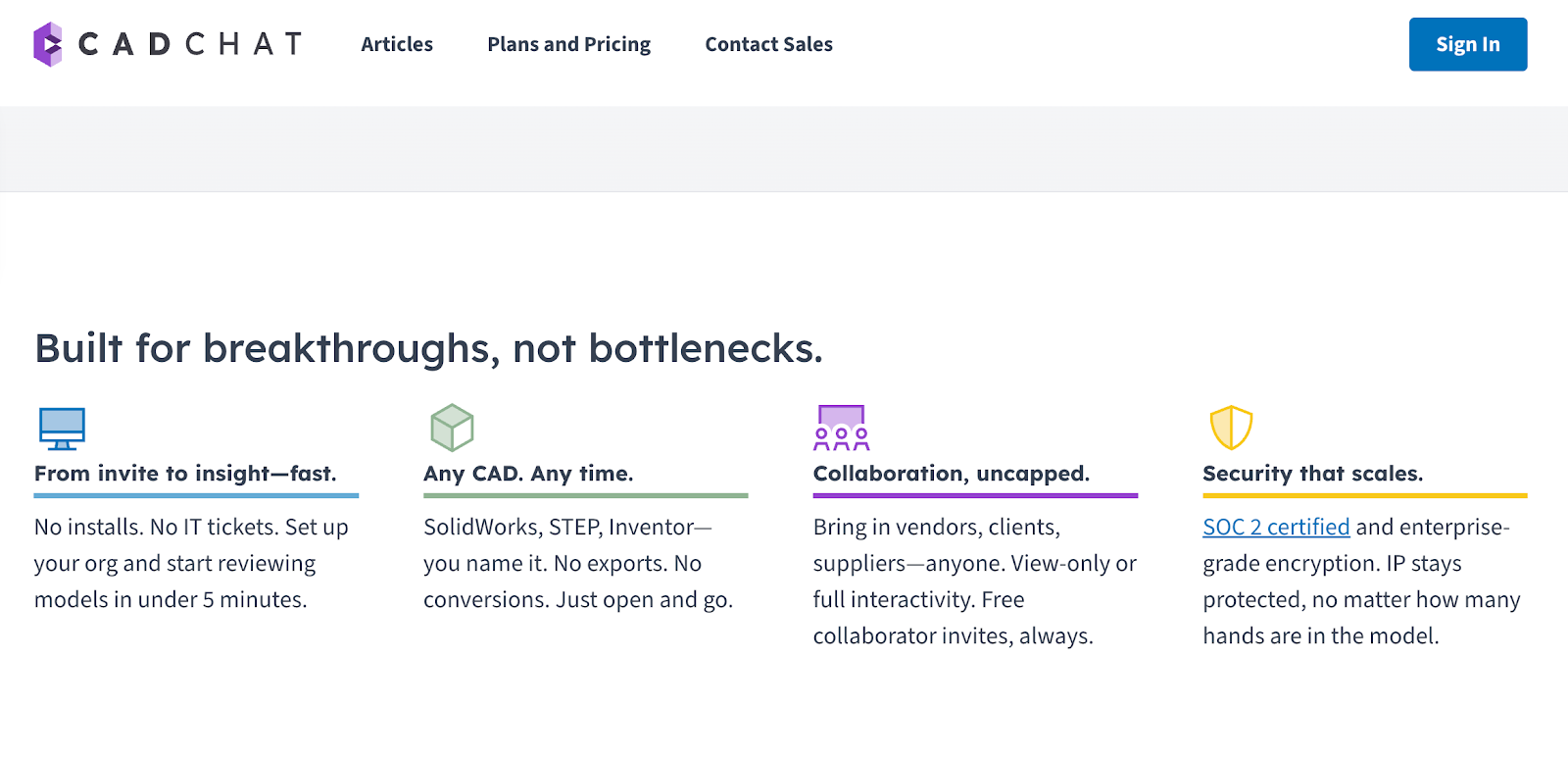
CADchat is a remote collaboration platform that gives product teams a simple way to work with CAD files without stopping the day for extra calls.
It helps engineers, designers, and managers cut down on video meetings and move updates into tools that fit real design work. This gives teams more space for deep work, faster decisions, and fewer delays.
Make Meetings Fit Your Real Work
CADchat makes asynchronous communication easy by giving teams the tools they need to review work without stopping their day.
Teams can open 3D models in the workspace, leave threaded comments, and attach markups instead of joining extra video meetings or scrolling through endless threads in their project management tool.
With this, you can cut up to 30% of unnecessary meetings and give your team more time for real engineering work.
Turn Reviews Into Clear, Shared Context
CADchat keeps every comment, CAD file, and decision inside one shared workspace, which makes collaboration feel much simpler.
When feedback lives directly on the model, teams can share knowledge without digging through old threads, long email chains, or screenshots scattered across tools.
Everything you need is already connected to the exact part or assembly you are reviewing.
Make Collaboration Easy for Everyone
CADchat gives each person a simple way to add feedback, even if they’re not familiar with using CAD software.
Engineers can review models, suppliers can point out issues, and non-technical teams can share clear input without slowing the workflow. When everyone can contribute in one place, the team needs fewer meetings, freeing up more time for real design work.
This approach helps teams start implementing changes faster because feedback stays organized and easy to act on. With fewer live calls, engineers and designers keep their focus and have more space to explore new ideas that move the product forward.
Keep Every Design Updated and Easy to Track
CADchat helps teams work on the same model without confusion. When every version lives in one place, engineers and designers always open the latest file.
No one has to search through old folders or compare outdated attachments. This clear record of changes supports better employee productivity, since the team can spend more time designing and less time checking what is current.
Experience how CADchat helps your team focus on work, not calendars. Get started today!
FAQs About How to Reduce Meetings in the Workplace
How to decrease meetings at work?
You can cut meetings by asking if the topic really needs a meeting or if a quick message or call works better. Keep groups small, so only the people who need to be there join.
Set clear goals before the meeting so the talk stays short. You can also set meeting-free hours so people can focus on real work.
What is the 40-20-40 rule for meetings?
The 40-20-40 rule says most of the work happens before and after the meeting. 40% is prep, 20% is the meeting itself, and the last 40% is follow-up. It helps people see that good planning and clear action steps matter more than the meeting time.
What are the five Ps of a meeting?
The five Ps help keep meetings on track. They are Purpose, People, Process, Plan, and Progress. This means you should know why the meeting exists, who should join, how it will run, what you want to cover, and how you will track next steps. It keeps talks short and clear.
What is the seven-minute rule for meetings?
The seven-minute rule suggests keeping short meetings to about seven minutes when the topic is simple. It pushes people to get straight to the point and skip long talks. It works well when you only need quick updates or one clear answer.