Ever feel like your design workflow gets stuck with too many repetitive steps and endless revisions?
Many teams spend more time fixing details than actually exploring new ideas. It is easy to lose momentum when feedback is scattered or when creative blocks slow progress. That is where AI can help.
In this article, we will look at five AI product design tools that can cut down on routine tasks, spark fresh design concepts, and keep your creative workflow moving forward.
How Can AI Be Used in Product Design?
You’ve probably heard of artificial intelligence and how it’s slowly seeping into every workflow process, product design being one of them.
There are now a myriad of product design AI tools available for engineers, designers, and product teams to use and experiment with during the creative process.
These tools use machine learning algorithms to suggest design concepts, highlight possible issues, and guide you toward better results early in the project.
AI features also give you new ways to explore ideas. For example, some may use an AI image generator that can take natural language input and turn it into quick sketches.
This makes it easier to share and refine early ideas with your team. You can also generate multiple design concepts and compare them before moving forward.
Working with AI-generated designs can help you and your team test more options without building as many physical models. This reduces costs, speeds up development, and keeps your team focused on improving the product itself.
Will AI Replace Traditional CAD Processes?
AI is not here to replace designers. It supports the design process and helps you work faster and smarter.
When you start integrating AI into CAD, you gain AI-powered features that handle repetitive steps and give you more time for creative work.
Think of it as an assistant that helps with simulations, image generation, or even image editing while you focus on solving design challenges.
You probably already use other tools in your workflow, and AI can fit right in. AI art and image generation can spark fresh ideas at the early stage, while AI features in CAD software can test and optimize models before you even build them.
These design tools do not (and will never) take away the role of engineers and 3D designers in product development.
They only make the process easier to manage and open more room for exploration. The design process still depends on your creativity, judgment, and problem-solving.
Speak with sales now and learn how CADchat makes every review a chance for progress.
Collaborate Smarter With CADchat
Bringing engineers, designers, and product teams together is never easy, especially when you are working with complex CAD models and AI-driven design software.
CADchat gives you the right tools to bridge that gap. Whether you are reviewing design elements, sharing high-quality visuals, or solving creative blocks as a team, CADchat makes real-time collaboration feel simple and natural.
Plus, if you want to try CADchat, the free version gives you unlimited meetings and unlimited team members. This free plan allows you to test how the design collaboration platform fits into your process before moving to a paid option.
Share High-Quality Visuals With Ease
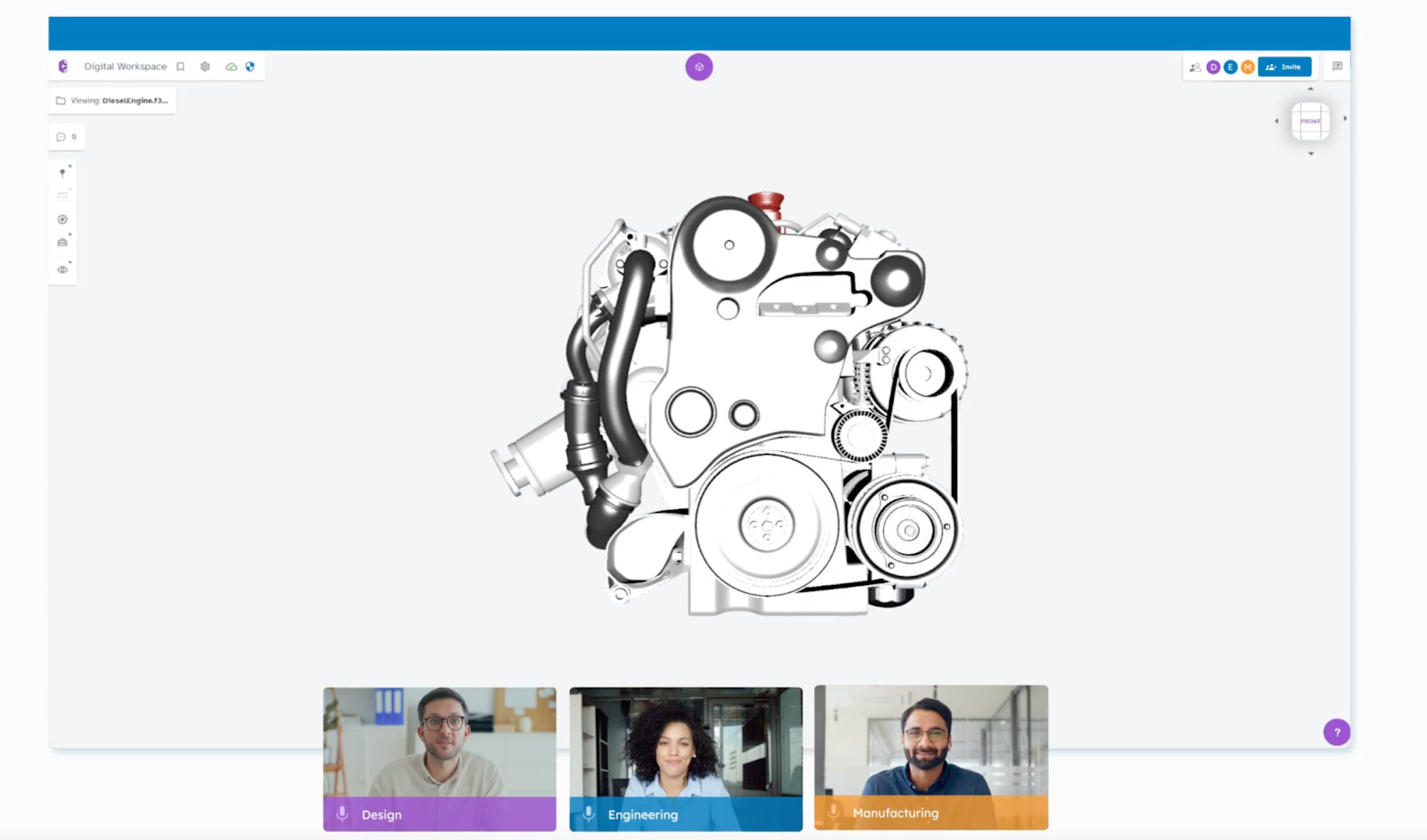
Clear visuals matter when discussing design software and complex models. CADchat allows you to open 3D CAD files directly on the platform, so everyone sees the same high-quality visuals without worrying about exports or file conversions.
This helps you explain design elements to teammates and non-technical stakeholders with clarity, saving hours of confusion and back-and-forth messaging.
Overcome Creative Blocks Together
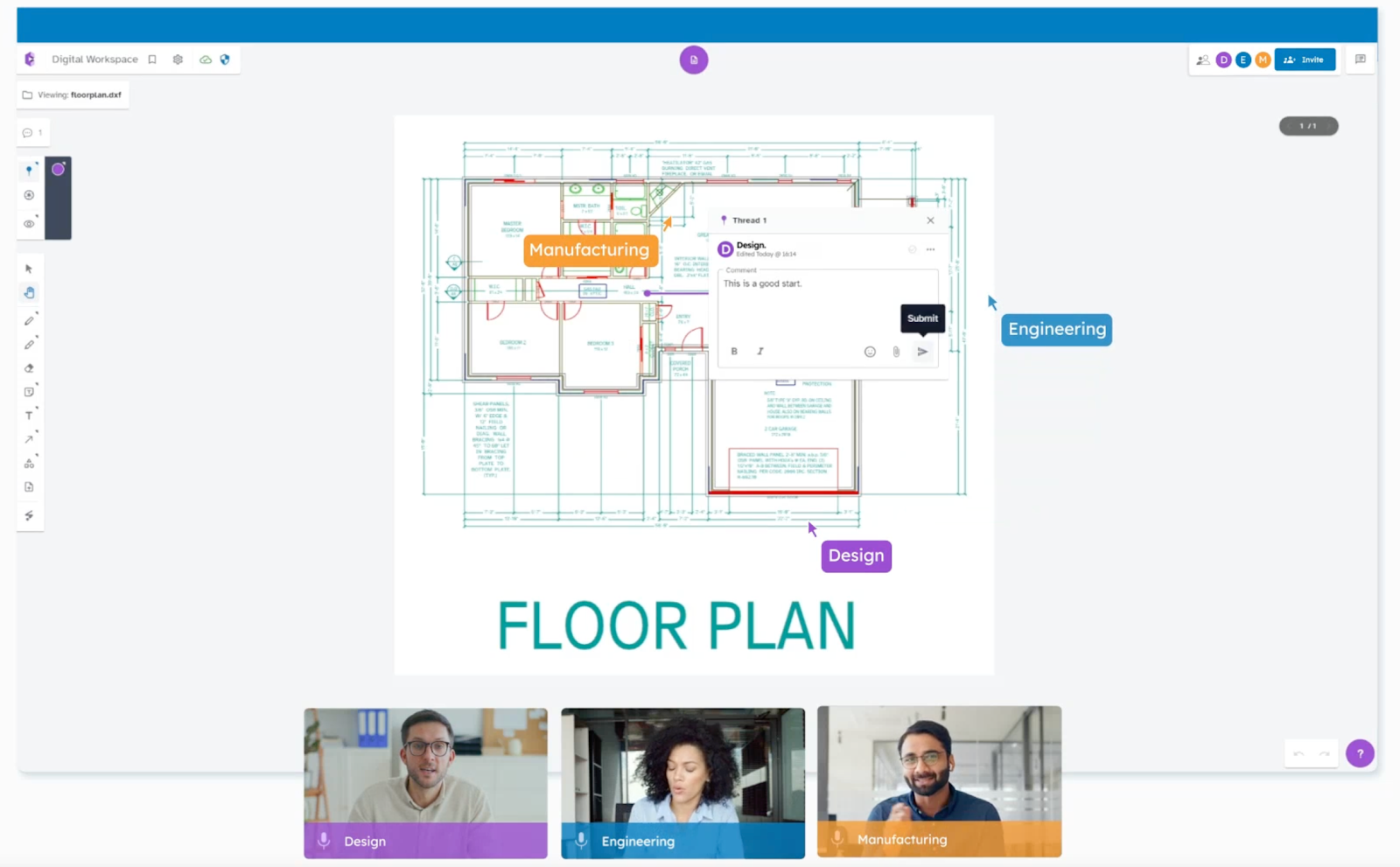
When you face creative blocks, progress can slow down. CADchat supports real-time collaboration by letting users interact directly with the model.
For example, engineers can annotate a surface, while designers suggest alternative design elements, all inside the same session. This way, ideas flow faster, and you spend less time waiting for feedback.
Enable Smarter Teamwork
CADchat focuses on enabling users to work together in one persistent workspace.
Feedback stays attached to the design, so decisions are easy to track and revisit. This feature is especially valuable when multiple teams use different CAD software.
Everyone can still join the same session, review the same model, and add comments that stick with the design.
5 Best AI Tools for Product Development
If you want to work smarter and explore new possibilities, here are five of the top AI design tools that can give your team an edge.
1. Zoo Design Studio
Source: zoo.dev
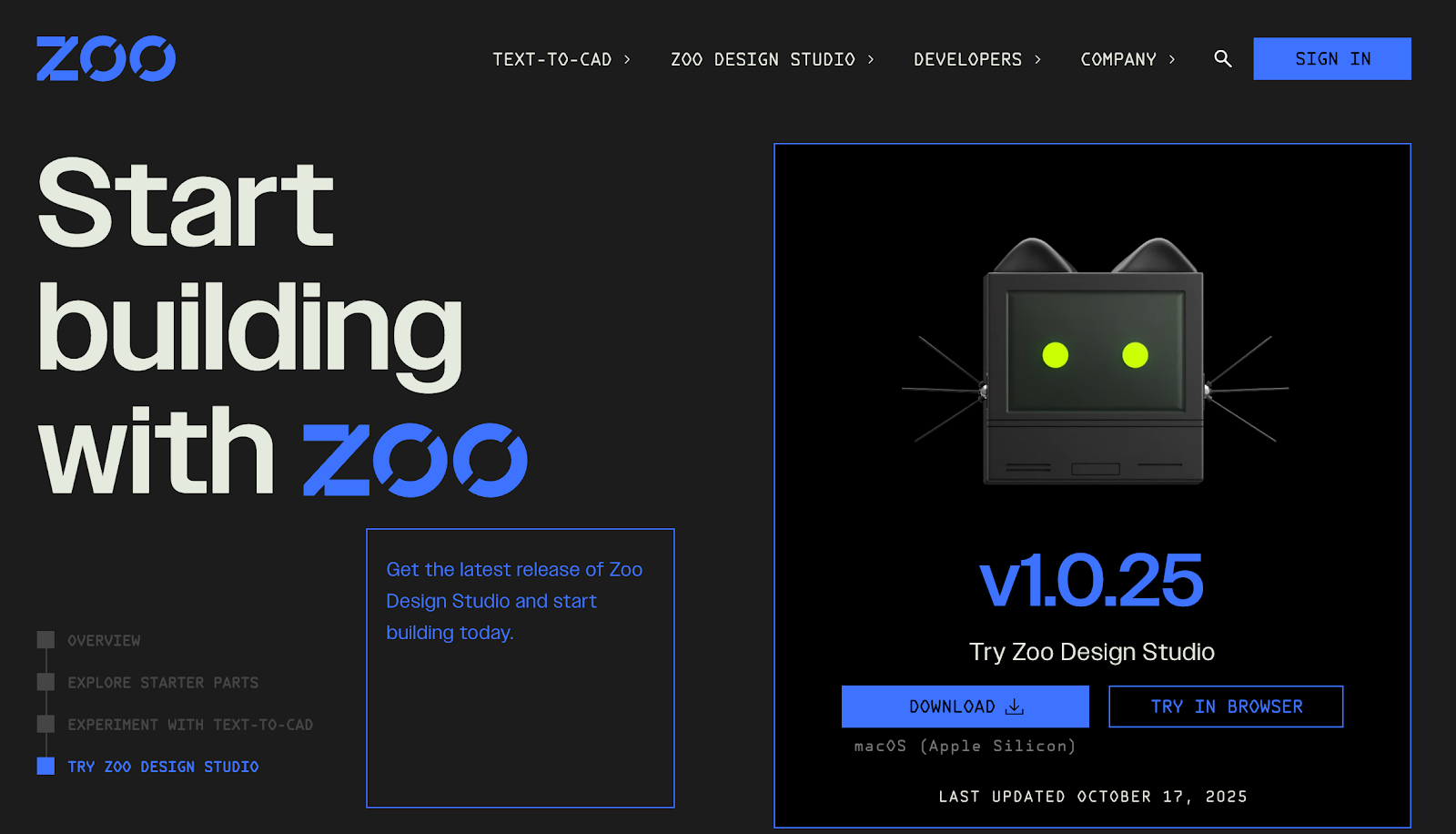
Zoo Design Studio is a computer-aided design platform that combines standard modeling tools with machine learning.
It supports text-to-CAD features, where users can describe an object and generate a model directly.
The platform also includes functions similar to text-to-image tools, where written inputs can guide the design process.
Users can enhance prompt inputs to refine and adjust results for more accurate models. Zoo Design Studio is available as a desktop download and can also be tried in a browser.
Key Features
- CAD design tools – Includes standard modeling functions for creating parts and structures
- Text-to-CAD – Generates 3D models from written descriptions, similar to how text-to-image tools create visuals
- Enhance prompt – Refines user input to improve design accuracy
- Parts library – Offers ready-made models like engine valves, brake rotors, and truss structures
- Cross-platform access – Available as a desktop app and browser version for flexible use
2. BricsCAD
Source: bricsys.com
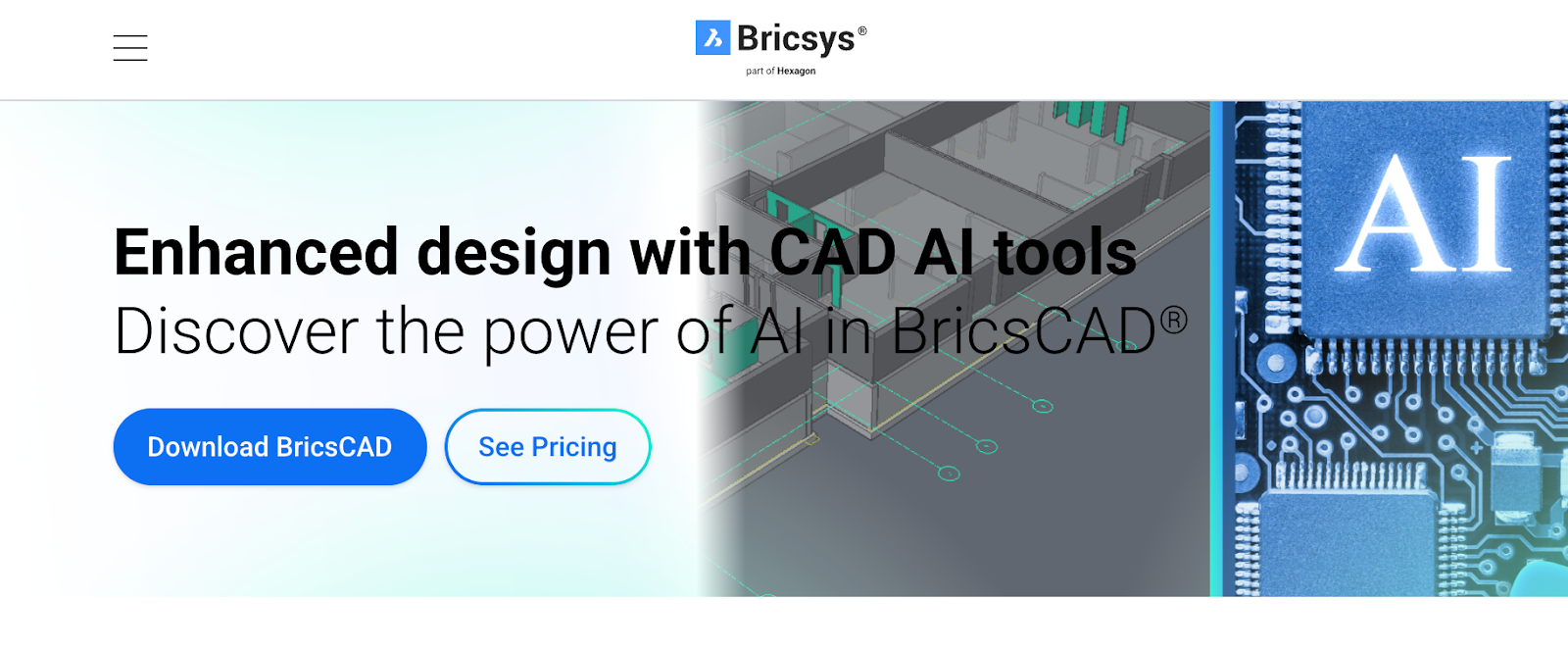
BricsCAD is a CAD software platform that integrates AI-driven tools to improve design workflows. It supports both 2D drafting and 3D modeling, while offering AI functions that automate tasks, predict commands, and optimize drawings.
These features aim to make the design process more efficient by reducing manual effort and helping professionals create accurate models.
BricsCAD is available in multiple editions, including Lite, Pro, Mechanical, BIM, and Ultimate, each designed to support different design needs.
Key Features
- AI-driven design optimization – Uses artificial intelligence to refine and improve 2D and 3D drawings
- Intelligent command prediction – Suggests the most relevant commands based on user activity through AI-Predict
- Adaptive learning – Learns from user patterns to personalize the design experience
- BIM element classification – Automatically identifies and organizes elements in building information models
- Mechanical analysis – Supports part and assembly analysis for mechanical design tasks
3. Autodesk Fusion’s Design AI
Source: autodesk.com
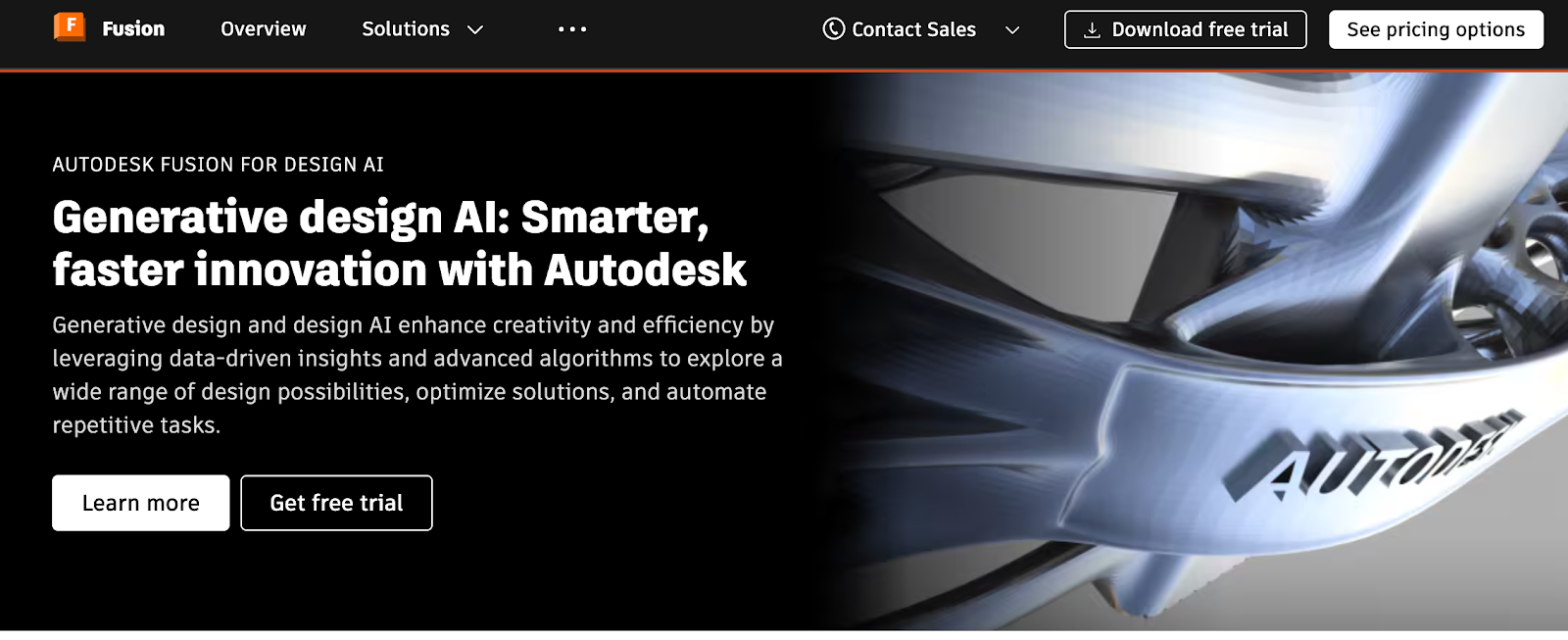
Autodesk Fusion’s Design AI is a design platform that integrates generative design and machine learning to expand creative possibilities.
It uses algorithms to automatically generate and test multiple design options based on user-defined goals such as weight, strength, or cost.
By combining data-driven insights with simulation and modeling tools, it supports faster iterations and reduces the reliance on physical prototypes.
Key Features
- Generative design AI – Produces multiple design variations based on goals and constraints using advanced algorithms
- Simulation and testing – Analyze stress, load, and material performance during the design process
- Design AI support – Uses machine learning for data analysis, pattern recognition, and automating repetitive tasks
- Integrated platform – Combines modeling, simulation, and manufacturing tools in a single environment
- Workflow management – Includes tools to manage design changes and validate performance within structured processes
4. Adam
Source: adam.new
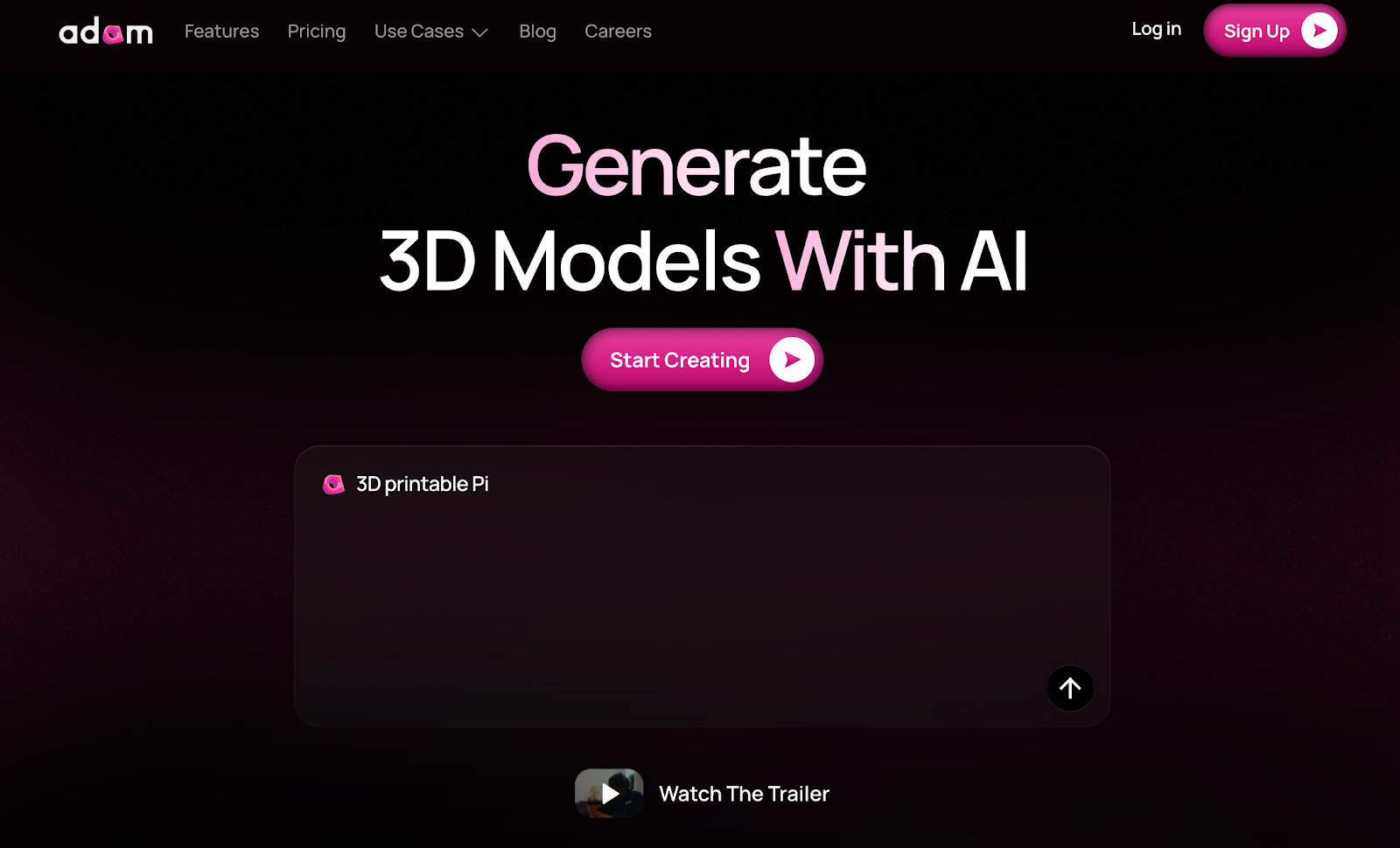
Adam is a 3D design tool that uses AI to generate models from simple text prompts. It supports different outputs such as meshes and CAD files, allowing creators, engineers, and makers to produce assets quickly.
The platform also introduces an AI copilot feature for editing, aimed at assisting with parametric adjustments and future design automation.
Adam is built to support design workflows ranging from digital asset creation to physical prototyping and 3D printing.
Key Features
- Text to Mesh – Generates 3D models with clean topology from written descriptions
- Text to CAD – Converts prompts into CAD-ready models for engineering use
- Adam Copilot – Provides AI assistance for editing and parametric adjustments
- 3D printing support – Allows direct model creation for rapid prototyping and printing
- For creators and engineers – Designed to support both digital asset design and functional part development
5. DraftAid
Source: draftaid.io
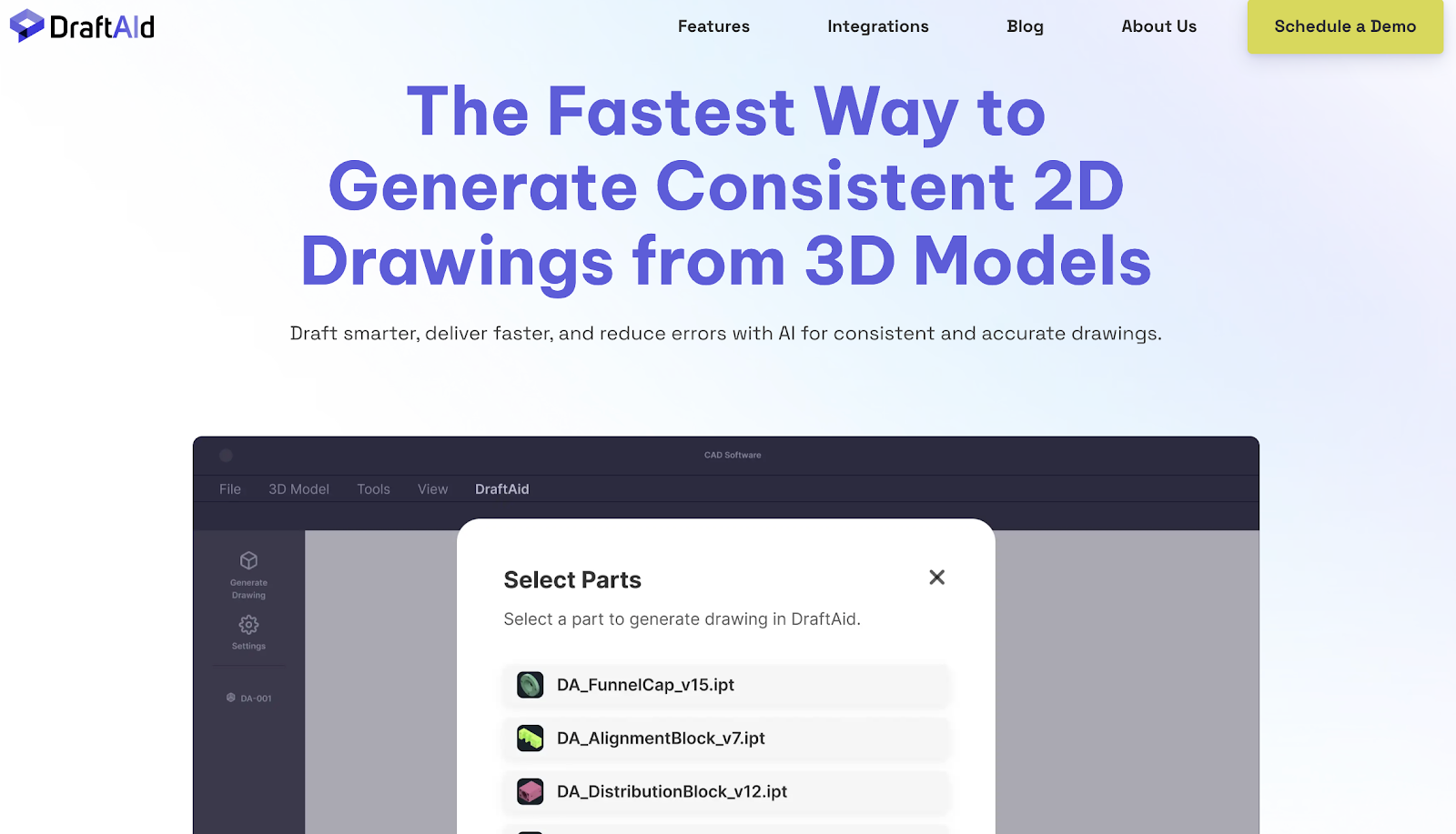
DraftAid is an AI-powered drafting tool that generates consistent 2D drawings from 3D models.
It automates repetitive tasks such as detailing, dimensioning, and layout, helping engineering teams and manufacturers create accurate, production-ready drawings faster.
Designed to integrate with existing CAD software, DraftAid adapts to company standards and templates while reducing errors and bottlenecks across industries such as automotive, manufacturing, and construction.
Key features
- Automated drafting – Generates hundreds of high-quality 2D drawings from 3D models in the background
- Customization options – Adapts drawings to company templates, standards, and project requirements
- Accurate detailing – Provides intelligent annotations and dimensioning for manufacturing-ready precision
- Optimized layouts – Automates scaling, layout, and break lines to produce clean and structured drawings
- CAD integration – Works with major CAD platforms to fit seamlessly into existing workflows
What Are the Advantages of Using AI Design Tools?
AI design tools bring new ways to make your work smoother, faster, and more creative. Here are some of the key benefits you can enjoy.
Save Time On Repetitive Work
One of the biggest benefits is the ability to automate repetitive tasks. Routine tasks like generating standard components, running checks for errors, or updating design versions often take hours of manual effort.
With AI handling these time-consuming tasks, you move through projects faster and spend more energy on the parts that require your creativity.
This not only shortens development cycles but also helps you deliver results more consistently.
Improve Design Quality
AI leverages algorithms to study large amounts of design data and provide valuable user insights.
For example, you might receive suggestions for layout adjustments that make your model easier to manufacture or warnings about weak points before testing even starts.
These features give you better confidence in your work while cutting down on revisions. Over time, the system learns from past projects, offering smarter feedback that directly improves quality.
Create Personalized User Experiences
AI is a powerful tool that can adapt to how you work and provide personalized user experiences.
If you often approach projects in a certain way, the system can recommend shortcuts, propose relevant design ideas, or highlight features that match your style.
Some tools even offer support like automatic layout adjustments, giving you a design environment that feels built for your needs.
Over time, this level of personalization helps you work more naturally and with fewer interruptions.
Reduce Costs And Resource Use
Physical prototypes are expensive and slow to produce, but AI simulations help reduce that need. By testing design ideas virtually, you save materials and avoid costly mistakes.
Automated checks also help you spot inefficiencies in early drafts, cutting down on wasted time and resources.
Across multiple projects, these savings add up, allowing your team to focus more on innovation rather than fixing preventable errors.
FAQs About AI Product Design Tools
What is the best AI for product design?
The best AI for product design depends on your workflow. If you focus on CAD modeling, tools like BricsCAD, Autodesk Fusion, or Zoo Design Studio integrate AI directly into 3D modeling, drafting, and optimization.
Can I use AI to design a product?
Yes, AI can assist with both UX and CAD product design. In UX, AI can analyze user feedback, create wireframes, or generate responsive layouts in seconds. In CAD, AI can generate models from text prompts, run structural simulations, or suggest design improvements before you build a prototype.
What is the best AI tool for creating a design?
It depends on what kind of design you’re creating. For 3D modeling and mechanical components, BricsCAD’s AI tools or Autodesk Fusion’s Design AI are ideal — they assist with layout optimization, parametric modeling, and automatic constraint handling.
For generating visual prototypes or concept sketches, various AI tools like Adam can turn text into CAD-ready meshes that you can later modify inside your preferred CAD software.