Designing mechanical systems can feel overwhelming. There are many choices to make, from how a part should move to what material it should use.
Teams often run into issues with unclear goals, poor communication, or last-minute changes. Mistakes caught too late can lead to higher costs, safety risks, or delays in manufacturing.
That’s why a clear design process matters. With the right tools, like CAD software for mechanical engineering, and a solid understanding of design basics, engineers and teams can build better systems faster and with fewer errors.
In this guide, we’ll walk you through what mechanical design means, why it matters, and how the design process works.
What Is Mechanical Design?
Mechanical design is the process of planning and building parts, systems, or machines that solve real problems. In many cases, it overlaps with machine design, which focuses on creating the structure and function of mechanical systems.
It uses both the basics of mechanics, science, technology, and mathematics to turn ideas into working solutions. From a small gear to a full machine, everything starts with a design that helps develop machinery for different industries.
This field has a straightforward focus. It aims to create something that works well, stays safe, and is cost-effective.
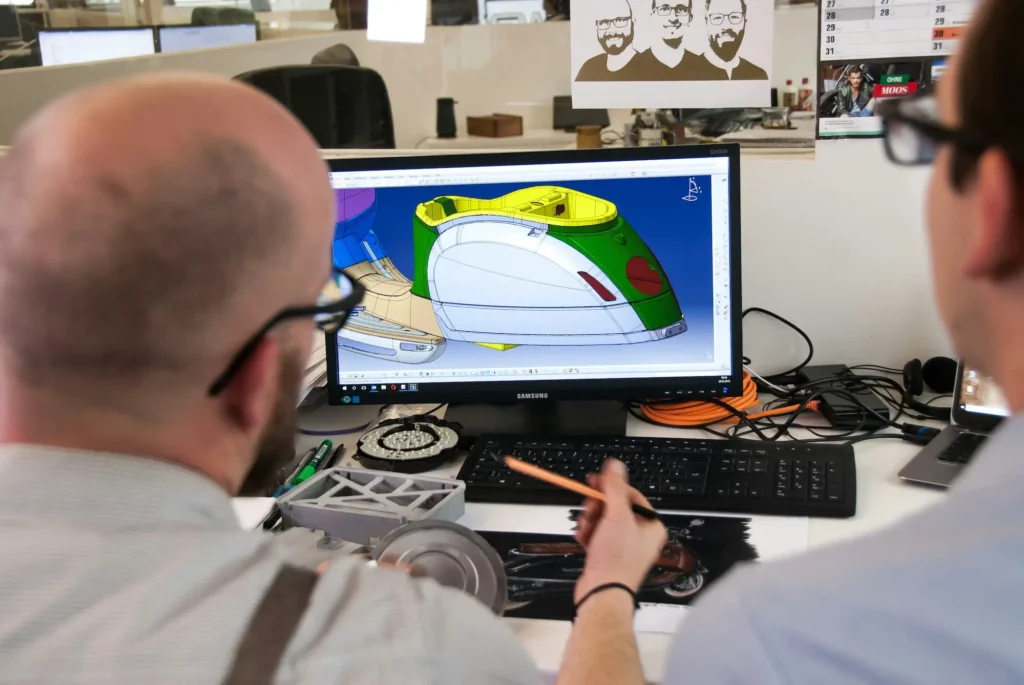
Engineers and mechanical designers apply math and physics to figure out how parts should move, fit, and handle stress. These ideas often turn into sketches, 3D renders, or computer simulations before anything is made.
Mechanical design is not just for engineers. Product teams, designers, and even non-technical stakeholders all use it to bring ideas to life.
Importance of Mechanical Design in Product Development
Mechanical design plays a major role in turning ideas into real products. It helps engineers build machines and systems that are useful, reliable, and cost-effective.
Here’s why it matters so much in product development.
Supports Strong and Safe Product Performance
Mechanical design helps create strong systems that handle power, movement, and pressure. It improves safety and quality, especially in manufacturing.
Licensed mechanical design engineers often review the work to meet strict standards. This leads to products that last and perform well in real conditions.
Balance Cost With Function
Good design helps lower costs without losing function. It guides smart choices in materials and features, keeping manufacturing simple and efficient.
By focusing on both price and performance, teams avoid expensive fixes later. This essential balance helps deliver better results.
Uses Modern Tools to Improve the Process
With a modern emphasis on speed and accuracy, CAD collaboration software helps teams design and test faster.
It supports real-time updates, clearer teamwork, and fewer errors. These design feedback tools improve quality and keep the process on track from the start.
Turns Ideas Into Real Products
Mechanical design brings new applications and useful solutions to life. It shapes early ideas into real products that can be built and used by combining technical skills and creative thinking.
Each step moves the team closer to a working system with well-designed components that function together smoothly. This process helps make sure the final result meets both needs and purposes.
Run focused, productive meetings with real-time model access. Try CADchat today!
The Mechanical Design Process
Mechanical design follows a step-by-step method. Here’s what to expect from the mechanical design process.
1. Start With the Concept
The design process begins with a problem or a need. Engineers brainstorm ideas, study the problem, and think of possible solutions.
This stage is all about understanding what the product needs to do and what features it must have.
2. Develop and Communicate the Design
Once a direction is clear, engineers start turning ideas into models or sketches. Clear communication is key here. Engineers must explain their thinking, get feedback, and work with others to refine the design.
Design review meetings play a big role in this step. These meetings allow teams to share progress, spot risks early, and agree on changes together.
Teams can use a design feedback tool made for sharing CAD files and 3D models to make these reviews easier to manage.
3. Build and Test Prototypes
Next comes building a prototype. This early version helps test how the design works in real life, especially when developing new products.
Engineers check and analyze how the parts fit and how the machinery performs. The testing stage is where issues are found and fixed.
4. Final Evaluation and Adjustments
After testing, the team carefully reviews the design to see how it performs in real conditions. They check cost, safety, strength, and overall performance. If the product is too costly or doesn’t work as expected, they adjust the design.
The team also looks for ways to make the product easier to manufacture. This step helps fix problems, lower costs, and make sure the final design is ready for full production.
Turn messy discussions into structured CAD reviews. Start with CADchat today!
Mechanical Engineering Design Best Practices for Stronger Products
To build stronger, more reliable products, engineers follow a set of CAD best practices. These help them make smart choices, reduce failure, and meet performance goals. Here are the key areas they focus on in mechanical design.
Focus on Safety and Stress
Safety should never be an afterthought. Engineers start by thinking about what kind of forces each part will face, often using stress analysis and other tests to study how materials react under different conditions.
Will it twist? Bend? Hold a heavyweight? They run calculations to see where stress might build up and how parts will behave under pressure.
This helps prevent failures before they happen. A product that holds up under stress keeps users safe and earns trust.
Understand the Role of Power and Evaluation
Every moving system depends on power. Whether it’s electric, hydraulic, or manual, engineers need to plan how that power flows through the system. It’s not just about making it work. It’s about using energy in a smart way to improve efficiency.
Once the design is ready, testing comes in. This stage shows what works, what doesn’t, and where improvements can be made. It’s one of the most valuable steps in the process.
Choose the Right Materials and Plan for Maintenance
Picking the right material makes a big difference. Some parts need to be tough, others light, and some may need to handle heat or moisture. Engineers think about all these needs and pick materials that match.
But they also look beyond the first use. If something wears down or breaks, can it be fixed easily? Can parts be replaced without taking the whole thing apart?
Good design should make maintenance simple, not a headache.
Use Mechanics and Physics as a Guide
Mechanical systems work because they follow the rules of physics. Engineers use these rules to understand how things will move, where force will go, and how parts will react.
It’s like having a set of building instructions based on science. Following these principles helps engineers design with more confidence and avoid guesswork.
Build for Quality
A product that works once is easy to make. A product that works well again and again takes more care. That’s where quality comes in.
Engineers check their work, test under different conditions, and follow industry standards to keep the design solid. They also study how structures and materials respond to different forces to maintain performance and reliability.
Quality isn’t just about parts fitting together. It’s about how the product’s functionality holds up over time, especially when real people are using it.
Use the Right Tools
The design process has come a long way, and engineers now have powerful tools to help. CAD software for mechanical engineers is a good example. It lets them build and test ideas on a screen before making anything physical.
They can explore different layouts, catch mistakes early, and improve small details without starting over. These tools save time, lower costs, and make better designs possible.
Make Time for Design Review
Design review is an important part of the mechanical design process. It gives the team a chance to pause, check the work, and get feedback before moving forward.
This step helps catch mistakes early, improve design choices, and make sure the product is safe, cost-effective, and ready for manufacturing. It also allows the team to gather real-time feedback, which can lead to quicker decisions and better results.
Design reviews bring different perspectives together. This often leads to smarter solutions that a single person might miss. A good review keeps the project on track and helps avoid bigger problems later on.
How CADchat Improves the Mechanical Design Review Process

Mechanical design reviews are a key part of every engineering project. They help catch problems early, improve designs, and keep everyone aligned.
But these reviews can also be slow, confusing, or hard to manage when teams are spread out. CADchat helps solve these issues with tools built to enhance collaboration and communication.
CADchat gives your team one place to meet, review, and comment on CAD models. Everyone can see the same file, give insightful feedback, and track updates without switching tools or losing feedback. It helps teams determine what works best and use shared resources more efficiently.
Here’s how CADchat makes mechanical design reviews better:
- Real-time collaboration: Open and edit 3D CAD models together without screen sharing.
- Asynchronous reviews: Leave comments and feedback on your own schedule.
- Clear communication: Keep all feedback tied directly to the CAD model so nothing gets lost.
- Stakeholder access: Let non-technical team members join the review without needing CAD software.
- Faster decisions: Share designs, solve issues, and move forward without long delays.
- Version control: Always work on the latest file with tracked changes and updates.
CADchat helps you run smoother reviews, avoid mistakes, and move to production with confidence. It’s a smart device for improving teamwork and promoting excellence in every project phase.
Hold better design reviews without jumping between tools. Start with CADchat today!
FAQs About Mechanical Engineering Design
What is mechanical engineering design?
Mechanical engineering design is the process of creating and developing machines or systems that solve real problems.
It involves planning, testing, and improving mechanical parts to make them efficient and reliable. Its role in improving technology and productivity makes mechanical design important.
How much does a mechanical design engineer get paid?
A mechanical design engineer typically earns between $70,000 and $120,000 a year, depending on experience, skills, and location. Some senior engineers in large cities or top industries can earn more, especially with advanced technical expertise or leadership roles.
What are the three types of mechanical design?
Mechanical design often includes concept design, detailed design, and development. Each stage involves applied stress analysis, safety checks, and the use of industrial components.
What are examples of mechanical designs?
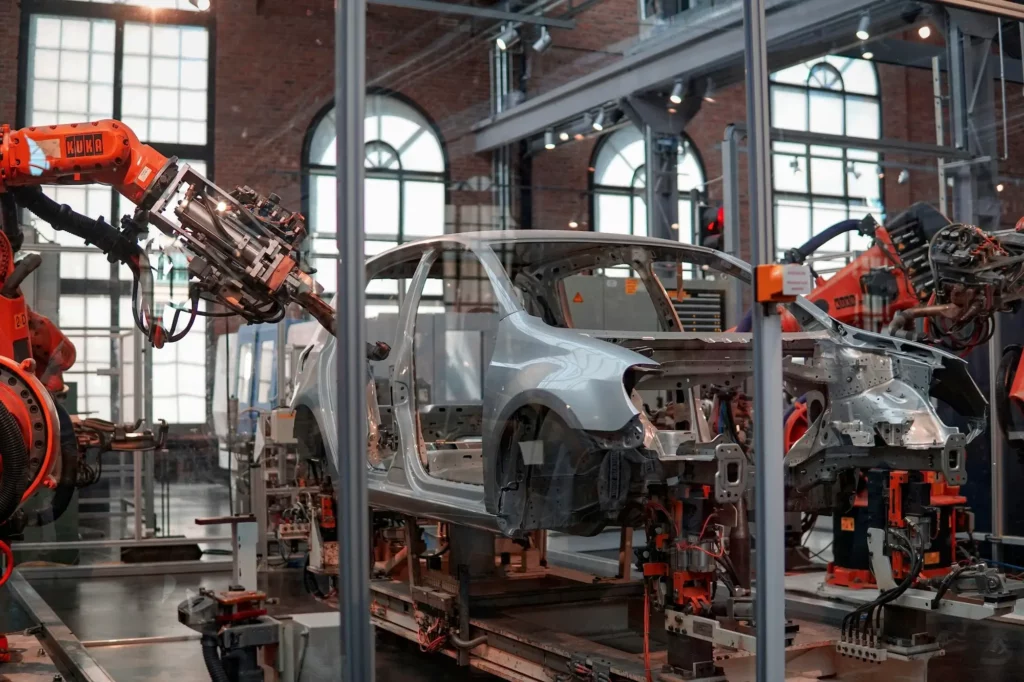
Examples of mechanical designs include car engines, robots, vehicles, HVAC systems, and industrial machines.
These designs combine creativity, math, and physics to create useful tools that move or perform work. Engineers often discover new ways to improve these systems for better performance.